



The spring campaign is due, but the store only has an approved white-background product photo. Organizing another shoot would mean rebuilding the set, lighting the bottle again, and checking every packaging detail.
The actual need is simpler: keep the product and change the setting.
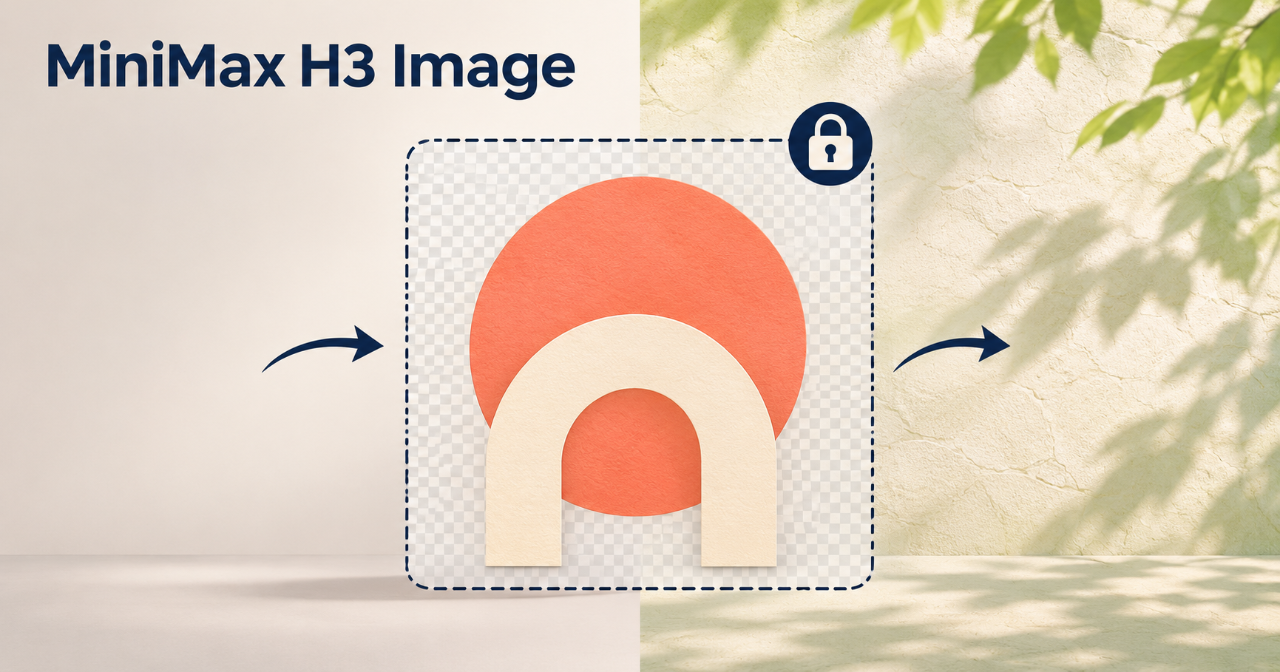
I run MiniMax H3 Image, an independent third-party platform that is not affiliated with MiniMax. Its Image Edit mode can use an existing image as a reference. This is a hypothetical workflow, not a claim about a particular output.
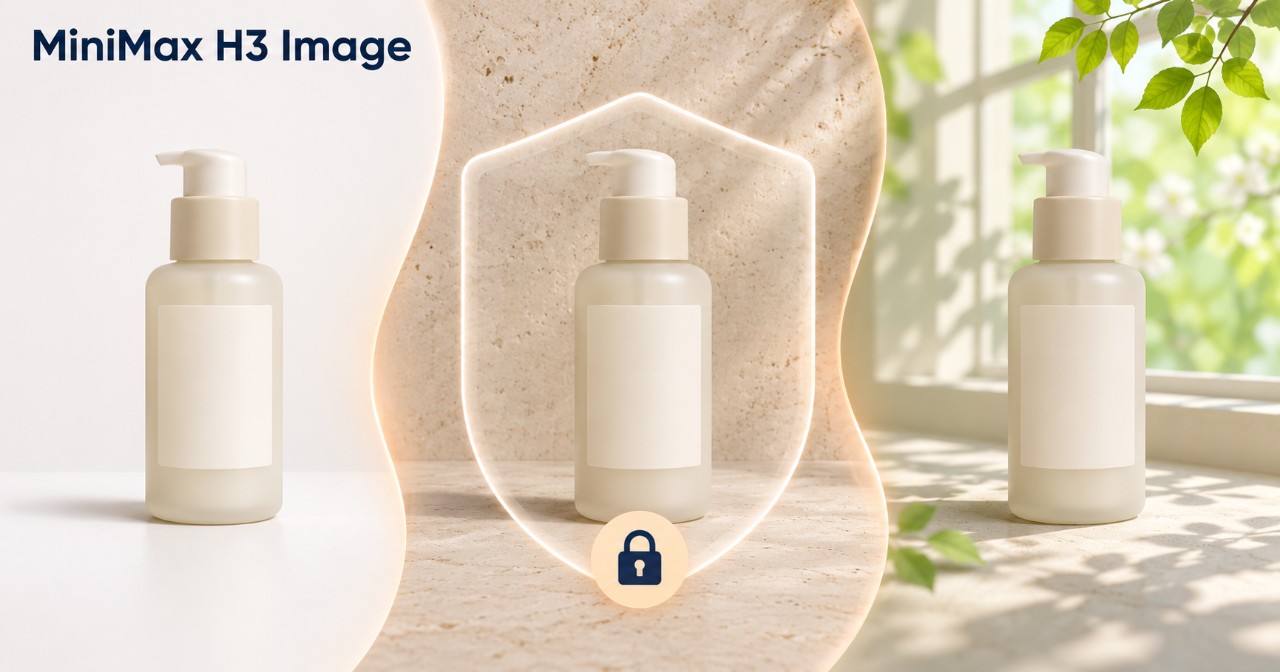
Lock the approved product
Before editing, decide what belongs to the product and what belongs to the scene.
For a skincare bottle, the shape, cap, label position, colors, name, and quantity should remain consistent with the approved photo. The white background and studio lighting can change.
Upload the packshot as the main reference and keep the instruction narrow:
Preserve the approved bottle. Replace the white background with pale stone, soft window light, and one out-of-focus branch with new green leaves.
If a second image is used for mood, limit its role to the background and lighting. It should not guide the bottle or packaging.
Let the setting carry the season
Spring does not require a frame full of flowers. Pale stone, fresh green leaves, and softer light may be enough. Keeping the scene restrained also leaves room for campaign text added later.
Compare the edited image with the approved packshot. If the product itself has visibly changed, revise the edit before adding more decoration. Packaging text, prices, claims, and logos should come from official brand files rather than generated lettering.
Use only images you own or have permission to upload, and check the applicable terms before commercial use.
Start with one background change in MiniMax H3 Image. For the second version, add only one detail, such as a soft leaf shadow across the stone.