

A verse on your lock screen is something you see dozens of times a day, before you've opened a single app. That makes it a good place for Scripture you want to remember this week. Below is where to find free aesthetic Bible verse wallpapers, which style suits which phone, and how to set one up.
All of the wallpapers here come from Random Bible, a small free project I build on my own. The text is King James Version, which is in the public domain, so you can save and use any of them.
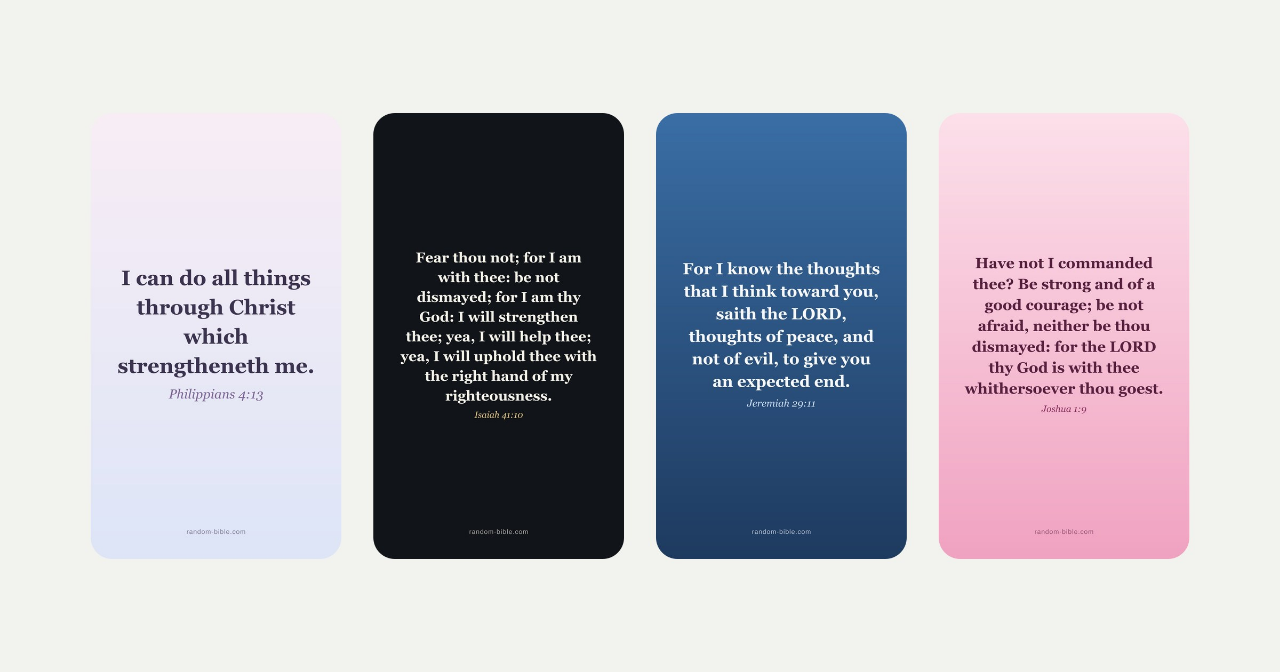
Aesthetic Bible verse wallpapers in four colours
If you want something soft, start with the aesthetic set. It uses a pastel blush and periwinkle wash that stays light enough to sit under your app icons.
The other sets cover the usual preferences:
Black Bible verse wallpapers are easier on the eyes at night and save battery on OLED phones.
Blue Bible verse wallpapers put the verse on a deep navy background, dark enough for a busy home screen.
Pink Bible verse wallpapers are blush and rose, set in a plain serif instead of script fonts that get hard to read at a glance.
For iPhone and the lock screen
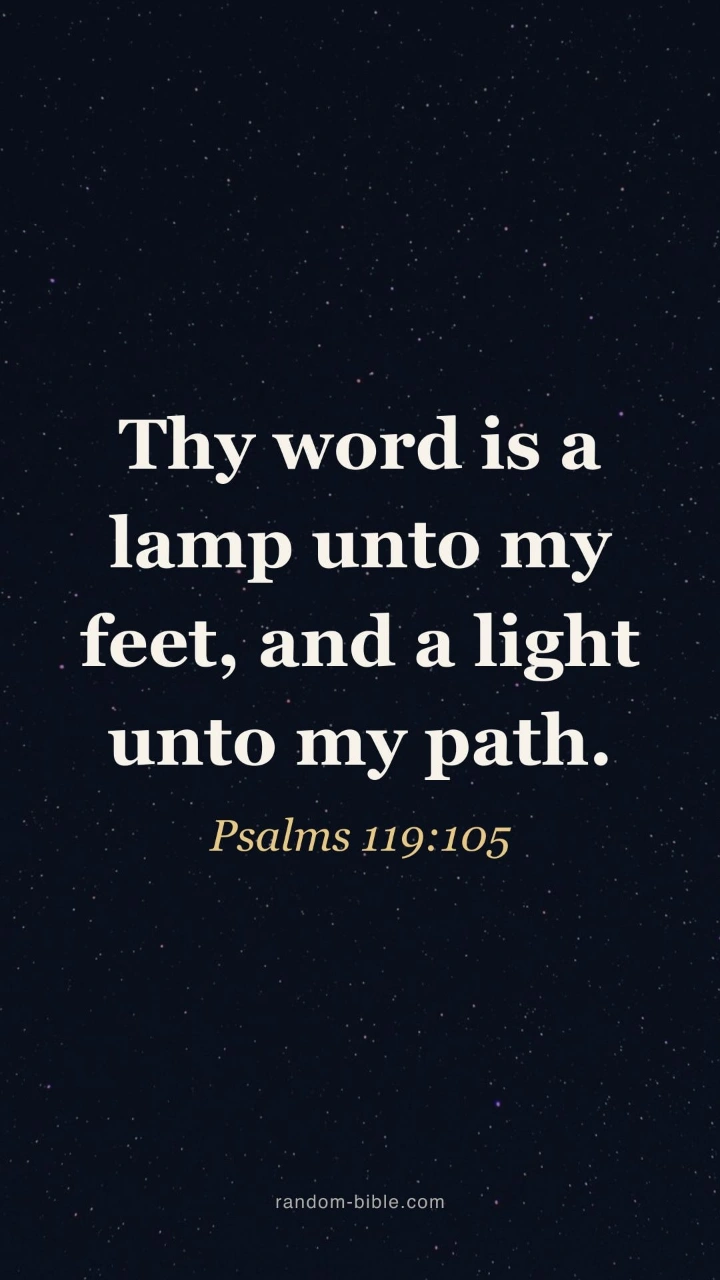
The iPhone wallpapers are portrait HD. To use one, save it to Photos, open it, tap Share and choose Use as Wallpaper. You can then pick the lock screen, the home screen or both.
The lock screen has one problem: the clock sits right where a verse usually goes. The lock screen wallpapers place the text below the clock, and each preview shows the clearance before you download. They work on Android too.
For desktop and laptop
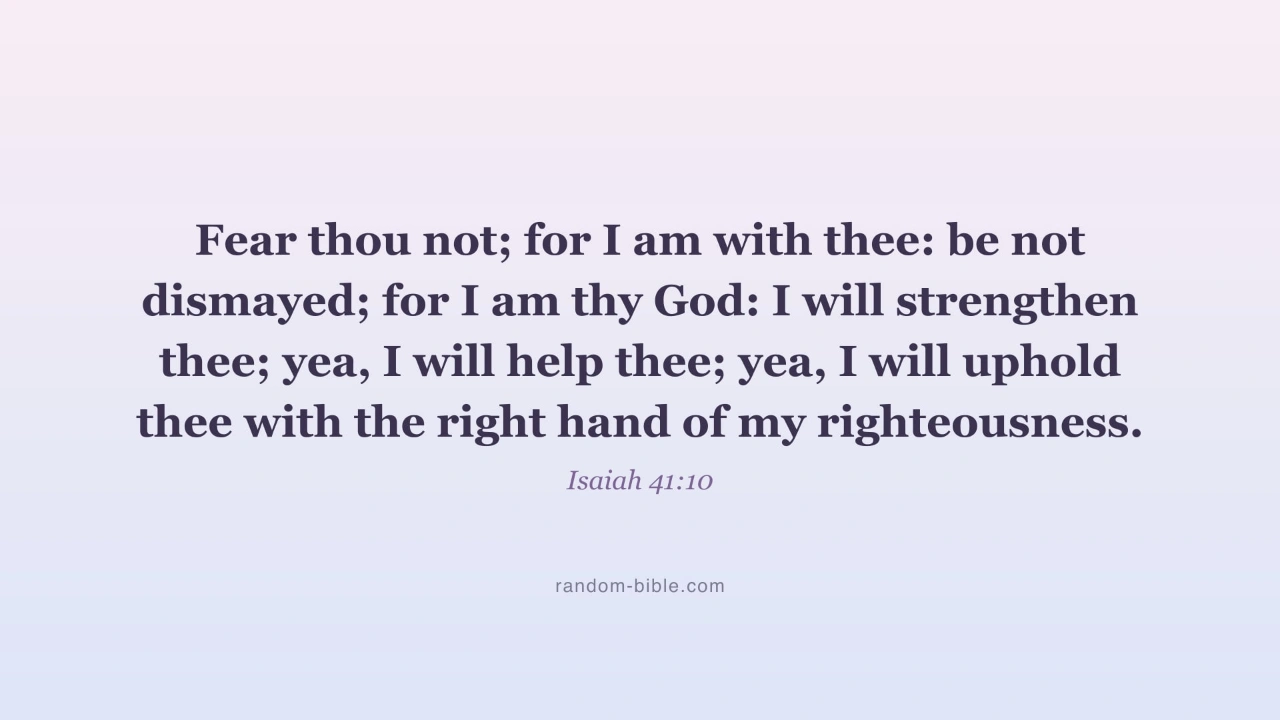
The desktop wallpapers are widescreen 1920×1080 and fit Mac, Windows and 16:10 laptops. On a Mac, right-click the downloaded image and choose Set Desktop Picture. On Windows, right-click it and choose Set as desktop background.
Put a verse on your own photo
Sometimes the verse you need isn't in a ready-made set, or you want it over a photo of your own. The Bible verse wallpaper maker lets you search for a verse by a word or a reference and place it on your picture. It runs in the browser, so the photo stays on your device.
A verse that changes every day
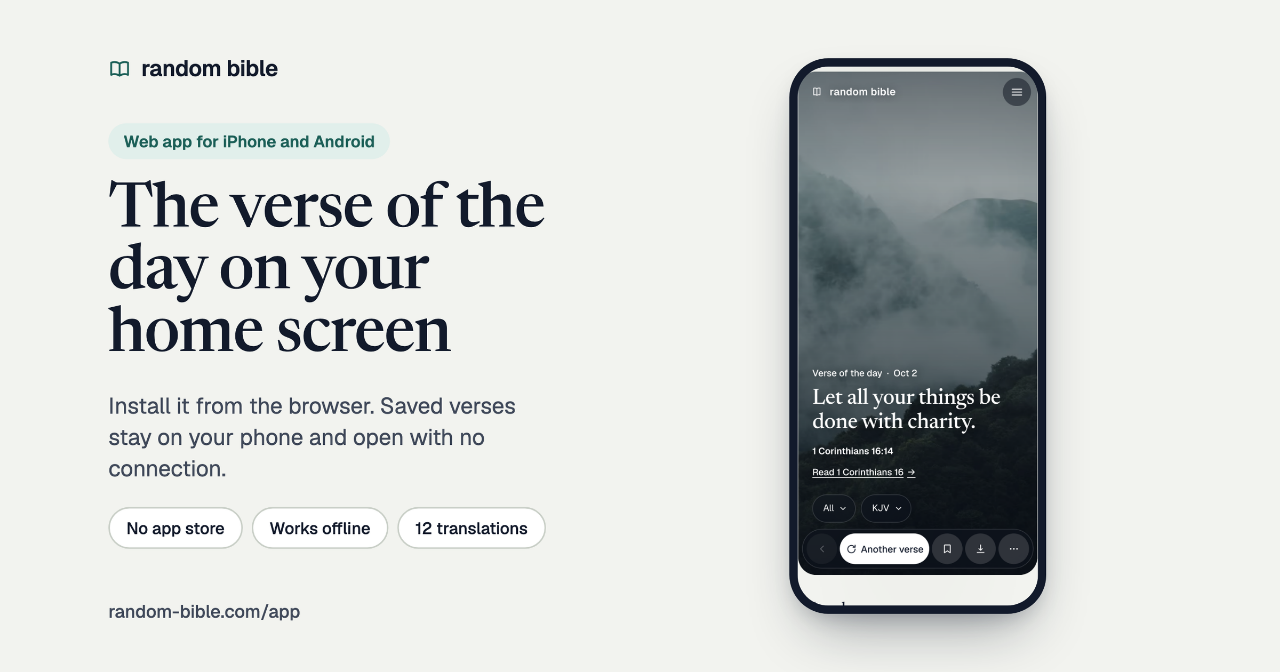
A wallpaper holds one verse for as long as you keep it. If you'd like a new one each day, the Random Bible app installs from the browser and puts today's verse on your home screen. On a computer, the Chrome extension shows a verse on every new tab.
If you lead a kids' class or a small group, the same site has Bible trivia and word searches. Churches can show the daily verse on their own site with the free Bible verse widget.
Browse all of them on the Bible verse wallpapers page.