Alternativer
Find Alternatives to AI Tools
Screenshots

Free
AI
Built with Javascript
 CSS
 React
JavascriptCSSReactFind Alternatives to AI Tools
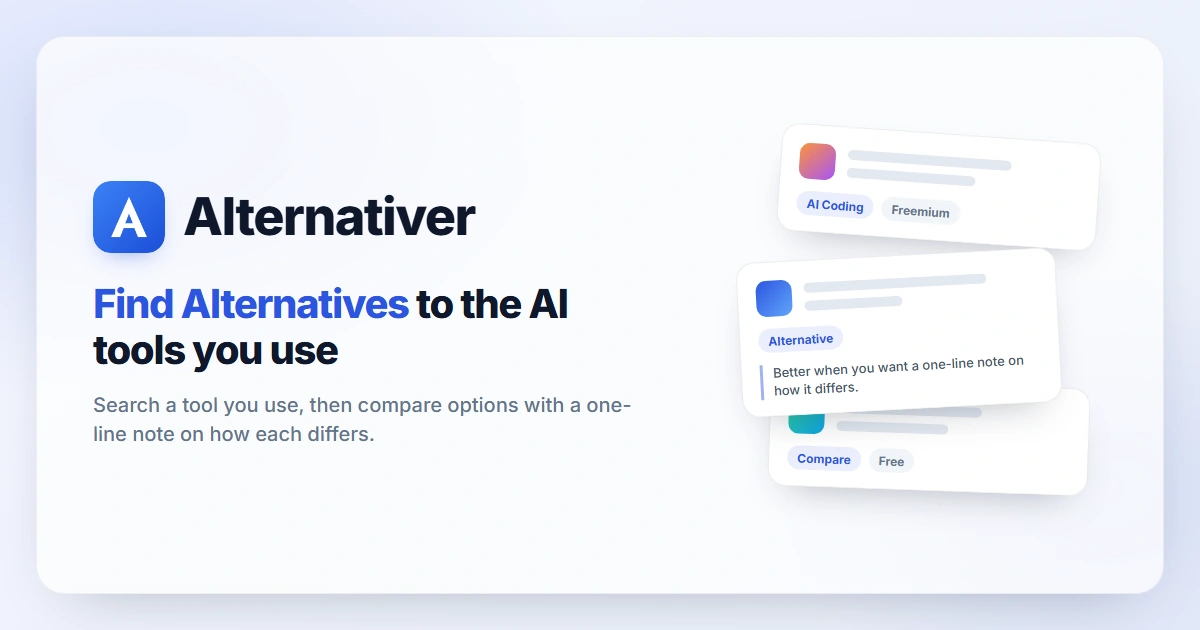
Alternativer is a free, editor-curated directory to find alternatives to AI tools and the software they replace. Each product has a hand-written profile; popular products get their own alternatives page with a note on how each option differs.
A free tool directory to find alternatives: search a tool you use, then compare options with a one-line note on how each differs.
How do I find alternatives to a tool I already use?
Search the product name on this page to find alternatives on its dedicated page, or open the product profile and scroll to Alternatives. You can also browse every page of alternatives to popular apps.
Why find alternatives to a tool that still works?
The top reasons are price, usage caps, missing features, privacy terms and output quality for one task. If you find alternatives before a renewal, you often cut cost or get a better fit for the job you actually run.
What counts as a good alternative?
A product that does the same core job for the same kind of user. Pages here only go live with at least three honest candidates, and each one gets a line on how it differs.
Can I find alternatives that are free?
Often yes. Every listing shows Free, Freemium, Paid or Open source, so free options are visible before you click. Free plans have limits — confirm them on the vendor site before you switch.
Do brands pay to appear when I find alternatives?
Browsing is free. Editors choose the listings; sponsored spots are labelled; paid placement never changes the order of alternatives.
Where do the prices come from?
From each product’s official pricing page. Cards show the pricing model; most profiles show plan prices with the date they were checked (rolling updates through 2026). Confirm the live price before you buy.
Is it free to find alternatives on Alternativer?
Yes. Searching, browsing and comparing are free, and you can rate a product without creating an account.
Alternatives first
Every product page includes alternatives that do the same core job: one line each on how they differ, so you find alternatives without leaving the profile.
Hand-written profiles
Editors write features, best-for, pros and cons from public sources — no generated filler, no invented numbers — so you find alternatives on facts.
Side-by-side comparisons
After you find alternatives, compare pricing model, platforms and fit in a short note or open a full comparison table for one product.
Honest pricing labels
Each card shows Free, Freemium, Paid or Open source. When you need to find alternatives that cost nothing, the label is visible before you click.
Community votes and reviews
Upvotes and star ratings reorder what people actually use. Paid placement never decides the order when you find alternatives here.
Light and fast
Plain pages and cached lists: most visitors find alternatives and open a comparison in under a minute of browsing.
Loading...