
Auto Ducking: Volume Control
Mac volume that ducks when your mic turns on
Screenshots
Paid
Productivity
Built with Swift
Swift
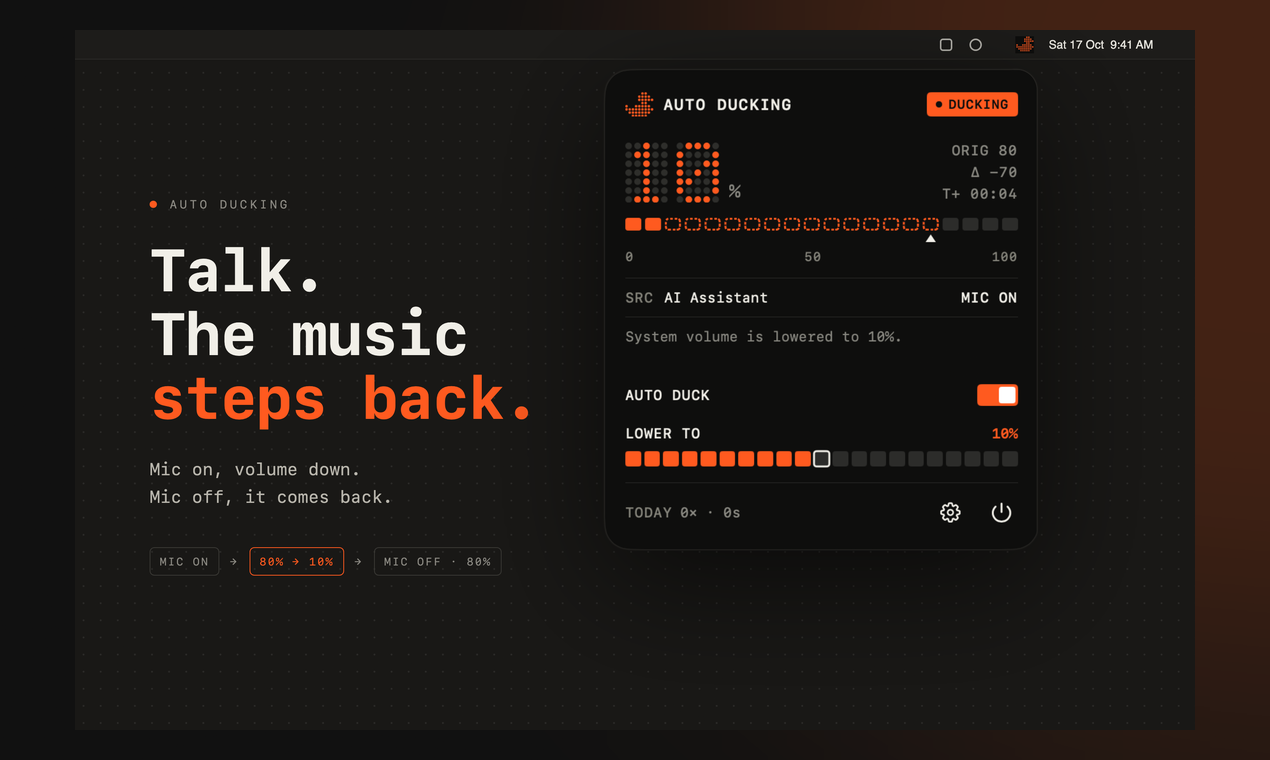
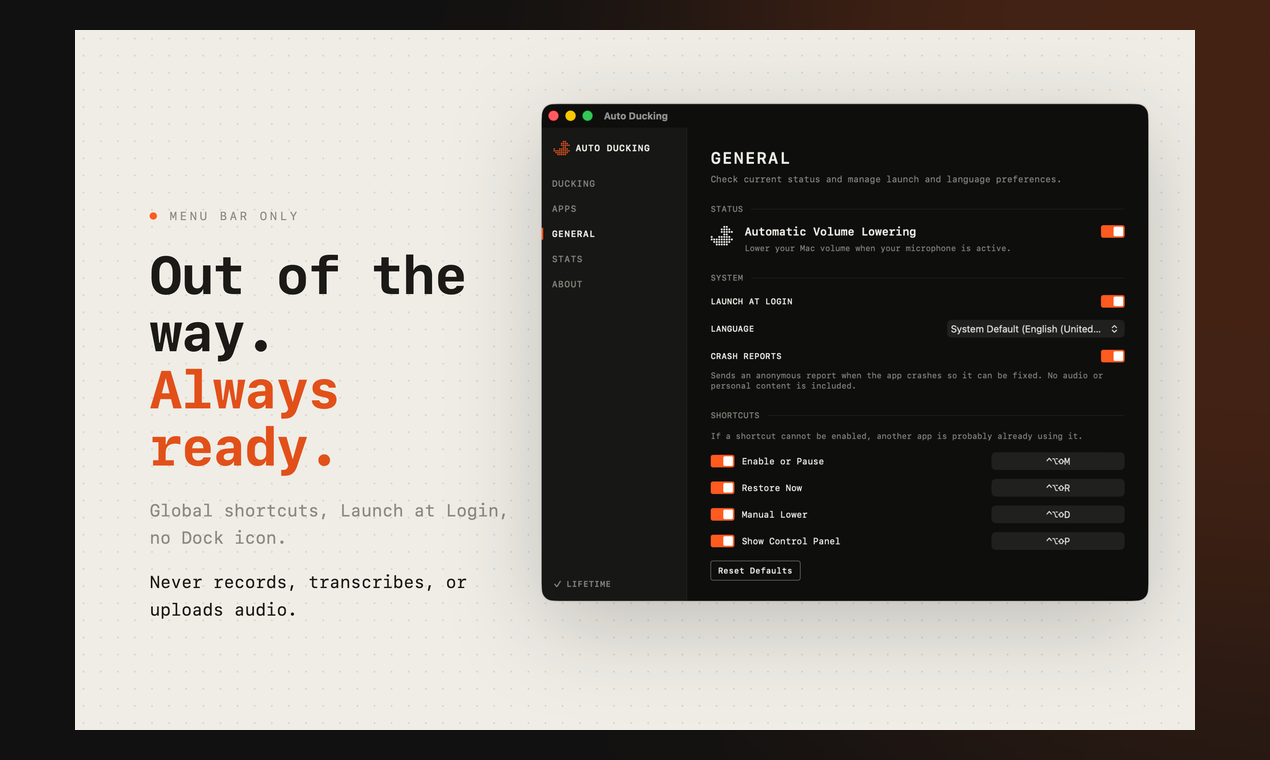
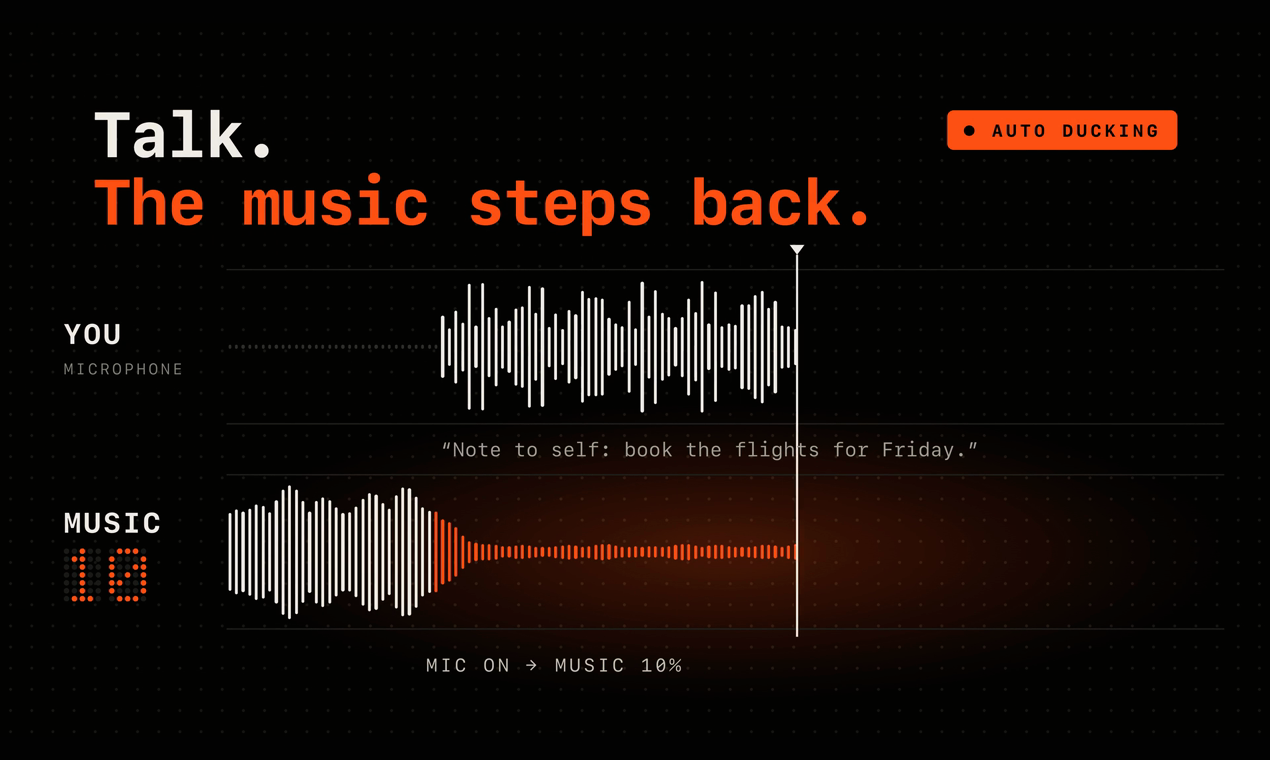
SwiftAuto Ducking is a macOS menu bar app that handles one repeated workflow automatically. You have music, a video or a podcast playing in the background, then you start dictating, recording a voice note or talking to a voice app. Instead of reaching for the volume keys every time (and forgetting to turn them back up), Auto Ducking notices that a microphone app is active, fades your system volume down to a level you choose, and restores the previous volume when the mic is released. You can set fade down and fade restore, add a restore delay so short pauses don't cause jumps, include or exclude specific apps, use presets for dictation or recording, keep a different level for speakers, headphones and displays, and duck manually with a global hotkey. It lives in the menu bar with no Dock icon, in light and dark. Privacy: it only checks whether the microphone is in use. It never records, transcribes or uploads audio, and it runs in the App Sandbox. Requires macOS 14 or later. Every feature is free for 7 days, then a one-time $7.99 Lifetime Unlock, with no subscription.
Loading...
Related products
View all





More categories
All categories





Launched in Week 51, 2026
See the week
Free 3-phase digitalization plan in 4 questions
0
Consulting, Productivity
0
Consulting, Productivity
50d13h2m
Launches in50days
:13hours
:02mins
:55secs

Pushup RPG: push-up counter & home workout fitness game.
0
Fitness, Mobile App, Gaming
0
Fitness, Mobile App, Gaming
50d13h2m
Launches in50days
:13hours
:02mins
:55secs


Turn application code into animated product demo videos.
0
AI Video, DevTool, Screen Recording
0
AI Video, DevTool, Screen Recording
50d13h2m
Launches in50days
:13hours
:02mins
:55secs