
DevCleaner
Reclaim Gigabytes from Your Mac Dev Tools

Screenshots

Video Demo
Freemium
DevTool
App Development
Automation
Built with Swift
Swift Python
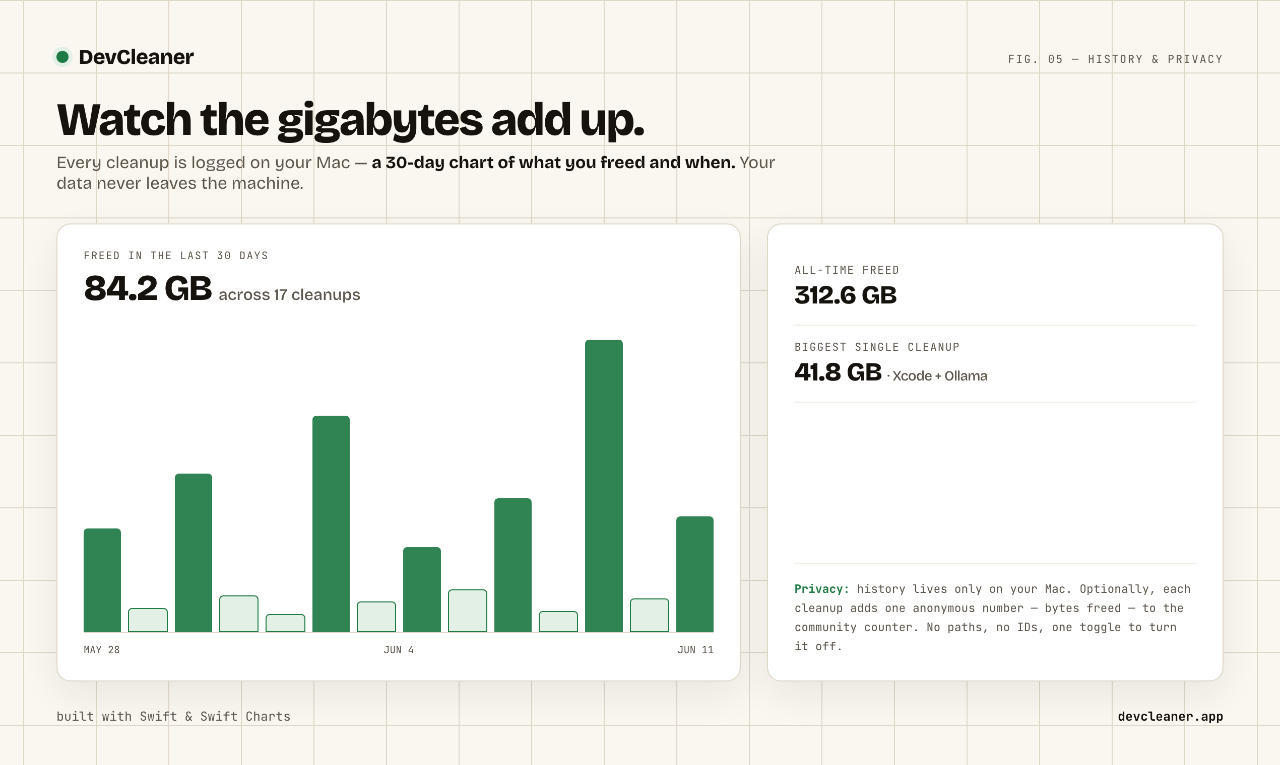
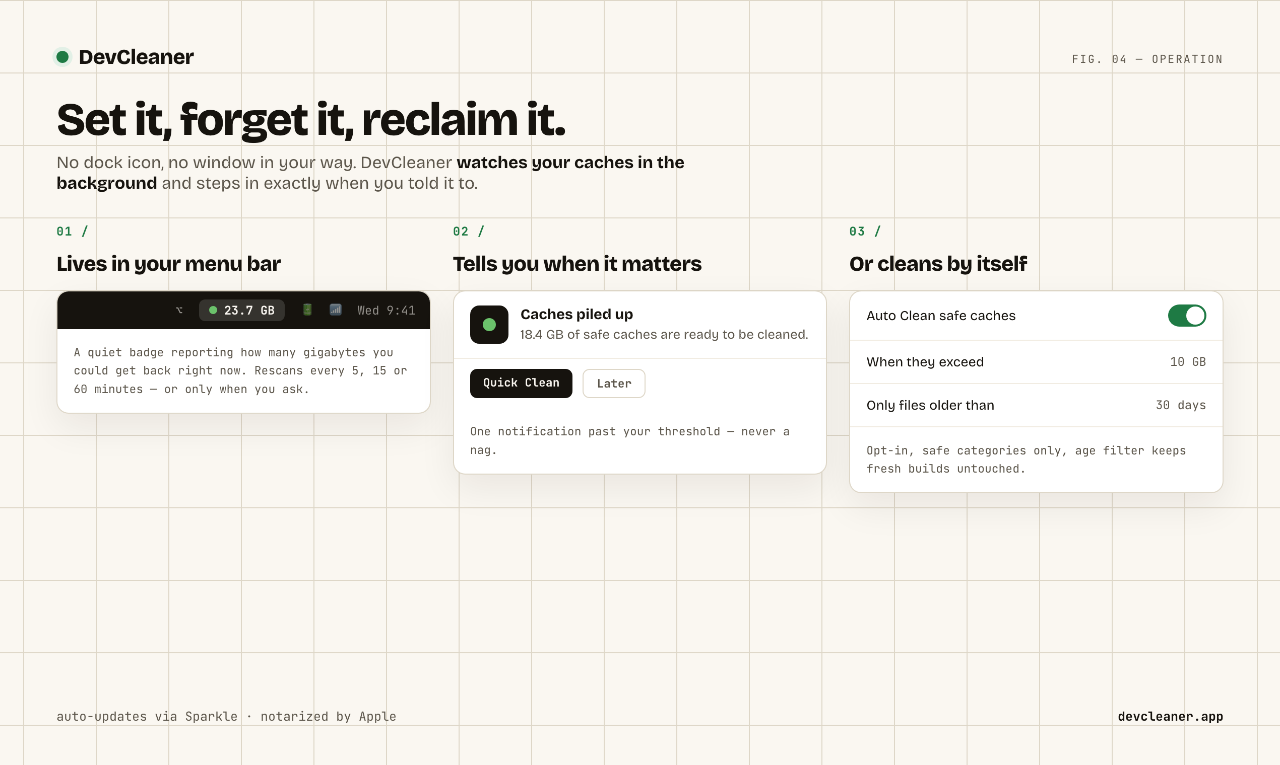
SwiftPythonDevCleaner is a macOS menu bar application designed to help developers reclaim significant amounts of disk space on their Macs. It safely identifies and clears various development-related caches and artifacts that accumulate over time, often without the user's knowledge.
Key features include:
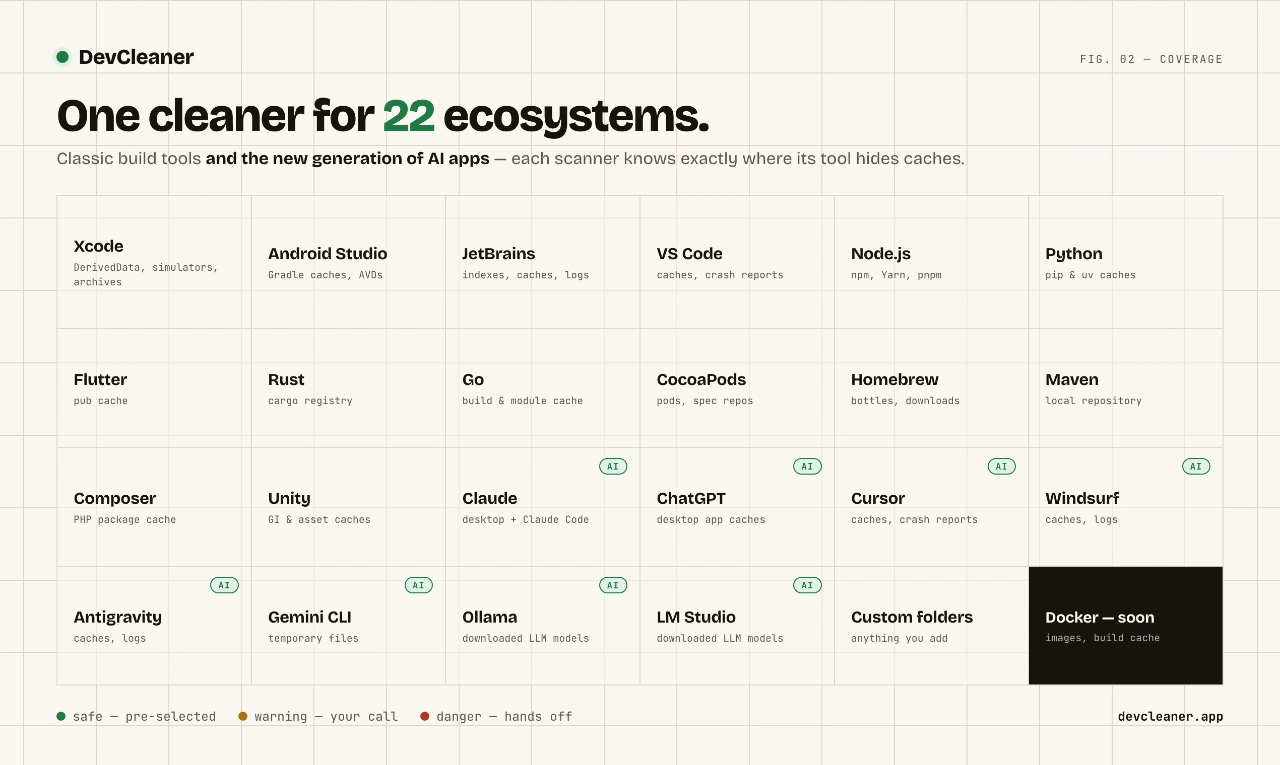
- Clears Xcode DerivedData: Safely removes temporary build files generated by Xcode.
- Manages Docker Images: Helps in cleaning up old or unused Docker images.
- Empties Gradle and npm Caches: Targets caches from popular build tools like Gradle and npm.
- Deletes Old Simulators: Removes outdated iOS and other simulators that consume large amounts of space.
- Menu Bar Utility: Provides easy access and one-click cleaning directly from your Mac's menu bar.
- Safe Operation: Ensures that only expendable files are deleted, preventing damage to your development setup.
The main problem DevCleaner solves is the rapid consumption of disk space by developer tools, which can lead to performance issues and the need for manual, often risky, cleanup. It provides a simple, safe, and efficient solution to maintain a clean and optimized development environment on your Mac.

1 comment
A
Aleksandar Jovanovic
1mo
@aleksdoescode
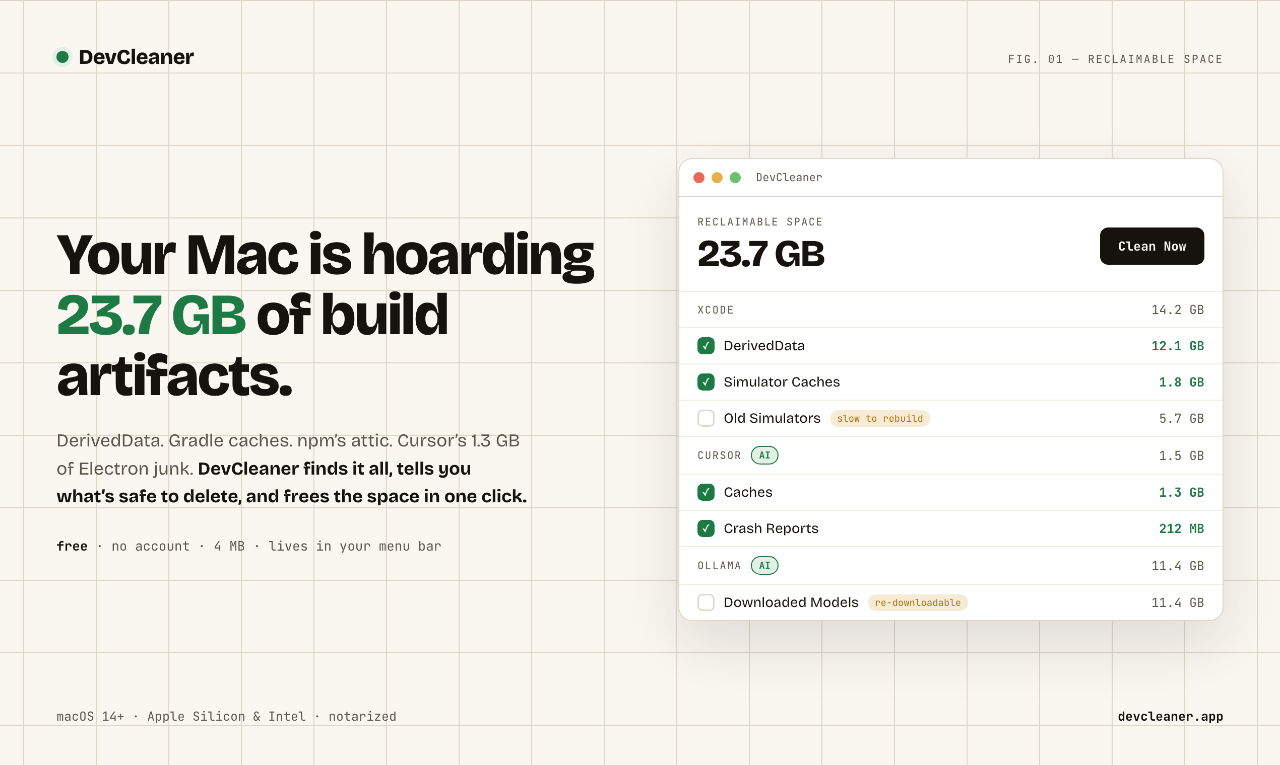
DerivedData and old simulators eat a lot of disk on my Mac too. Does DevCleaner show how much space each category frees before it deletes anything?
David Tereba
1mo•Creator
@dawedev
Exactly! That’s exactly what it does. After a scan, every category (DerivedData, old simulators, etc.) shows its reclaimable size before anything is deleted. You can tick/untick categories and the Selected to clean total updates live, and Quick Clean also shows how much it will free before you confirm. Warning items (like old simulators) aren’t auto-selected, so you choose those deliberately.




















 Prev
Prev Next
Next