
MCPfolio
Compare and connect MCP servers for AI clients
Screenshots
Freemium
Directory
Developer Platform
DevTool
Built with Next.js
 Vercel
 React
 Cloudflare
 Typescript
 Supabase
 Tailwindcss
Next.jsVercelReactCloudflareTypescriptSupabaseTailwindcssWhat is MCPfolio?
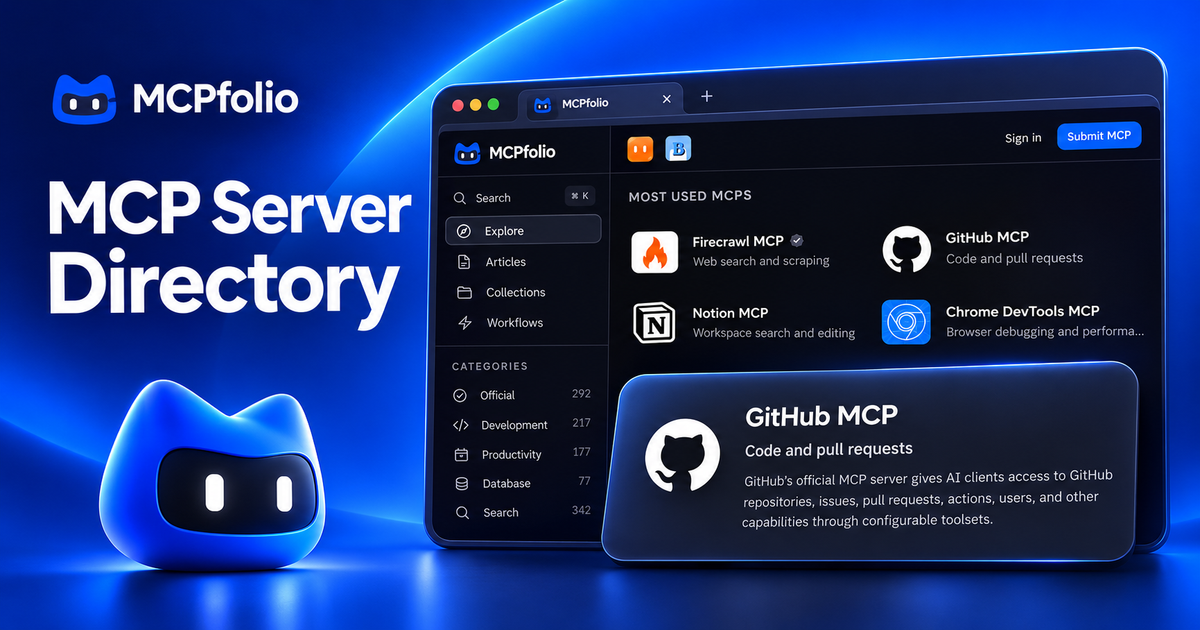
MCPfolio is an open directory and connection tool for Model Context Protocol (MCP) servers. As developers integrate external capabilities into AI clients like Claude Code, Cursor, and VS Code, choosing the correct server requires understanding operational trade-offs. MCPfolio catalogs hundreds of available servers, providing direct insight into what each server does, where it runs, and how it handles credentials.
Connecting an AI model to an external service carries security and operational implications. An agent with uncontrolled database or file access can alter production data or run arbitrary commands. MCPfolio helps developers assess these risks before installing integrations by detailing authentication models, execution locations, and available tools.
Beyond serving as an informative directory, MCPfolio provides an aggregated connection method. Instead of configuring dozens of discrete integrations inside client configuration files, developers can use a single command-line installation script to manage access across multiple tools through one unified setup.
Who is it for?
MCPfolio is designed for software developers and teams extending AI programming environments with outside data and tools.
- AI software engineers building automated coding, debugging, and testing workflows in editors like Cursor or VS Code.
- DevOps specialists looking to safely connect AI assistants to cloud deployment and monitoring platforms.
- Technical leads evaluating security, authentication, and read-versus-write risks before adding toolsets to team AI clients.
- Data practitioners seeking structured integrations between AI agents and databases or web scraping pipelines.
Key features
- Server catalog: Browse hundreds of documented MCP server listings spanning categories like development, databases, cloud services, and web scraping.
- Execution environment comparison: Quickly identify whether a server runs locally as a process on your machine or operates remotely as a hosted web endpoint.
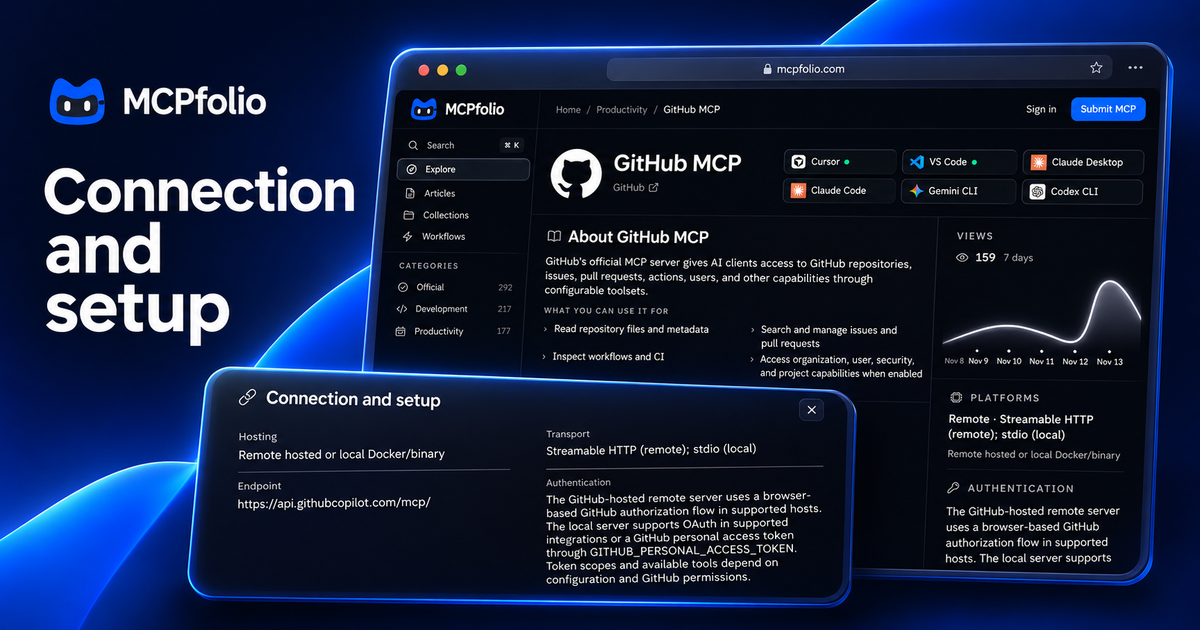
- Authentication details: Review exact sign-in requirements, distinguishing between servers using browser sign-in, personal access tokens, OAuth 2.1, or API keys.
- Capability breakdowns: Inspect the specific toolsets exposed by each server, highlighting read-only options and services capable of modifying data.
- Single-command install: Connect AI clients to multiple servers through a single setup script rather than editing configurations manually for each tool.
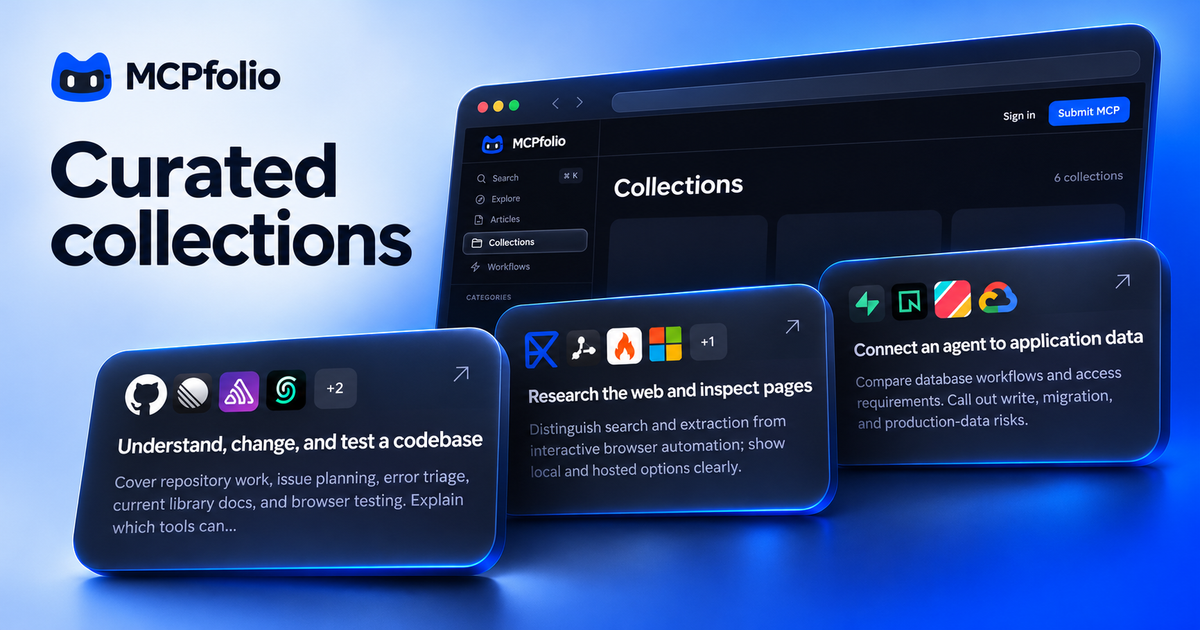
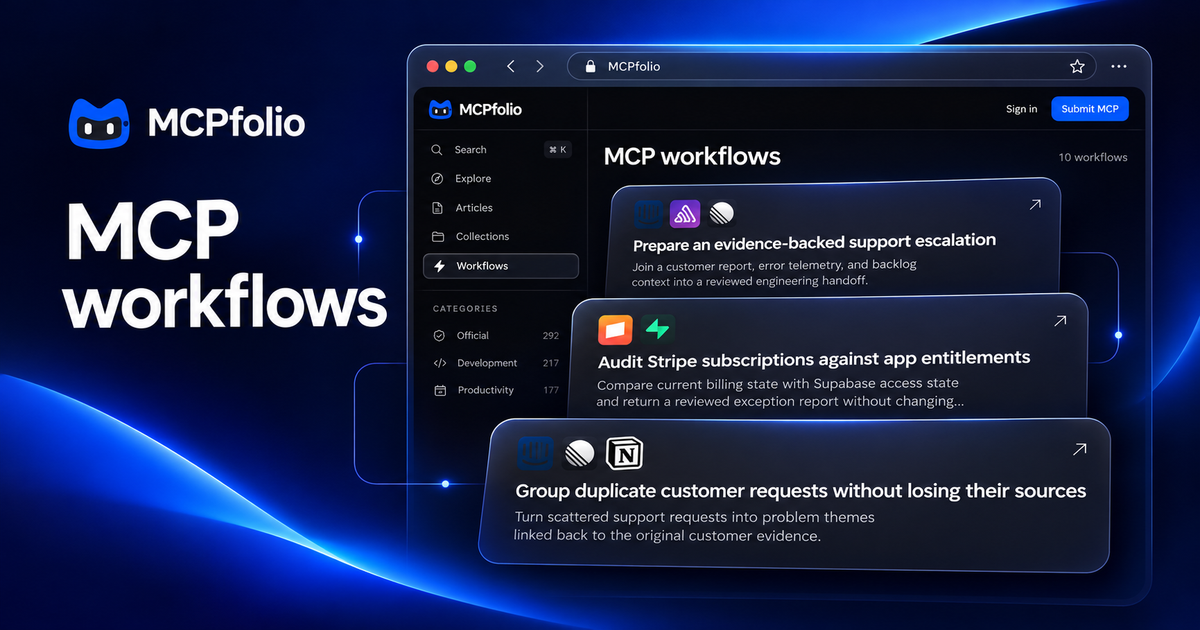
- Curated workflow collections: Group servers by common technical jobs, such as repository inspection, cloud troubleshooting, design implementation, and team coordination.
- Source documentation tracking: Access publisher documentation links alongside records of when the integration details were last verified.
How it works
- Identify the task your AI agent needs to perform, such as inspecting code repositories or querying a database.
- Search categories or curated collections on MCPfolio to compare matching server listings by runtime mode and authentication type.
- Examine the listed tools and access levels, prioritizing read-only configurations when testing new servers.
- Follow the client-specific setup guide or use the provided installation command to connect the server to your AI environment.
Use cases
A developer using Claude Code needs their assistant to inspect error logs and manage pull requests. They use MCPfolio to compare official GitHub and Sentry integrations, checking whether they require local tokens or remote OAuth authentication before setting them up.
An engineering team wants to allow an AI coding agent to navigate web documentation and test UI flows. Through MCPfolio, they locate and evaluate Playwright and Chrome DevTools servers that run locally without sending browser traffic through external hosted endpoints.
A database administrator needs to ensure an assistant can query metrics without running unauthorized migrations. They scan the database collection on MCPfolio to isolate servers that provide explicit read-only endpoints and clear credential boundaries.
Pricing
MCPfolio is freely accessible as a directory for browsing, searching, and comparing MCP server listings. Individual third-party servers indexed on the platform may require their own account tiers, API keys, or paid subscriptions depending on the underlying service provider.
FAQ
What is the Model Context Protocol?
Model Context Protocol is an open standard that allows AI applications to connect with external tools, APIs, and data sources through defined server interfaces.
Is MCPfolio free to use?
Yes, accessing the directory, searching server listings, and reviewing setup documentation is completely free.
Which AI clients can use the servers listed on MCPfolio?
Servers indexed in the directory work with AI tools and coding environments that support MCP, including Claude Code, Cursor, and VS Code.
Loading...
Related products
View all





More categories
All categories





Launched in Week 3, 2027
See the week
Free Online Word Editor — No Signup, No Login
0
Document Editor, Productivity, Spreadsheet
0
Document Editor, Productivity, Spreadsheet
55d13h32m
Launches in55days
:13hours
:32mins
:38secs

Turn flights and photos into maps, trip stories, and videos
0
Travel, Data Visualization, Video Editing
0
Travel, Data Visualization, Video Editing
55d13h32m
Launches in55days
:13hours
:32mins
:38secs

AI-powered student organizer and homework manager
0
Education, Task Management, AI Assistant
0
Education, Task Management, AI Assistant
55d13h32m
Launches in55days
:13hours
:32mins
:38secs

Ship real mobile apps from a prompt.
0
Developer Platform, AI, Mobile Development
0
Developer Platform, AI, Mobile Development
55d13h32m
Launches in55days
:13hours
:32mins
:38secs