MediaDrop
Play, organize, and convert your media files offline
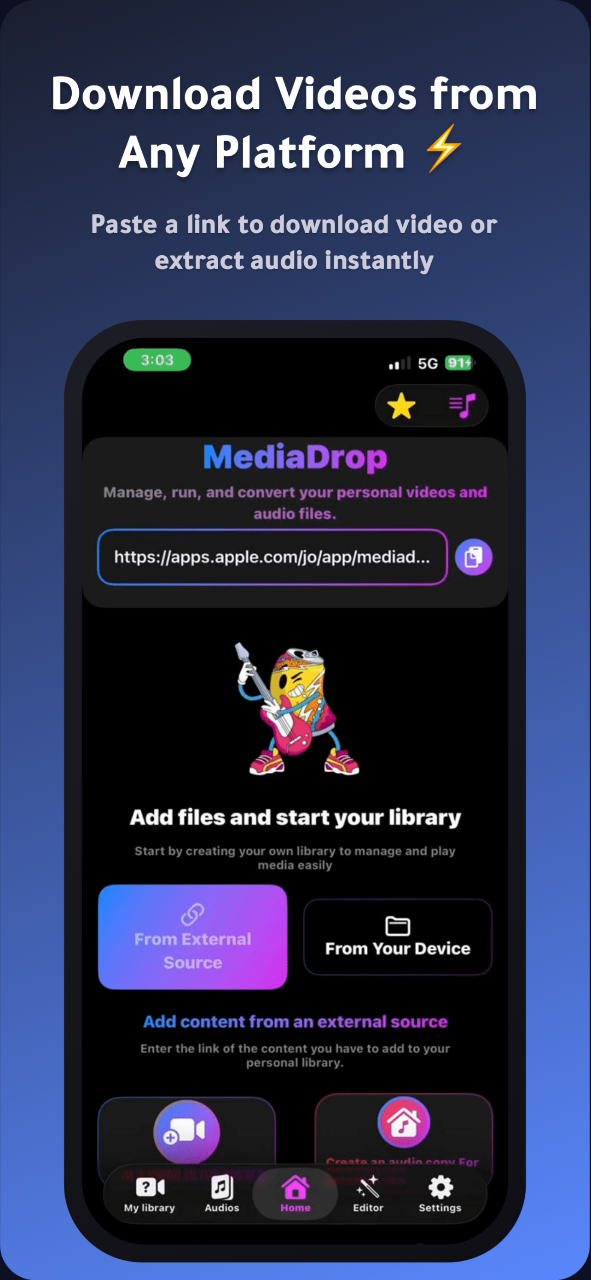
Screenshots
Freemium
Mobile App
Video Player
File Management
Built with Swift
Swift Docker
 Appstore
SwiftS
SwiftUIV
VaporDockerAppstoreWhat is MediaDrop?
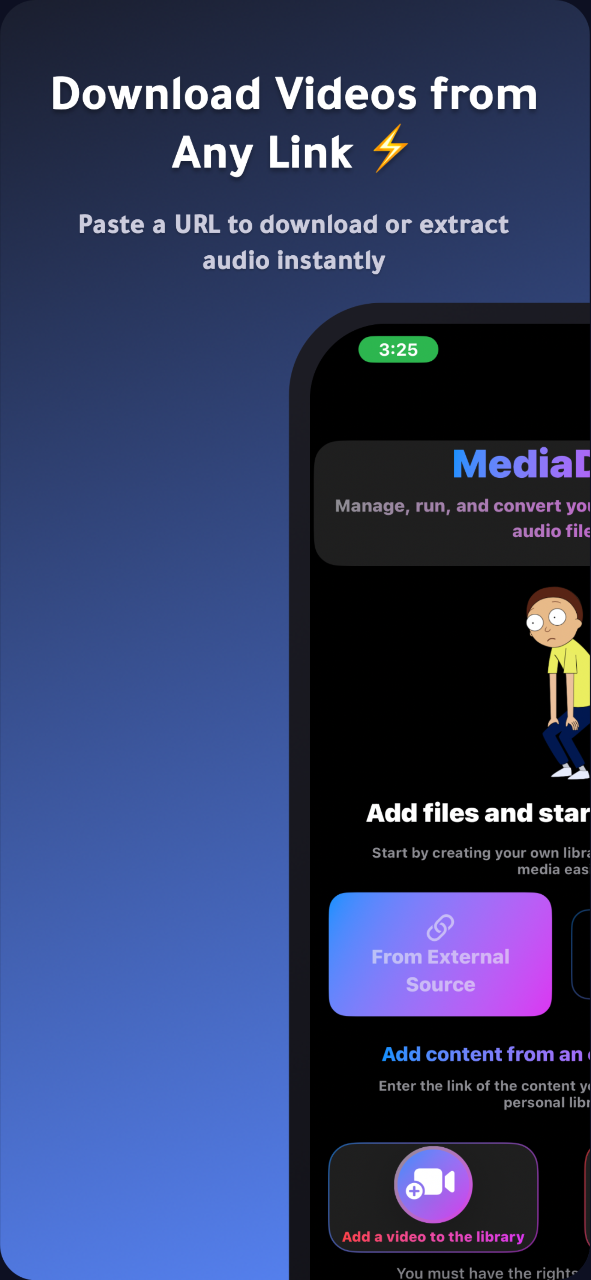
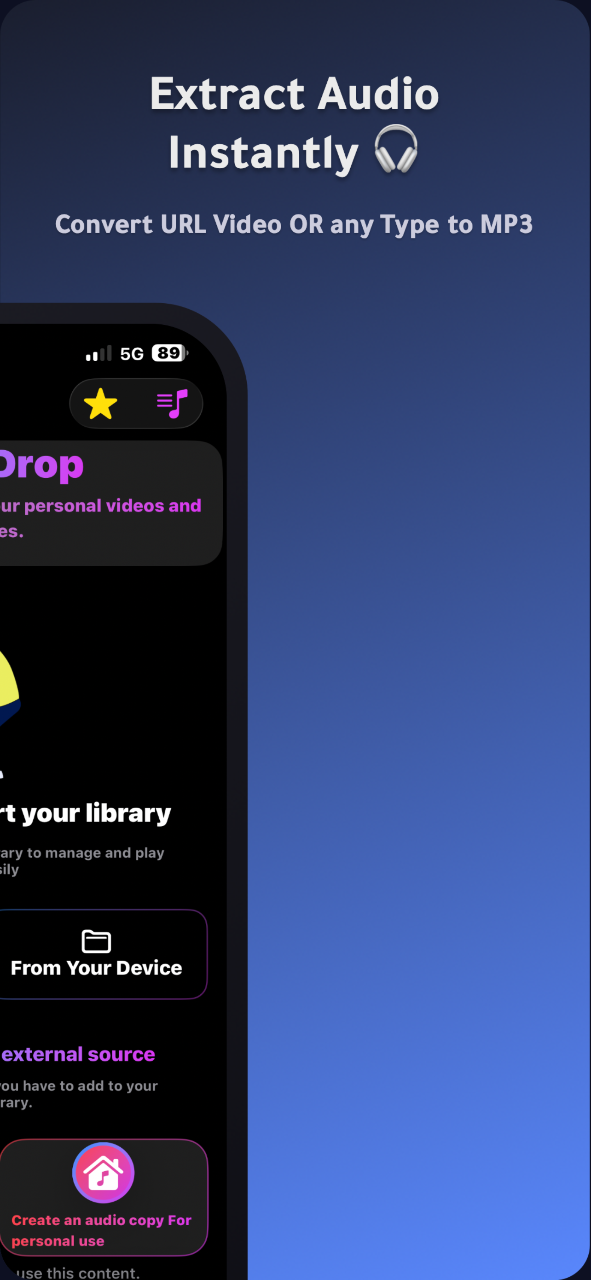
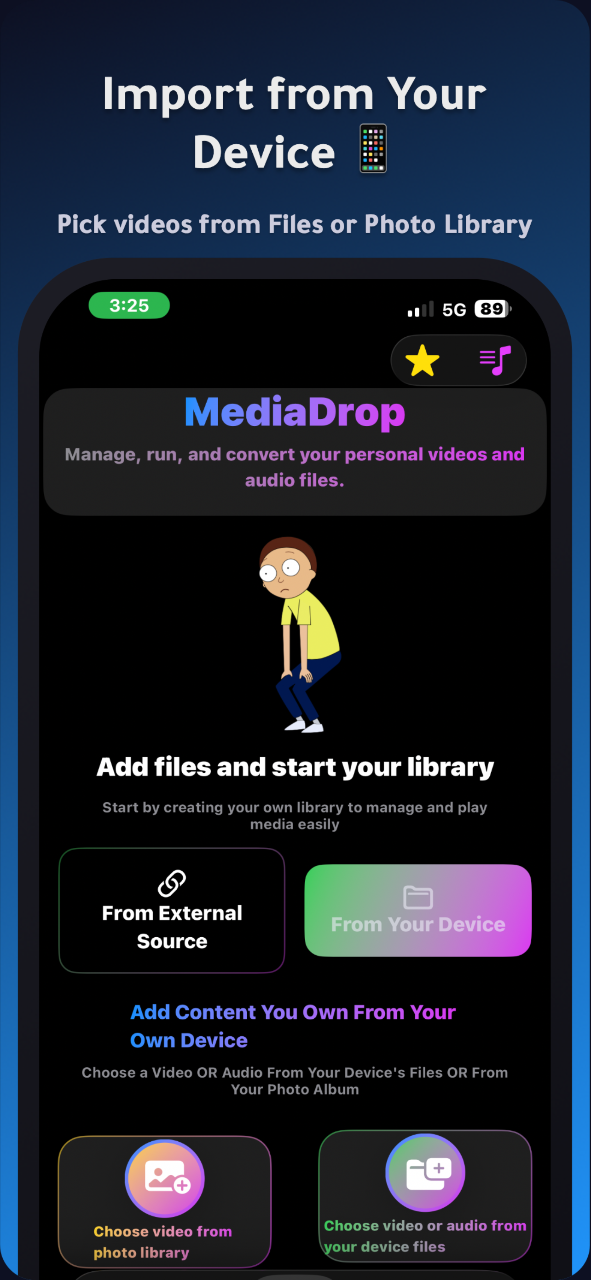
MediaDrop is a mobile media management application built for iOS and iPadOS. It functions as a private, offline video and audio player that lets users organize, playback, and convert their personal media files without relying on an active internet connection.
Many standard media players require ongoing network access or track user library activity. MediaDrop solves this privacy concern by keeping all files entirely local on the user's device, ensuring that personal media remains unexposed to third-party servers.
Beyond standard playback, the app integrates multitasking features like background audio listening and Picture-in-Picture mode, giving users complete control over how they view and listen to their local files.
Who is it for?
MediaDrop is built for mobile users who want reliable, offline control of their personal media collections, including:
- Commuters and travelers who need uninterrupted offline video and music playback.
- Privacy-conscious users who want their media stored locally on their device without cloud syncing.
- Listeners who require background playback while using other apps or when their screen is locked.
- Mobile media collectors organizing video and audio files from multiple supported sources.
Key features
- Offline Media Playback: Play all personal video and audio files locally without an internet connection.
- Picture-in-Picture Mode: Watch videos in a floating window while browsing other applications on your device.
- Background Audio Playback: Keep listening to audio tracks or video audio tracks even when switching apps or locking the screen.
- Built-in Sound Equalizer: Adjust audio frequencies directly within the player to tailor sound profiles for music and podcasts.
- Local Privacy: Operates entirely on-device with zero cloud uploads, ensuring complete user privacy for all stored media.
- Media Conversion and Editing: Includes integrated tools to convert formats and make light adjustments to personal video and audio clips.
- Multi-Source Media Importing: Import and organize media content originated across platforms like YouTube, Vimeo, Dailymotion, Facebook, Instagram, Twitter/X, TikTok, and SoundCloud.
Use cases
A traveler going on a long flight can store their personal video tutorials and audio files inside MediaDrop to enjoy steady playback without needing airplane Wi-Fi.
A student listening to lecture recordings can enable background playback and audio equalization to review educational material while taking notes in another app.
A smartphone user with limited data can organize downloaded clips locally on iOS, ensuring they can watch and convert files without consuming mobile bandwidth.
Pricing
MediaDrop is available under a Freemium model. The base version is free to download, while MediaDrop Premium removes advertisements and unlocks unrestricted background playback, advanced file management, and enhanced editing tools. Premium access includes a free trial that can be canceled at any time.
FAQ
Does MediaDrop download videos directly from the internet?
No, MediaDrop is designed strictly for managing, organizing, and playing back personal media files that you already own.
Does the app work without an internet connection?
Yes, all core playback and media management features operate locally on your device without an internet connection.
What is the difference between the free version and Premium?
The free version includes standard playback with ads, while MediaDrop Premium removes all ads and unlocks full background playback and advanced editing tools.
Are my personal media files secure?
Yes, all media files remain stored directly on your device. The app does not upload your files to remote servers.
Which operating systems are supported?
MediaDrop requires iOS or iPadOS version 16.0 or higher.
DownLoad App From Apple Store :
https://apps.apple.com/us/app/mediadrop-smart-media-manager/id6757828416
Loading...
Related products
View all



More categories
All categories






Launched in Week 51, 2026
See the week
On-device iOS toolkit: compress images, video to Live Photo
0
Image Compression, Photo Editing, Mobile App
0
Image Compression, Photo Editing, Mobile App
50d18h36m
Launches in50days
:18hours
:36mins
:25secs

Pushup RPG: push-up counter & home workout fitness game.
0
Fitness, Mobile App, Gaming
0
Fitness, Mobile App, Gaming
50d18h36m
Launches in50days
:18hours
:36mins
:25secs

AI thumbnail maker and editor for YouTube creators
0
Thumbnail Generator, Generative AI, Content Creation
0
Thumbnail Generator, Generative AI, Content Creation
50d18h36m
Launches in50days
:18hours
:36mins
:25secs

Find expired domains with SEO metrics and traffic history
0
SEO Tools, Marketplace, API
0
SEO Tools, Marketplace, API
50d18h36m
Launches in50days
:18hours
:36mins
:25secs