
The short answer
There is no macOS build. The Steam page carries a single platform icon, Windows, and the system requirements ask for Windows 10 or 11 with DirectX 11. The word Mac does not appear anywhere on the page.
Why a compatibility layer does not rescue it
CrossOver and the various Wine wrappers start plenty of Windows software on a Mac, so the instinct is to try one here. The part of Wallpaper Engine that matters is not the part they translate.
On Windows the app hands its output to the desktop shell, which is why the animation sits behind your icons instead of in a window. macOS has no equivalent hook for a foreign process to take: the desktop picture belongs to the system, and an app asks for it through Apple's own API. Translate the binary and you get a Windows-shaped window playing a video. That is a media player, not a wallpaper.
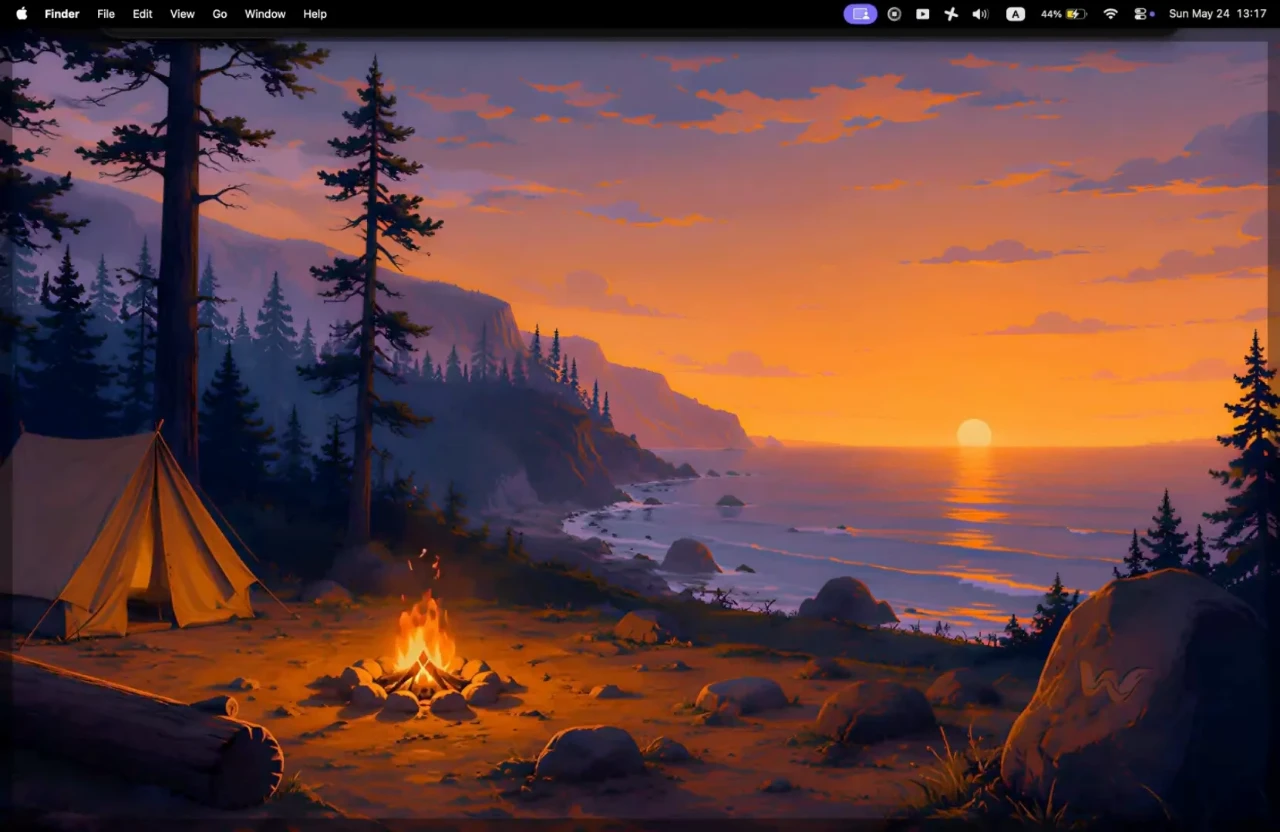
What the search is actually asking for
Nobody wants that specific executable. They want four things it happened to provide: motion behind their windows, a way to pick what plays, control over which display gets what, and no penalty on battery or fan noise.
All four are available on macOS. The market is smaller and the apps are younger, but they exist, and they split along two lines worth knowing before you download anything.
Lock screen or desktop only. Apple has no public API for a live lock screen, so the apps that offer one reach into a private framework to do it. That works today and is the main reason several of them ship outside the Mac App Store.
App Store or direct download. Most of the category distributes its own binaries. Fewer go through review, which is the trade you are making: one route gets features Apple does not sanction, the other gets sandboxing, a refund path and updates you do not have to trust a website for.
Where Walyro sits
Walyro takes the second route. It is on the Mac App Store, it runs on macOS 14 and up, and it is built around footage you already have: a clip you shot, playing behind your windows, staying on the machine it came from. Build playlists, give a second display its own wallpaper, pause a screen you want quiet.
The 1.0.16 update adds Scenes for the days you have no clip in mind. Instead of playing a file, the Mac works the picture out as it goes: four engines, 25 palettes, and sliders for brightness, detail and motion. Frames come off a timer at 30 fps rather than a display link at 60, and drop to 12 under Low Power Mode or thermal pressure. Since the time value feeding the shader only moves forward, the picture never loops back to where it started.
The practical answer
If you need Wallpaper Engine itself, it needs Windows, and a virtual machine running Windows on a Mac will run it inside that VM's desktop rather than yours. If you want what it did for you, install something built for macOS and check two things first: whether it survives a battery day, and whether you trust where it came from.