


The podcast episode is edited and published. The next task is turning one useful moment into a short social video. The episode may already contain a 15-second answer that works without a new introduction or another recording session.
Start by finding one section that answers a clear question. It should make sense to someone who has not heard the rest of the conversation.
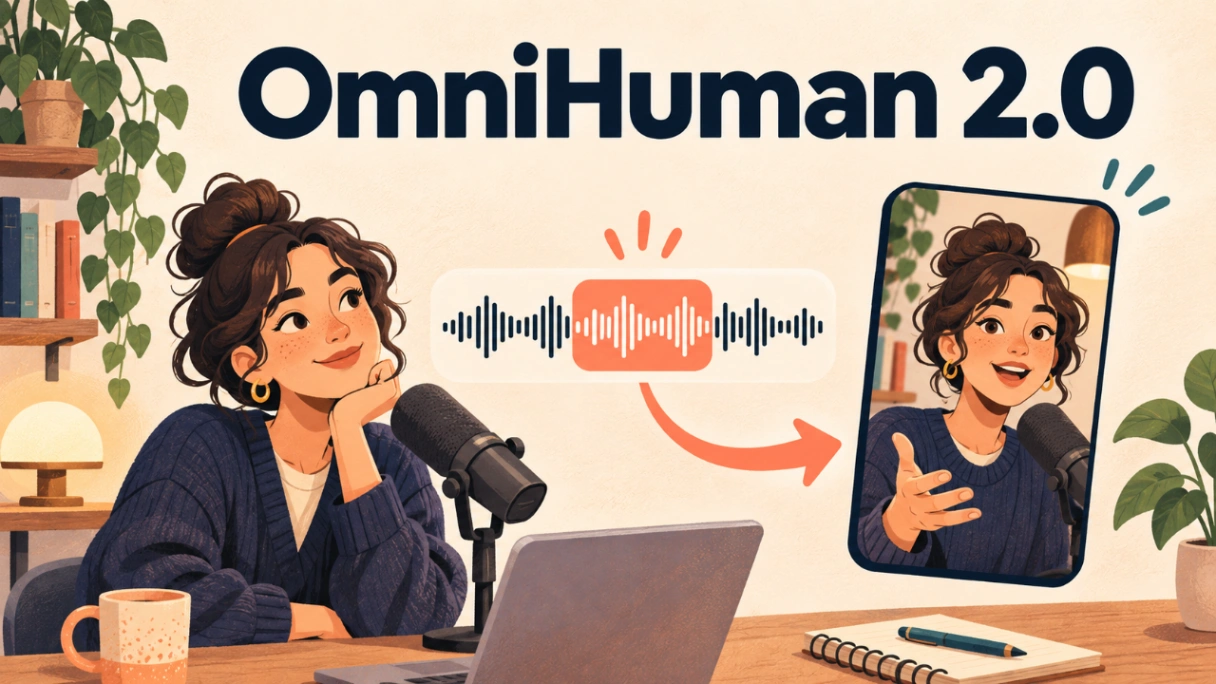
I run the independent third-party OmniHuman 2.0 platform, which is not affiliated with ByteDance or the official OmniHuman research team. It pairs an image with audio to create a presenter video. This is a suggested workflow, not a test report.
Find the part that needs no introduction
Choose a section from the published audio that can stand on its own. For a first attempt, keep it between 10 and 20 seconds.
Play the excerpt for someone who has not heard the full episode. If they cannot tell what the host is discussing, choose another section or include one earlier sentence.
Keep the words in their existing order. Do not join separate remarks to create a stronger claim or change the speaker’s meaning. Remove only material that can be cut without changing the point.
Give the voice a visible host
Choose a clear photo that the host has approved for this use. Upload the image and selected audio to OmniHuman 2.0. If movement direction is needed, ask for a steady shot with restrained motion.
Review the result in two passes. First, check whether the mouth movement and expression fit the audio. Then compare the captions, names, numbers, and quoted claims with the published episode.
Only use images and recordings you own or have permission to use. A guest’s photo and voice require separate consent. Label the visual as generated or animated so viewers do not mistake it for footage recorded during the podcast.
Use one host, one approved photo, and one complete answer. Generate a single draft, then watch it once without opening the full episode. If the point still makes sense, the excerpt can work as a short video.