Your Changelog Is a Secret Marketing Channel
You shipped on a Tuesday. A new integration you spent three weekends building. You’re proud. You open `CHANGELOG.md`, add a new line under `[v1.7.2] - 2026-08-18`, and write:
### Added
- feat: implement OAuth2 for Google Calendar integration
You push the commit, deploy the build, and post a link to the changelog in your community Slack. Crickets. A few days later, you get a support email: “Hey, any plans to add a Google Calendar integration?”
You want to scream. It’s right there. In the changelog.
This is not a user problem. It’s a you problem. And the problem isn’t that your users don’t read your changelog. It’s that you’re writing a log. A dry, technical, soulless log. You’re treating one of your most powerful marketing assets like a chore.
Your changelog is not a git log. It’s not a legal record. It’s a direct conversation with your most engaged users. It's the place you prove your product is alive, evolving, and worth their time and money. It’s a retention tool, an activation tool, and a sales tool rolled into one. It’s time to stop writing for machines and start writing for humans.
The Real Problem: You’re a Maker, Not a Marketer
Let’s be honest. You got into this to build, not to write copy. The thrill is in solving the puzzle, wrestling with the API, and finally seeing the code work. Communication is an afterthought. A tax.
So we invent systems to minimize the pain. We follow rigid specs like "Keep a Changelog." We automate entries from our git commits. We convince ourselves that `feat(auth): add magic link support` is a sufficient explanation for a week of work. It feels efficient. It feels like engineering.
But it’s a total failure of communication. Your user doesn't care that you added `feat(auth)`. They care that they can now log in without remembering another password. You documented the *what*. You completely ignored the *why* and the *so what?*
This isn't just about changelogs. It's a symptom of the indie maker blind spot: we believe a good product sells itself. It doesn’t. Shipping is only half the job. The other half is ensuring your users discover, understand, and adopt the value you just shipped. Your changelog is a critical part of that second half.
The products that win aren't always the ones with the most features. They're the ones that tell the best story about the features they have. Your changelog is a recurring chapter in that story.
What to Do This Week: Treat It Like a Product
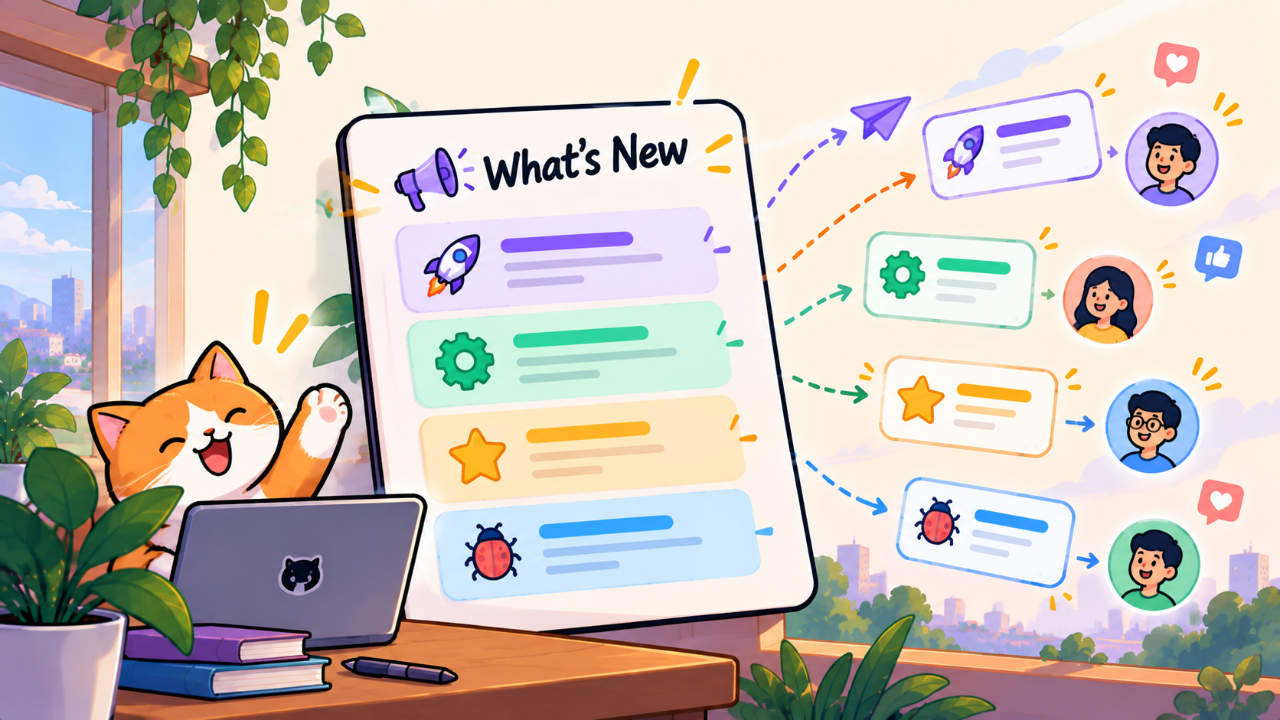
Stop thinking of it as a `CHANGELOG.md` file. Start thinking of it as your "What's New" page. It’s a feature of your product, and it deserves the same care and attention as any other.
Look at the companies who do this well. Linear. Cron. Pitch. Their changelogs are events. They have personality. They generate buzz. They don't just list changes; they sell them. Here’s how you can do the same, starting with your next update.
1. Give Every Feature a Benefit-Oriented Headline
Your users are skimming. They’re busy. They give you three seconds. You have to earn their attention. Don't lead with the technical term. Lead with the outcome.
Before:
New: Webhooks
After:
New: Automate Your Workflows with Webhooks
You can now send real-time updates from our app to any other tool in your stack. Connect to Zapier, Slack, or your own custom scripts to build powerful, automated workflows and get data where you need it, instantly.
The second version doesn’t just state the feature; it paints a picture. It gives the user ideas. It sells the possibility. Learning how to write a great product tagline is the same skill. Every feature update is a mini-product, and it needs a tagline that explains its value.
2. Write the Story: Problem, Solution, Benefit
For any significant feature, structure your entry like a tiny story. It’s a simple, powerful formula.
Problem: Briefly touch on the pain point this feature solves. This shows you're listening. "Manually exporting CSVs every week was a time-consuming chore."
Solution: Describe what you built, in plain English. "We've added a new Google Sheets integration."
Benefit: Explain what this means for the user. What can they do now? How does it make their life better? "Now you can set up a live sync that automatically keeps your spreadsheet updated. Set it once and never think about it again."
This transforms a dry announcement into a compelling narrative. It demonstrates empathy and focuses squarely on user value.
3. Batch the Small Stuff
Not every change deserves a three-act story. Your users don't need a line item for every typo you fixed or every minor CSS adjustment. It’s noise. It buries the important updates.
Create a single section called “Fixes & Improvements” or “Quality of Life Updates.” Then, batch everything together in a friendly, readable paragraph.
Instead of this:
Fixed a bug where the modal would not close on Esc key press.
Corrected a typo on the billing page.
Improved focus state on input fields for accessibility.
Removed deprecated API endpoint `v1/users`.
Try this:
Fixes & Improvements
We shipped a dozen smaller updates to make the app faster and more reliable. We improved keyboard navigation, fixed a few pesky bugs in modals, and polished the interface. The app should feel a little smoother and more pleasant to use.
One is a chore to read. The other makes you feel like the product is being cared for by a thoughtful human.
4. Make It Discoverable
A great changelog that no one sees is worthless. Don't just hide it on a `/changelog` page and hope people find it. You have to push the updates to your users. This is a distribution problem, just like getting your first users.
Where do your users live?
In-app: Use a small notification dot or a "What's New" pop-up that appears after a new deployment. Link them to the full post. This is the highest-leverage channel you have.
Email: Send a monthly or bi-weekly "What's New" email. This is perfect for re-engaging users who haven't logged in for a while.
Community: Post in your Slack or Discord. But don't just drop a link. Post the full, rich text of the update right there.
Your goal is to meet users where they are. Don't make them come looking for it. The same way you might think about using directories for SEO, think about your changelog as a distribution channel for your features. You have to actively promote the content.
What to Ignore
The internet is full of "best practices" that are either outdated or built for a totally different context. As a solo founder building a product for users, here’s what you can safely ignore.
1. The "Keep a Changelog" Specification
Blasphemy, I know. But "Keep a Changelog" was designed for open-source software libraries, to be read by other developers. Its categories—`Added`, `Changed`, `Deprecated`, `Removed`, `Fixed`, `Security`—are machine-readable and developer-centric. They are not user-centric.
Your user does not care about the semantic difference between `Changed` and `Fixed`. They care about what the product does for them. Organizing your updates by user benefit ("New Power-up: Scheduled Tasks," "Improvement: Faster Search") is infinitely more valuable than following a rigid spec designed for versioning NPM packages.
2. Automated Changelog Generation
This is the ultimate anti-pattern. Piping your `git log` through a script that turns commit messages into a changelog is a surrender. It signals that you view communication as a technical problem to be automated away, not a human opportunity to be embraced.
Your commit messages are for your future self and other developers. They are notes from the engine room. They have no place on the customer-facing bridge. Writing a real changelog is a manual, thoughtful process. There are no shortcuts.
Your stack isn't just the technologies you use to build; it's also the tools you use to communicate. The 2026 report on what makers are building with shows a huge diversity in tech, but the communication stack is just as important. Your changelog is a part of that stack. Don't automate it into oblivion.
The Catch: This Takes Time
I can hear you thinking it. "This sounds great, but it also sounds like work. I barely have time to code."
You're right. It is work. Writing a thoughtful update post for a single big feature and a few minor ones might take an hour. Maybe two if you're making a GIF or a short video.
Now, consider the alternative. You just spent 40 hours over three weekends building that feature. Are you really not going to spend one more hour to make sure people actually use it? That's an ROI of 40:1. It’s the highest-leverage hour you will spend all month.
Think of it as the final step on your launch checklist. For every feature, there’s a list of tasks: `design`, `build`, `test`, `deploy`. You need to add one more: `announce`. A great announcement is the final, crucial step that turns deployed code into adopted value. It completes the loop. Don't skip it. For a feature to be truly "done," your users have to know about it. It’s part of the product launch checklist that actually matters.
The trade-off is real. An hour spent writing is an hour not spent coding. But the indie maker graveyard is filled with beautifully engineered products that no one used. Don't let your features die in silence. The goal isn't just to ship code; it's to ship value. And value only exists when it's perceived and used by your customers.
So, next Tuesday, when you ship your next feature, don't just add a line to a markdown file. Take an hour. Open a blank page. And tell your users a story.