
Circle Crop Image
Circle Crop Image | Free Circle Cropper for Round Photos
Screenshots

Free
Photo Editing
Built with Javascript
 CSS
JavascriptCSSMake a circle crop image in seconds: add a photo, drag the face or logo into the round frame, and download a clean circle with a transparent background. This circle cropper works in your browser, so nothing is uploaded and you do not need an account.
How to use Circle Crop Image
01 Add a photo. Choose a file, drop it on the page, paste a screenshot, or paste an image link. The circle cropper opens right away.
02 Frame the subject. Drag, pinch, or use the zoom slider until the face, logo, or product fills the circle. Rotate or flip it if the photo is crooked.
03 Download the circle. Save it as PNG to keep the corners see-through, or as JPG or WebP. Your circle crop image is ready to upload or place.
Your photos stay private. Everything happens in your browser. Nothing is uploaded, nothing is stored, and closing the tab clears the picture. That matters for a client headshot, a child’s school photo, or your own face.
Free, fast, and simple. No sign-up, no watermark, and no app to install. Open the circle cropper on a phone or a laptop, crop the picture, and download it in under a minute.
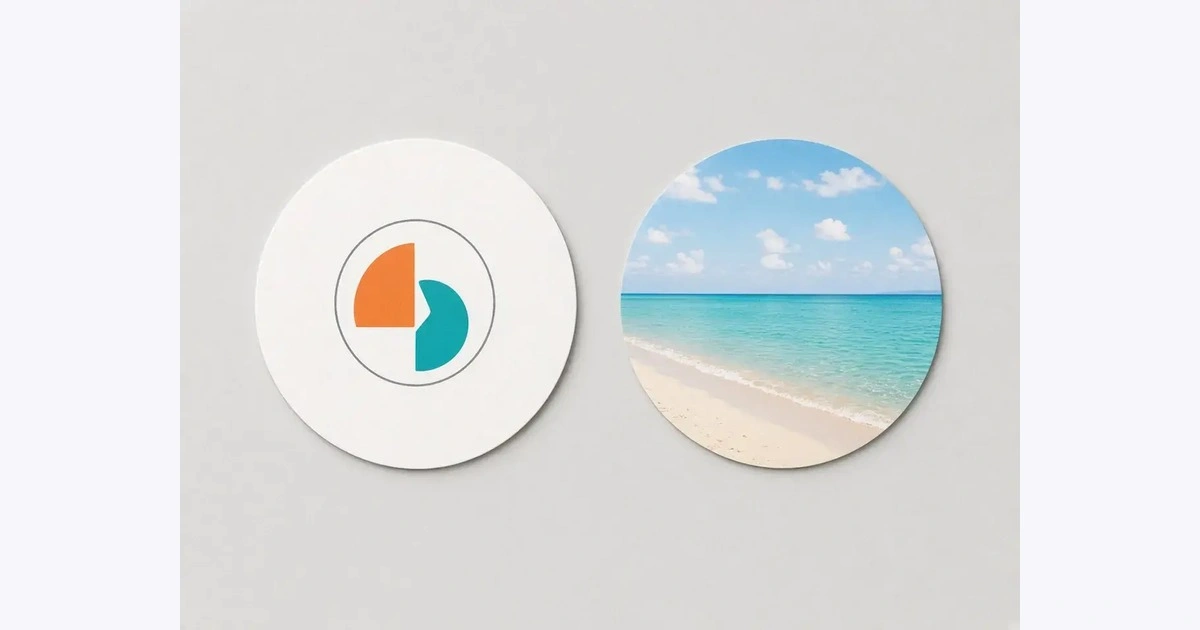
A circle crop image is a photo cut into a perfect circle, with everything outside the round edge removed. The result is the shape you see on profile pictures, team pages, round logos, and stickers.
Most apps only show a circle on top of a square file, so they decide what gets cut. When you crop the circle yourself, you choose what stays in: the whole face, the full logo, or just the product. Save it as a PNG and the corners stay see-through, so the circle sits neatly on a white page, a dark app, or a colorful slide.
Loading...