
Elasticnote
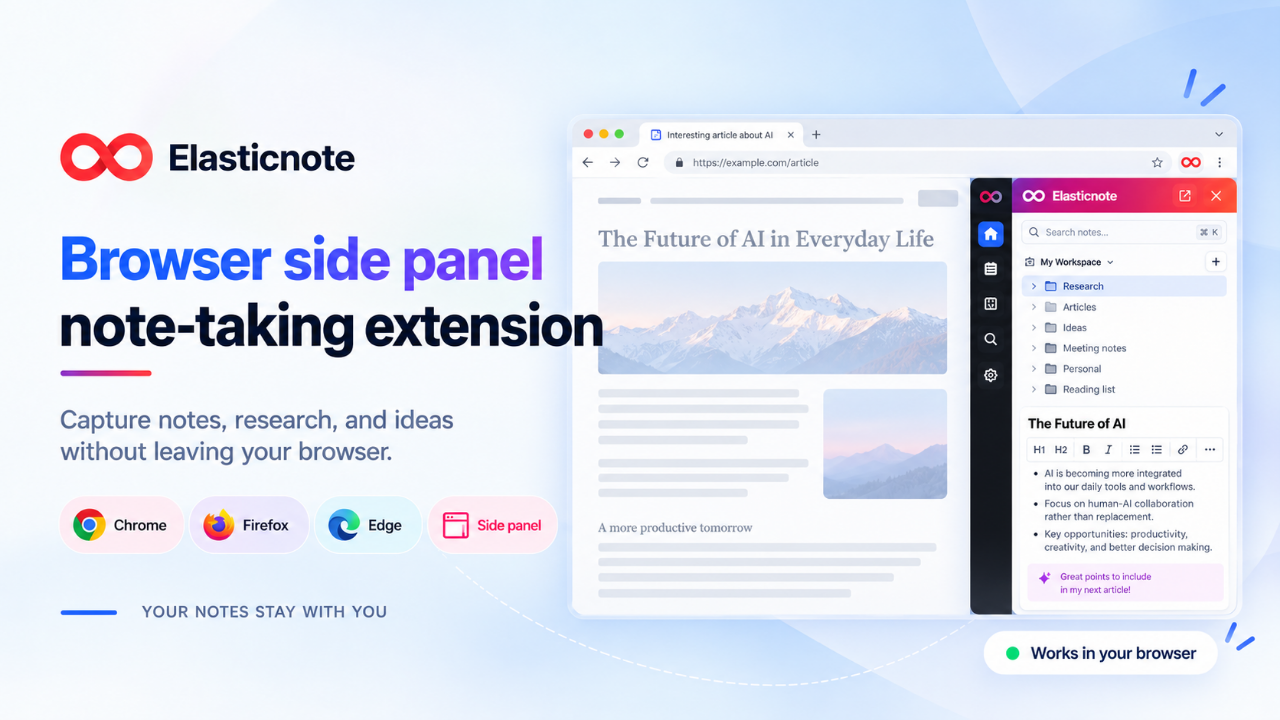
Local-first Markdown notes, tasks, LaTeX, and research works

Screenshots
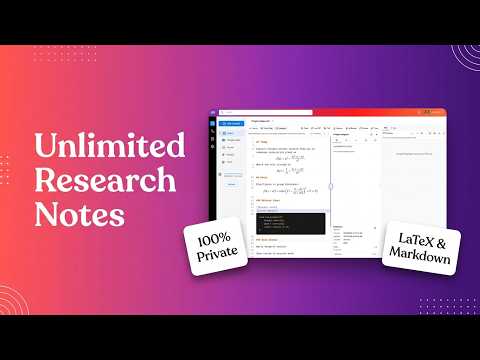
Video Demo
Open Source
LTD
Note Taking
Productivity
Knowledge Base
Built with React
 Openai
 Javascript
 Typescript
 Html5
ReactOpenaiJavascriptTypescriptHtml5What is Elasticnote?
Ever feel like your notes are being held hostage by an app? You spend hours writing, researching, and organising ideas, only to discover they're trapped in someone else's cloud. Want to move them? Good luck! We thought that was a bit ridiculous, so we built Elasticnote.
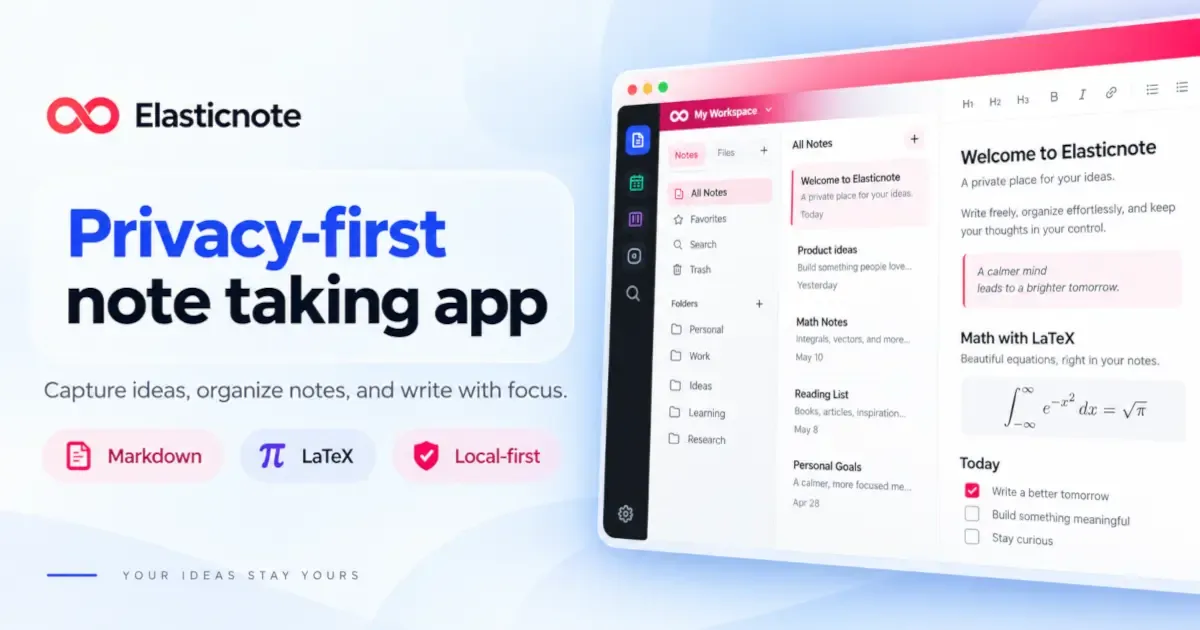
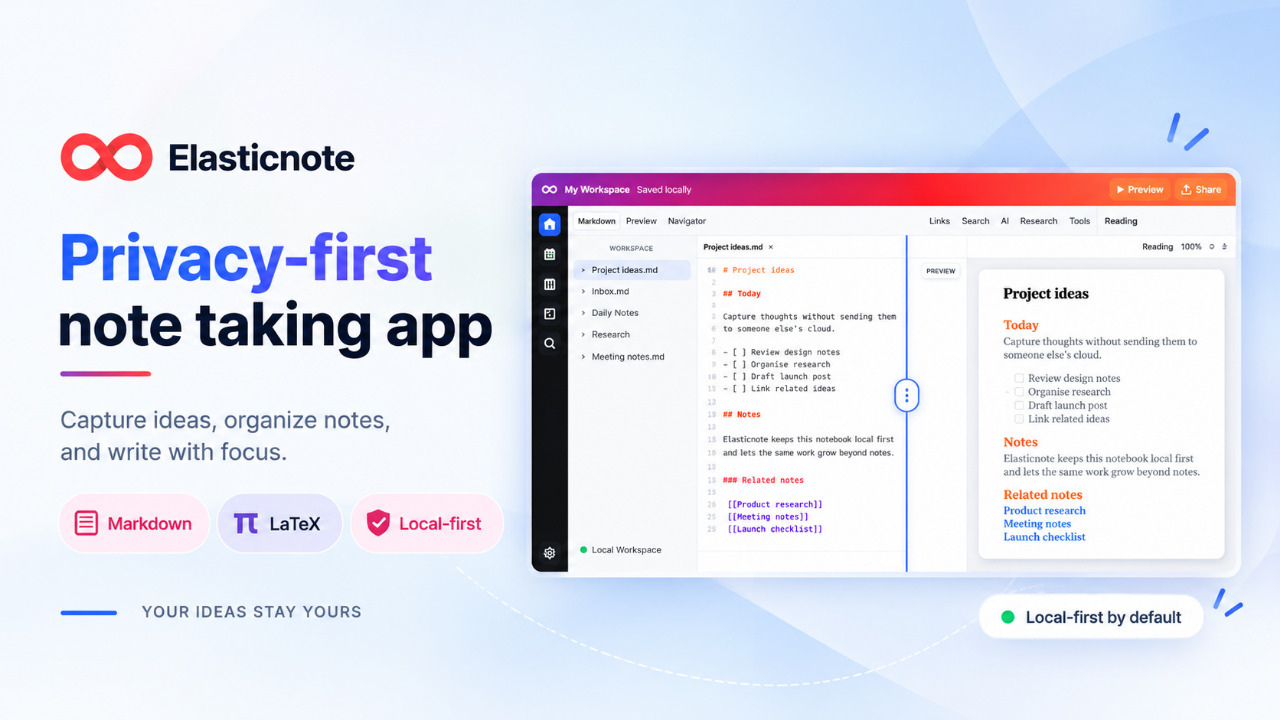
Elasticnote is a privacy-first, local-first workspace for notes, Markdown, LaTeX, research, and productivity. Keep your files in your browser, save them locally, or use your own cloud storage. Your work stays portable, and you're free to open it with other tools.
Beyond notes, Elasticnote brings together tasks, calendars, Kanban boards, diagrams, and optional AI. Think of it as your digital notebook, research desk, and productivity toolkit rolled into one — without the unnecessary cloud dependency.
Who is it for?
Elasticnote is for anyone who's ever opened five apps just to finish one task.
- Researchers and academics: Write papers and theses with LaTeX, equations, citations, and PDF tools. Your supervisor may still request seventeen revisions, though.
- Developers: Keep documentation, code snippets, and technical notes in portable Markdown files.
- Students and professionals: Organise study notes, tasks, calendars, and projects without juggling endless browser tabs.
- Privacy-conscious people: Keep files local and decide when cloud storage or AI gets involved. Your ideas, your rules!
Key features
- Local-First Markdown: Create notes using portable Markdown files stored in your browser or local folders. No proprietary database holding your ideas hostage.
- LaTeX and Citations: Write academic papers, mathematical equations, bibliographies, and PDF-ready documents. From grocery lists to graduate theses!
- Calendar and Tasks: Plan your day, manage to-do lists, track deadlines, and organise Daily Notes in one workspace.
- Kanban Boards and Diagrams: Visualise projects, connect ideas, and finally organise that side project you've been postponing since 2022.
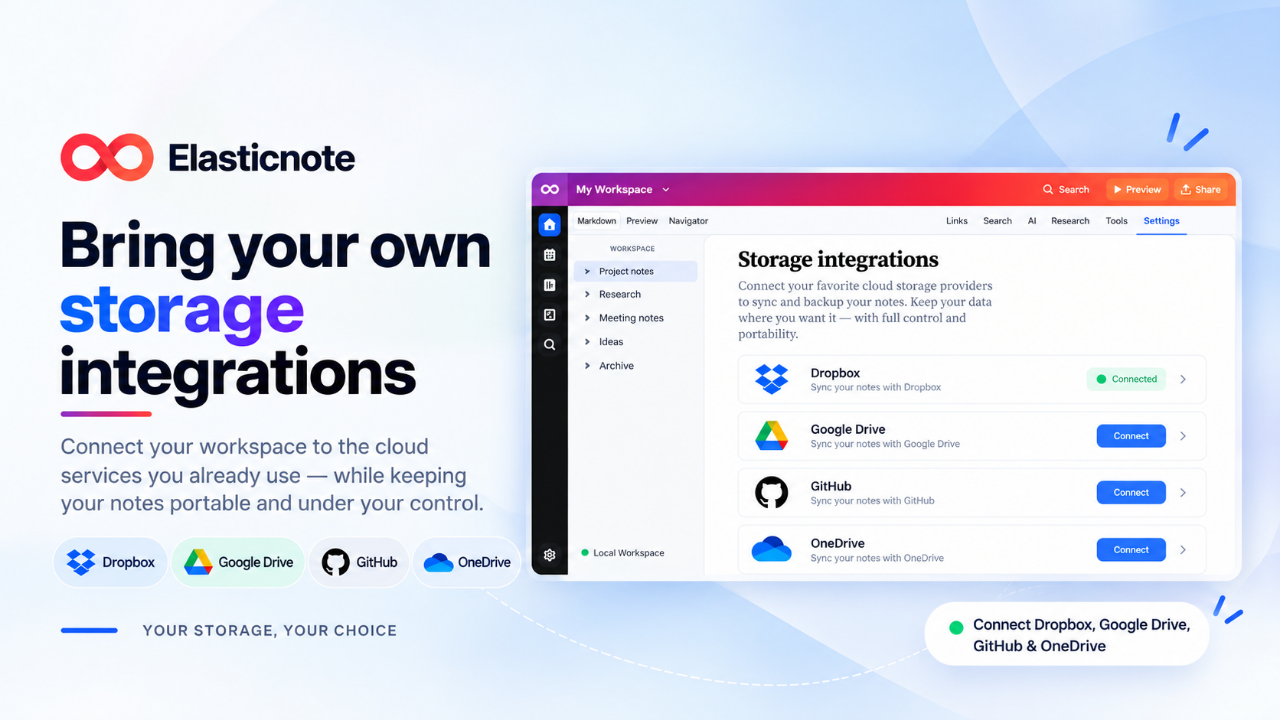
- Bring Your Own Cloud: Connect Google Drive, Dropbox, OneDrive, or GitHub. You choose where your files live.
- Visual and Markdown Editing: Prefer clicking buttons? Great. Love writing raw Markdown? Also great. Use whichever suits you.
- AI with MCP: Summarise, rewrite, and explore notes using supported local AI models or your own API keys.
- PDF Export: Prepare formatted documents and research papers for publishing, studying, or sharing.
How it works
Getting started is surprisingly simple. No complicated setup or mandatory account registration just to write a note.
- Open Elasticnote: Visit the web app or install the Chrome, Edge, or Firefox extension.
- Create a notebook: Name it "Research Project" or "Important Stuff 7." We don't judge.
- Start writing: Use the visual editor, Markdown, or LaTeX tools.
- Choose your storage: Stay local or connect your favourite cloud provider. Add AI only if you want it.
Start with a simple note and let your workspace grow with your ideas.
Use cases
- Researchers and academics: Collect references, organise research materials, write equations, manage citations, and prepare LaTeX documents while keeping sensitive files locally. Unfortunately, we haven't invented a feature that stops supervisors from requesting another revision.
- Developers and technical writers: Maintain documentation, save code snippets, track sprint tasks, and organise architecture diagrams. Portable Markdown files and GitHub integration help your notes fit into existing workflows.
- Students and professionals: Keep lecture notes, assignments, deadlines, project boards, and daily plans together. Spend less time hunting for information across apps and more time doing something useful with it.
Pricing
Elasticnote is free to start! The free plan includes local-first notes, Markdown editing, and core workspace features. No account is required to begin writing locally.
Need more flexibility? Elasticnote Pro unlocks unlimited notebooks, bring-your-own-cloud integrations, and additional premium capabilities. Choose Pro Monthly or Pro Lifetime if you'd rather pay once. Because your subscription collection is probably impressive enough already.
FAQ
Where are my notes stored?
Wherever you choose! Use browser storage, a local folder, or supported cloud providers. Your notes don't have to live on Elasticnote's servers, and portable files help you avoid platform lock-in.
Does Elasticnote offer a free option?
Absolutely! Start taking local notes for free without creating an account. Pro adds unlimited notebooks, cloud storage integrations, and other premium capabilities.
Can I use my own cloud backup?
Yes! Pro supports Google Drive, Dropbox, Microsoft OneDrive, and GitHub. Bring your own cloud instead of being forced into ours.
The bottom line? We believe your notes should belong to you, not the app you used to create them.
Write what you want. Store it where you want. Use AI if you want.
No digital handcuffs. No unnecessary drama. Just a workspace that grows with your ideas.
Try Elasticnote! Your notes. Your storage. Your freedom. ✨

Loading...














 Prev
 Next