
Filler
Fill web forms and job applications in one click
Screenshots
 Vercel
 Next.js
 React
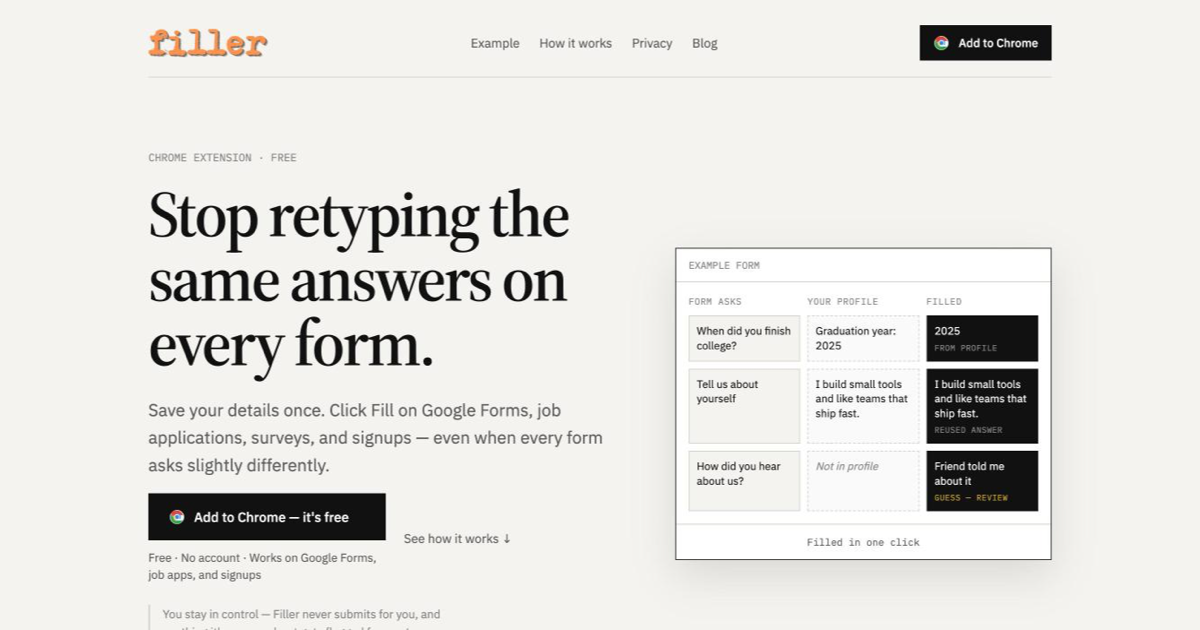
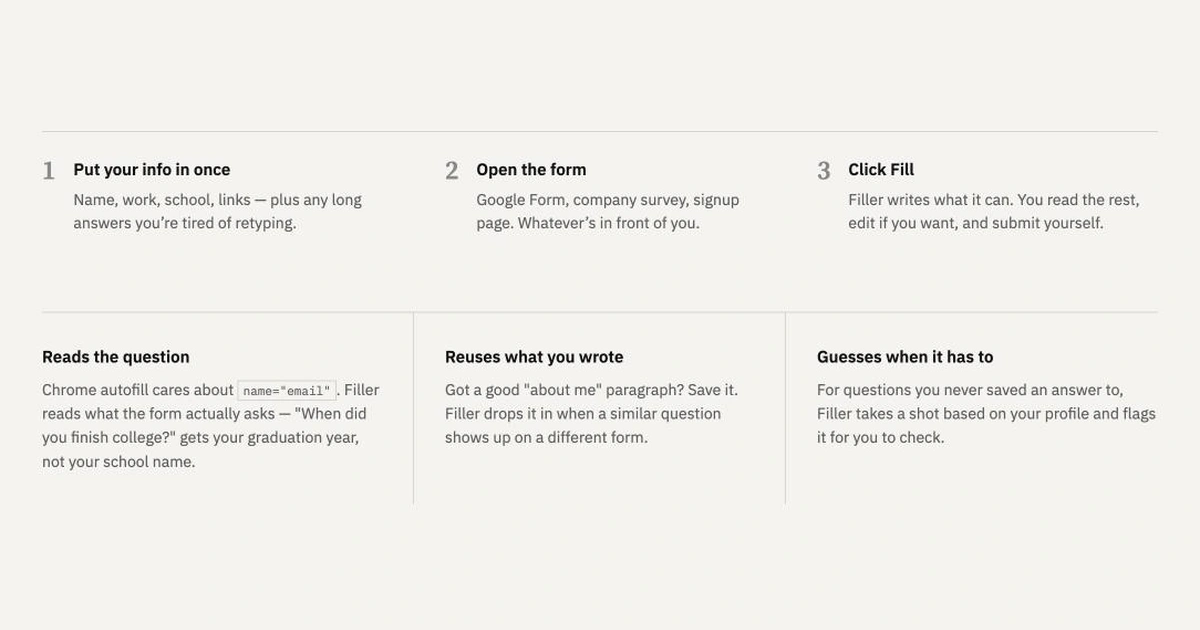
ReactFiller is a free Chrome extension for people who keep typing the same answers into forms. Save your details once (name, work, school, links, and the longer answers you're tired of rewriting), then open a Google Form, job application, survey or signup page and click Fill.
Chrome autofill looks for hidden field names like name="email". Filler reads what each question actually asks, so "When did you finish college?" gets your graduation year, not your school name. Answers you've written before are reused when a similar question shows up on another form. For anything your profile doesn't cover, Filler drafts a guess and flags it so you can check it before sending.
It works with text fields, dropdowns, radios and textareas on Google Forms, Ashby, Tally and most web forms. Filler never submits a form for you and doesn't fill password or payment fields. Your profile is stored in your browser and is only sent to Filler's server when you click Fill, to work out the answers. Free, no account needed.
Related products
View all
Daily Random Bible Verse Generator
Tap for a fresh KJV verse, switch translations, then copy it

AntForms
Unlimited free submissions + free analytics + integrations +


Excelerator Password 2.0
Lock and unlock Excel workbooks without opening Excel


More categories
All categories


Launched in Week 6, 2027
See the week
TraceUX
Free, self-hosted session replay and UX suite

RustLite
Free Rust game companion: player lookup, wiki, tools

Cosmiq
The free AI tutor that adapts to every mind

Cursive Generator
See your name in real cursive fonts, download as PNG or SVG.