GetBankCSV
PDF bank statements to CSV, Excel, QBO, OFX and QIF
Screenshots
Freemium
Finance
Productivity
Accounting
Built with Cloudflare
 Hugo
Hugo
CloudflareHugoGetBankCSV converts PDF bank statements into CSV, Excel, QBO, OFX and QIF, in the browser, with nothing to install and nothing to configure.
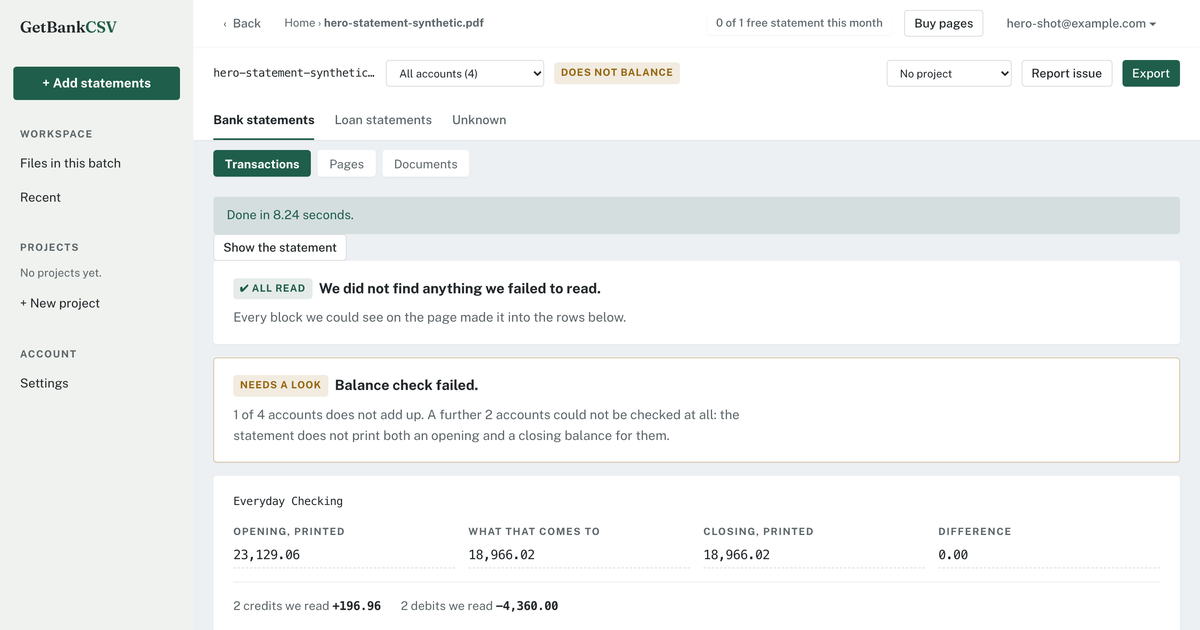
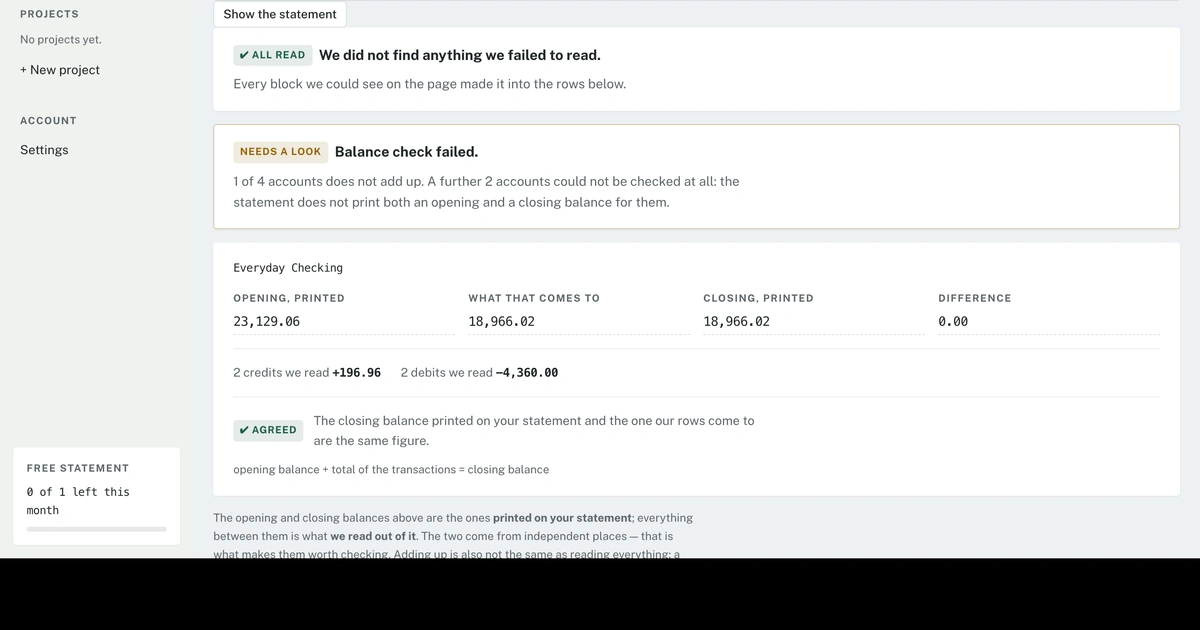
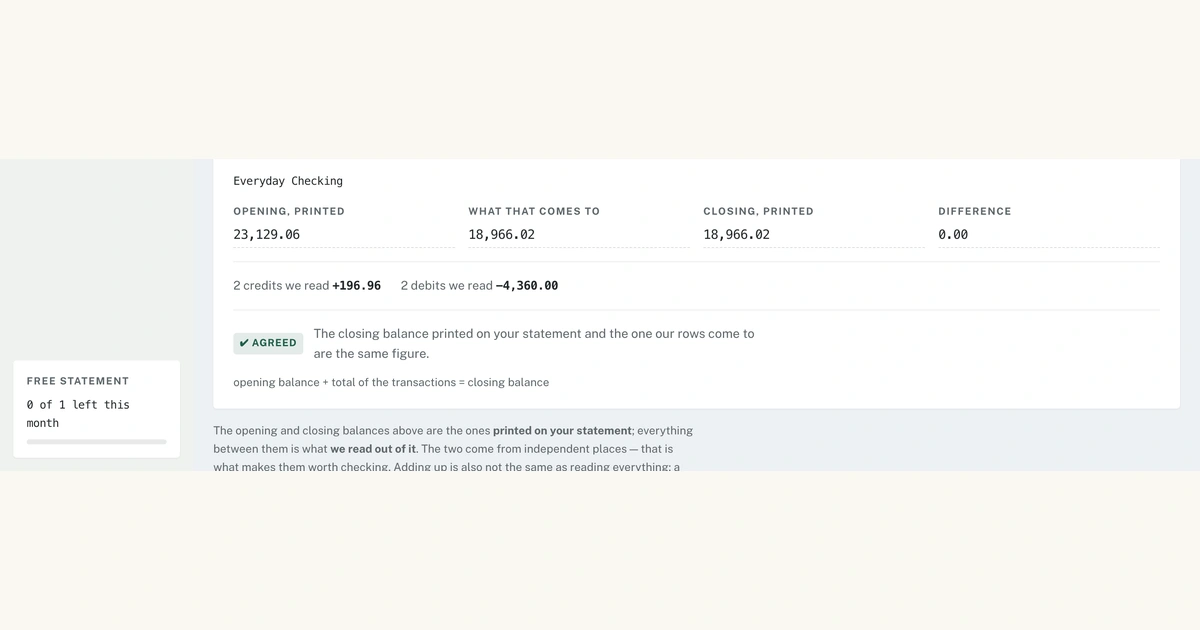
What it does differently is tell you whether the conversion worked. Two independent checks run on every file, and both are visible on the free preview, before any payment. The first is a per-account balance check: the opening balance printed on your statement, plus every transaction read out of it, compared against the printed closing balance. The second is a list of anything in the document that never made it into the table at all - the failure a balance check on its own cannot catch, because when a whole account or page is missing the remaining numbers still add up perfectly.
There are no per-bank templates and no supported-banks gate: the document is read as a document rather than matched against a layout prepared earlier, so a statement from a small credit union is handled the same way as one from a national bank. Scanned and image-only PDFs are read too, and password-protected files are opened with a password that is never written to disk, to the job record or to any log.
Statements holding several accounts stay separate: every CSV row carries an account column, Excel gets one sheet per account, and the balance check runs per account. Up to 12 PDFs can be converted in one batch and downloaded individually or merged into one workbook. For QuickBooks Online and Xero the file is written to each destination's own rules - column count, header wording, signed amounts and the row and file-size ceilings - so the import works without editing.
Uploads and the page images rendered from them are deleted as soon as the conversion finishes, and nothing is kept beyond 24 hours.
A free account converts one statement a month, up to 10 pages, with the full preview and both checks. Beyond that a single statement is $5 and five are $9, one-time, with nothing renewing and no contract.
Loading...
Related products
View all





More categories
All categories


Launched in Week 47, 2026
See the weekMerge PNG images online for free
0
["Image Optimization","Utility"]
0
["Image Optimization","Utility"]
13d16h53m
Launches in13days
:16hours
:53mins
:39secs



The world's largest film-still library for filmmakers
0
Design Resources, AI, Creative Tools
0
Design Resources, AI, Creative Tools
13d16h53m
Launches in13days
:16hours
:53mins
:39secs