
KeepGoing
Return to unfinished projects without the mental friction.
Screenshots
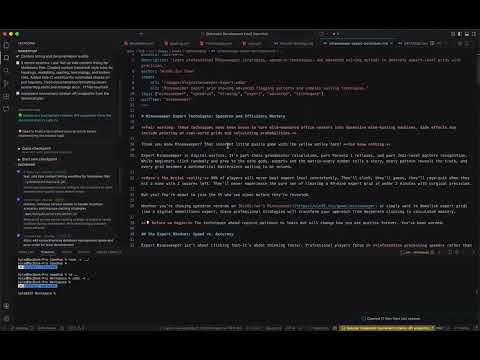
Video Demo
Freemium
Bookmarking
Git
Productivity
Built with Node.js
 Kotlin
 Bash
Bash Typescript
 Astro
Astro Svelte
 Cloudflare
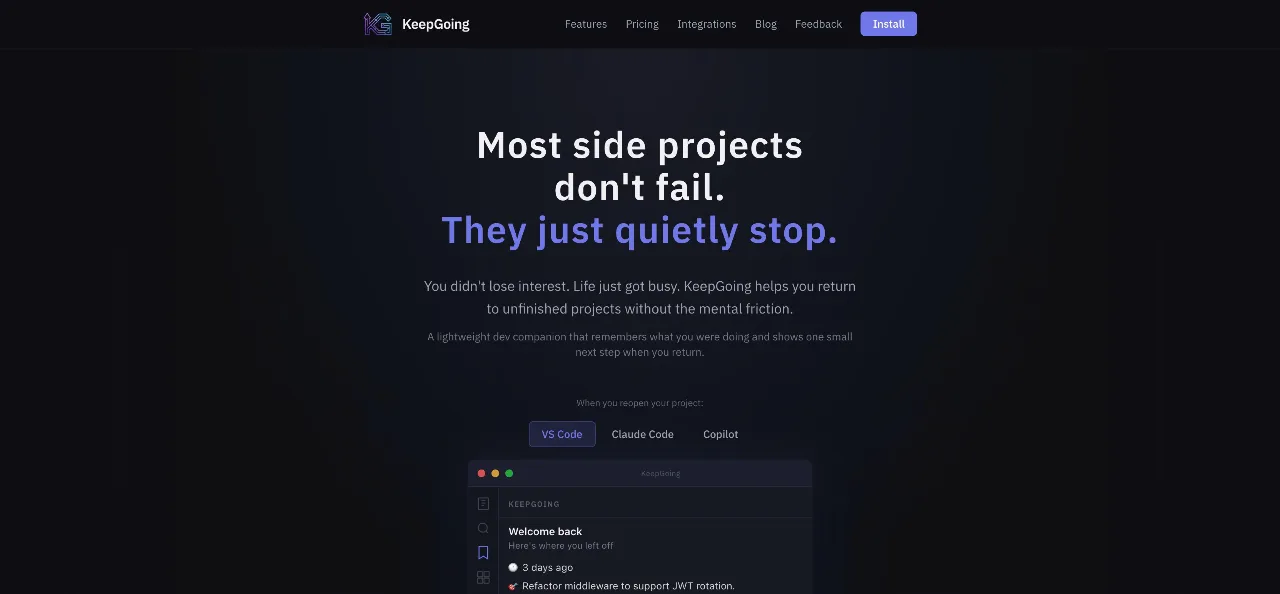
Node.jsKotlinBashTypescriptAstroSvelteCloudflareMost side projects fail not because the idea is bad but due to context loss: the 15-20 minute effort needed to re-read commits, reopen files, and regain the mental focus to remember where you left off. By the time you reconstruct the context, your energy has been depleted. KeepGoing is a lightweight developer companion that automatically saves what you're working on and shows you a small next step when you return. It requires no setup, no documentation, and no process; it runs in the background, monitors your Git activity, and saves simple checkpoints, making it feel like unpausing rather than starting anew when you return after days or weeks.
How it works:
- Code as usual. No additional steps.
- KeepGoing automatically captures context during commits, branch changes, and periods of inactivity.
- When you return, it provides a briefing on your last position and suggests what to do next.
Available as: VS Code extension, JetBrains plugin, MCP server (for Claude Code & GitHub Copilot), CLI, and system tray app.
Built with a local-first approach. All data resides in a .keepgoing/ folder within your repository. No cloud storage, no accounts, no external data.
Loading...













 Prev
Prev Next
Next