MacFader
Turn trackpad edges into hardware faders on macOS.MacFader:
Screenshots
Paid
Utility
Desktop App
Productivity
Built with Swift
SwiftHi everyone 👋
I'm launching MacFader, a small menu bar app that turns the edges of your MacBook trackpad into controls.
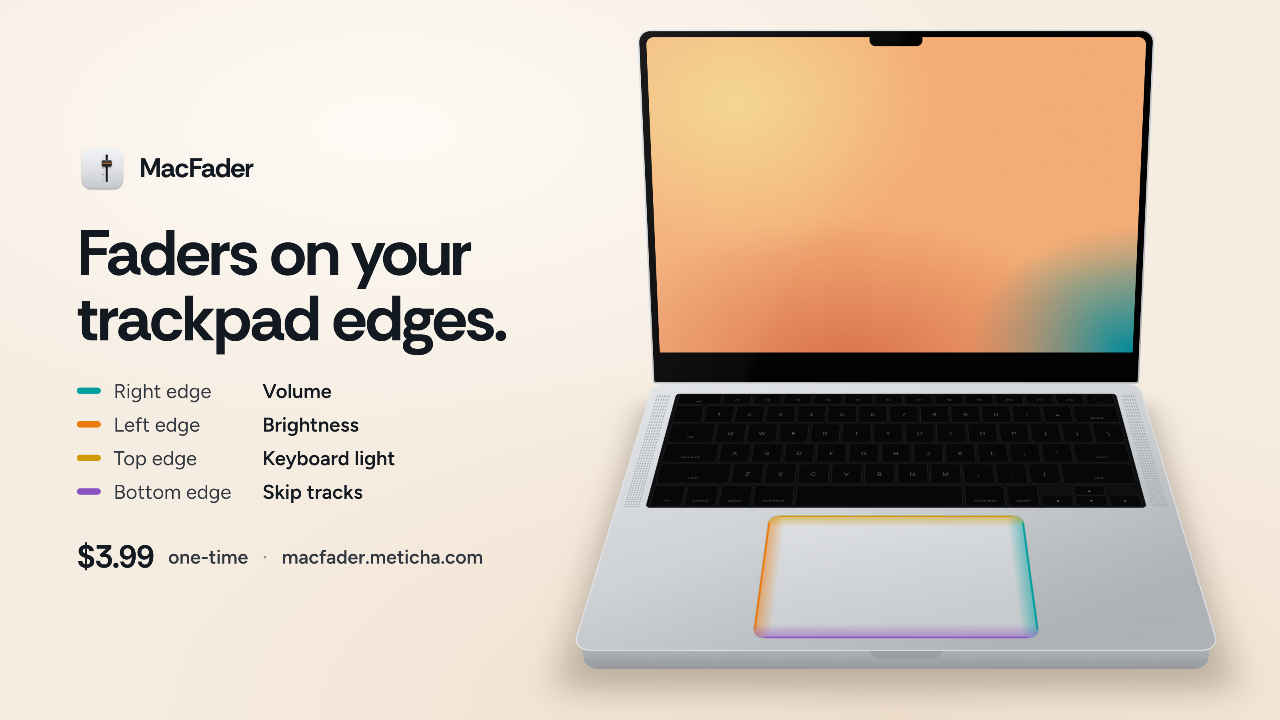
Most of us use the middle of the trackpad and leave its edges idle. MacFader puts them to work:
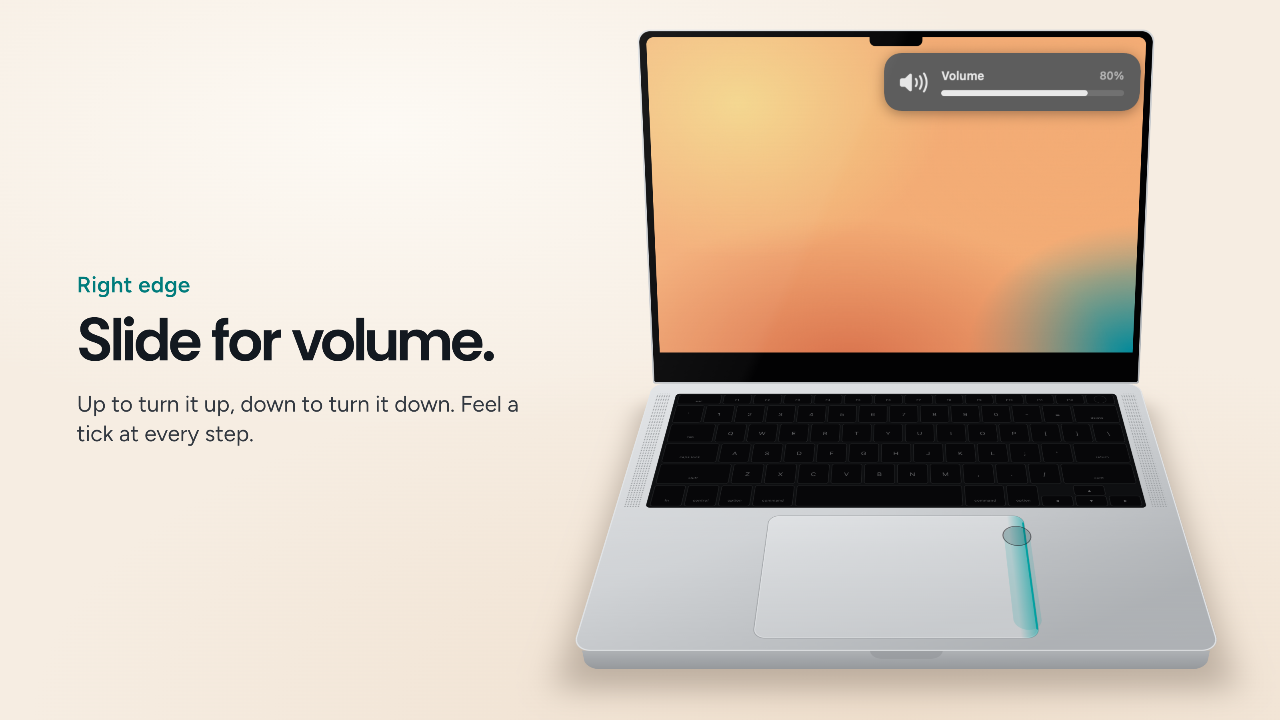
- Right edge: slide for volume
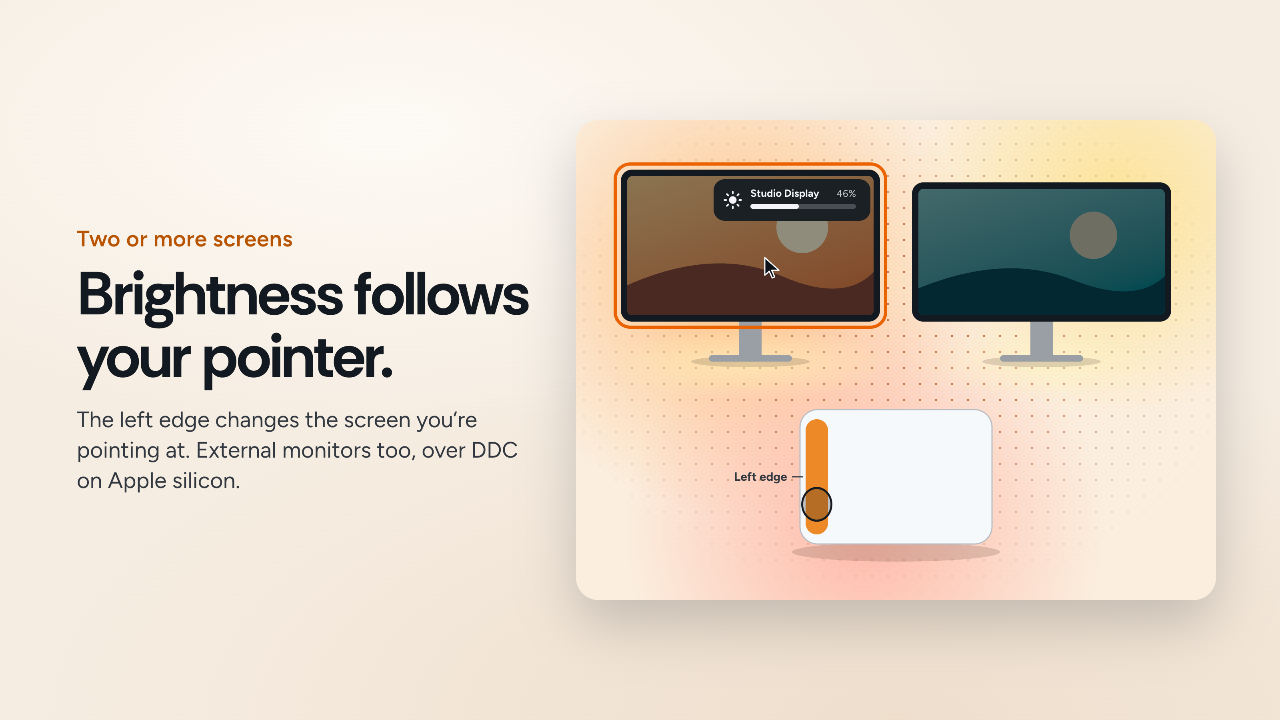
- Left edge: slide for brightness. With more than one screen, it changes the screen under your pointer, including external monitors (DDC, on Apple silicon).
- Top edge: slide for the keyboard backlight
- Bottom edge: swipe to skip tracks, double-tap to play or pause
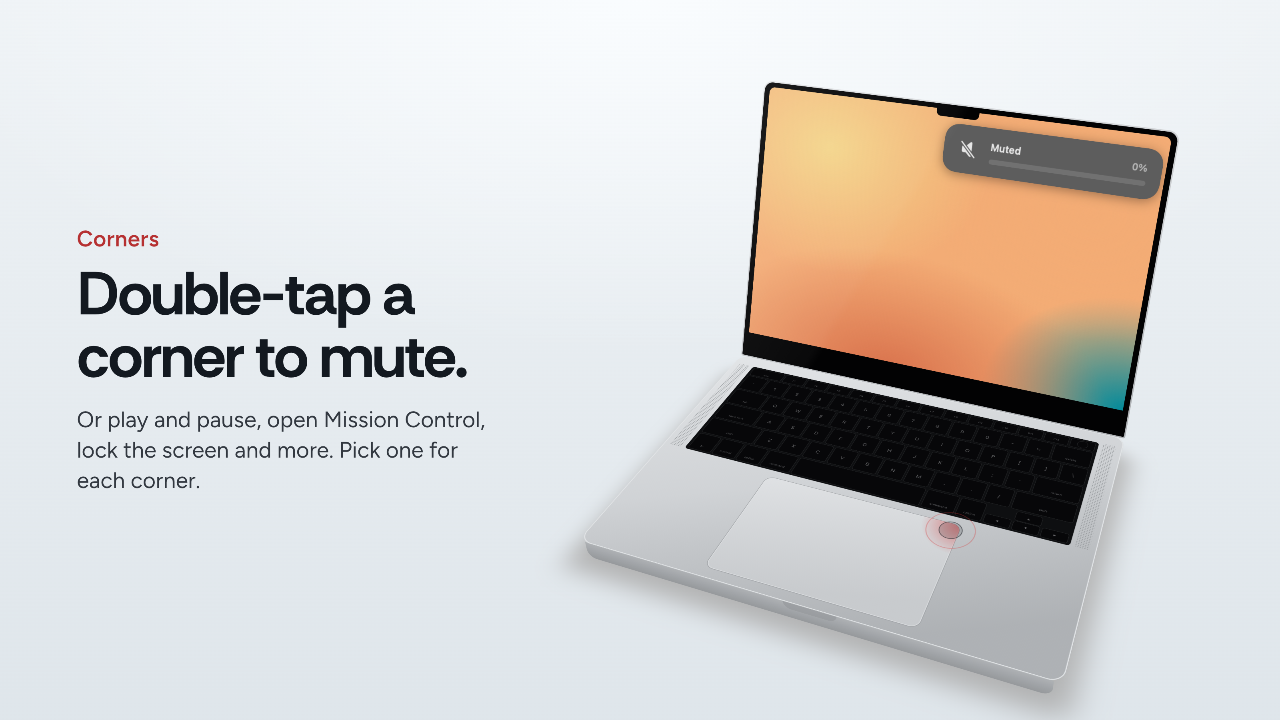
- Corners: double-tap to mute, play or pause, open Mission Control, lock the screen and more
You can choose what each edge and corner does, feel haptic ticks as you slide, and turn it off for games or drawing apps. It ignores your palm and the moment right after you type, so it stays out of your way.
No account, no analytics, no tracking. It only contacts a server to check your license.
$3.99, one-time.
👉 https://macfader.meticha.com
I'd love to hear which edge you'd use most, and what you'd want an edge or corner to do next.
Loading...