
SiteQuest
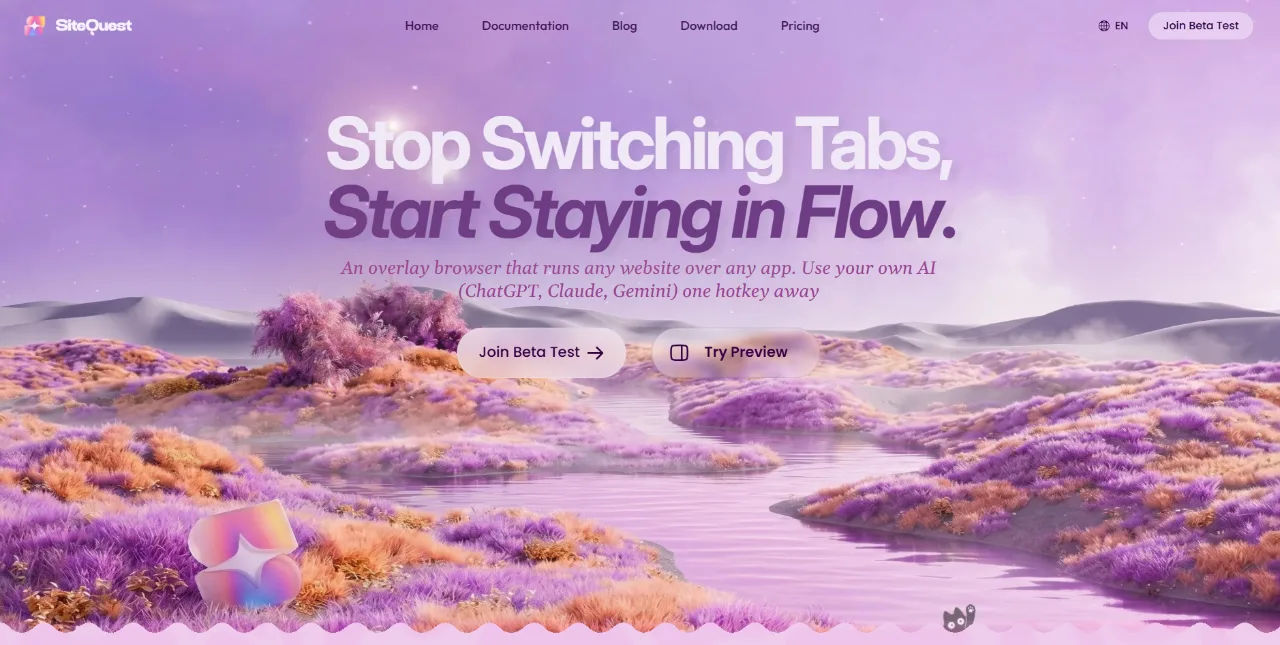
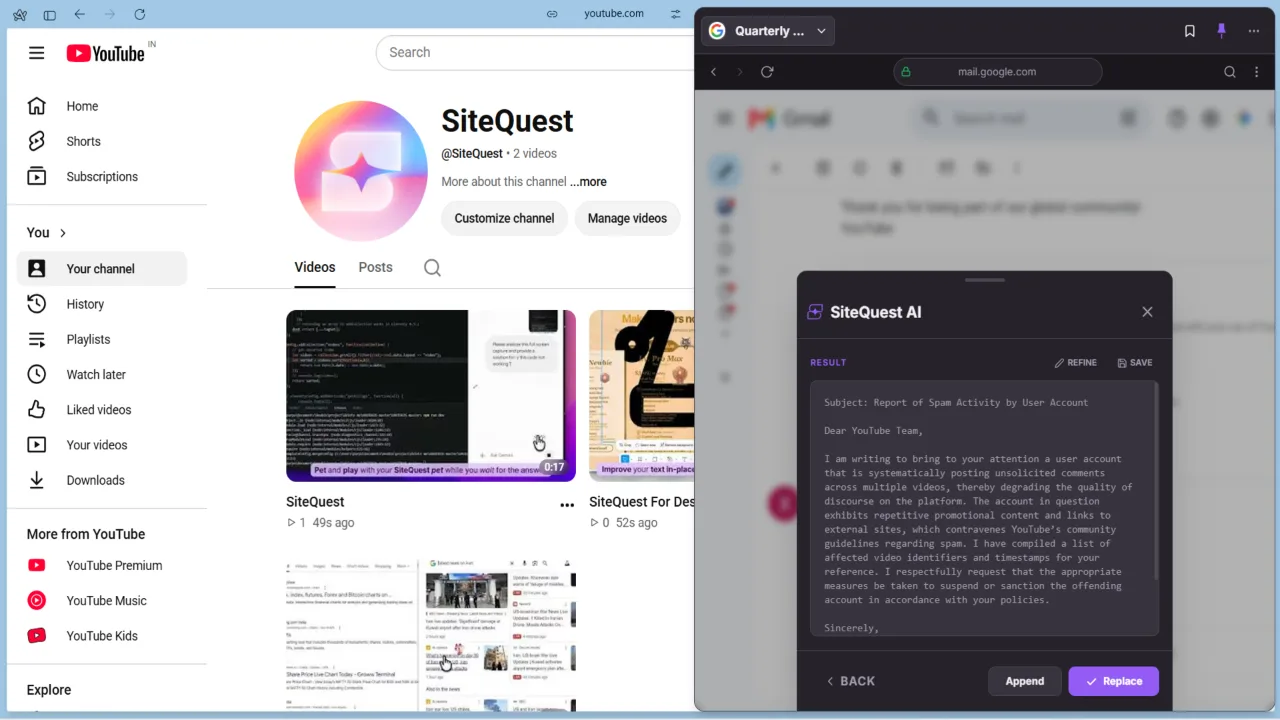
Your Desktop Overlay Browser for Quick Web & AI Access

Screenshots
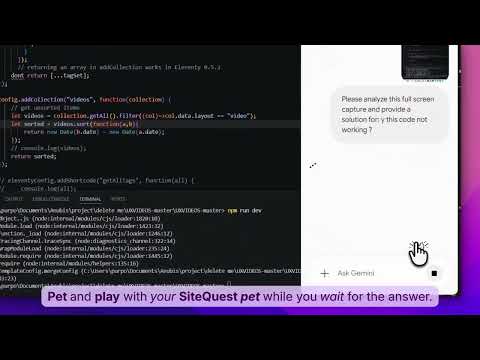
Video Demo
Freemium
Productivity
Desktop App
AI
Built with Mongodb
 Preact
 Typescript
 Javascript
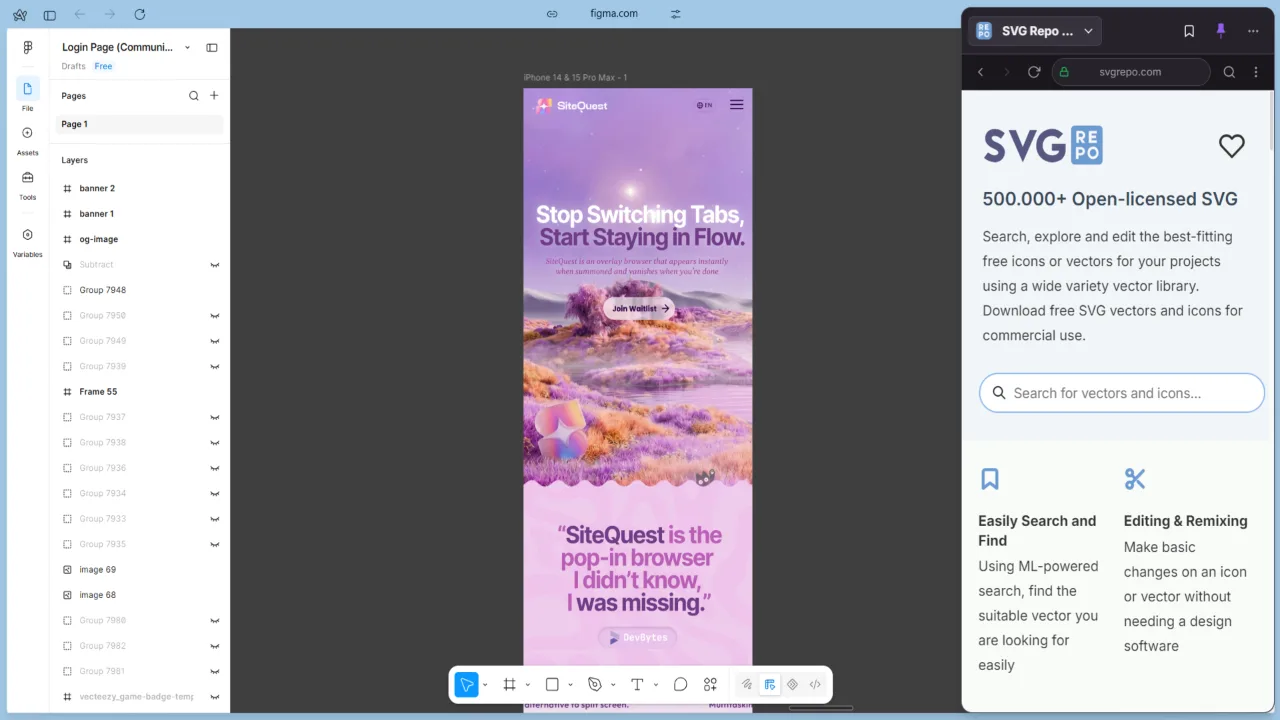
MongodbPreactTypescriptJavascriptSiteQuest is an overlay browser designed for professionals who constantly juggle multiple tabs and applications. It brings any website—ChatGPT, documentation, email, Slack, or any other web service—into a lightweight overlay that appears over your current workspace with a single hotkey. By eliminating the need to switch windows or tabs, SiteQuest helps maintain focus, reduces context switching, and accelerates workflows.
What Makes SiteQuest Stand Out
- Instant hotkey access: Summon any website or AI assistant with a customizable global hotkey, no matter what application you're using.
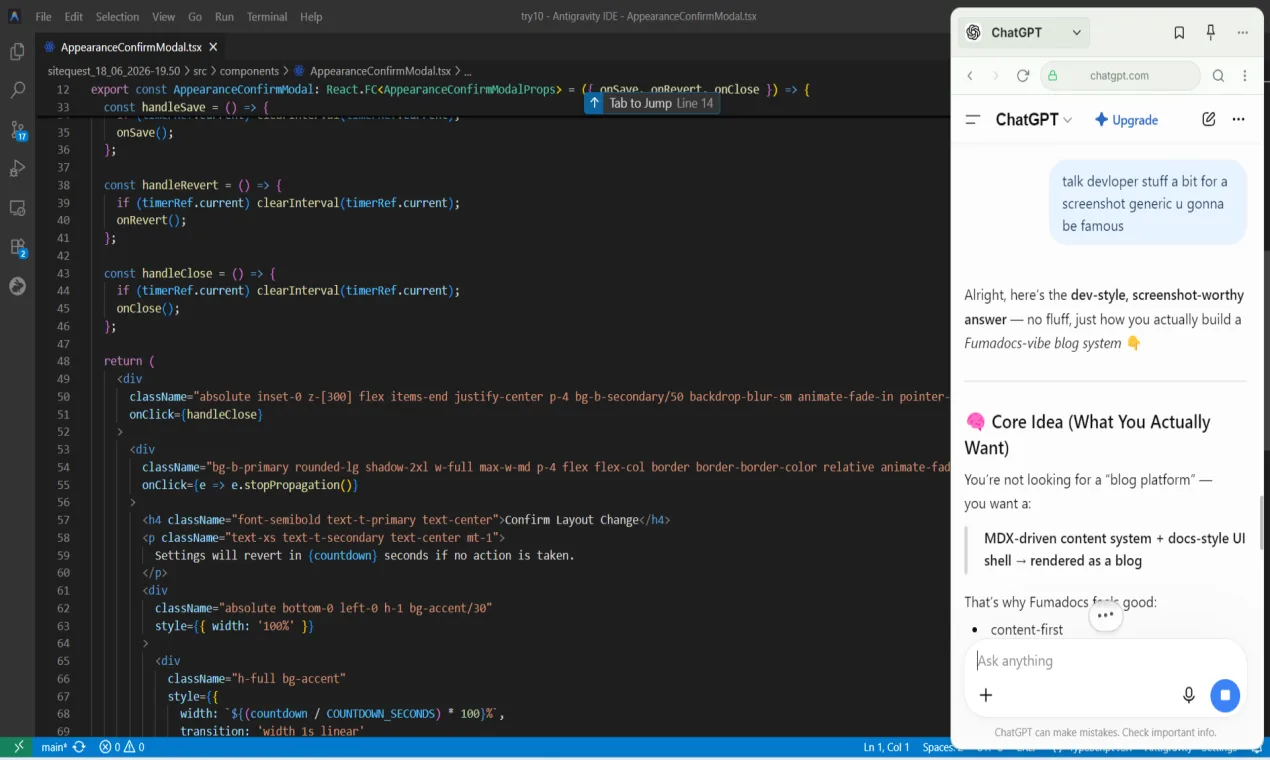
- Any AI, one interface: Use ChatGPT, Claude, Gemini, or other AI services through the overlay without losing your place in your main workflow.
- Lightweight overlay: The browser runs in a small, resizable window that stays on top, so you can view information and interact without disrupting your primary task.
- Cross-platform support: Works seamlessly on desktop operating systems, providing a consistent experience across Windows, macOS, and Linux.
- Privacy-first: SiteQuest does not track your browsing activity; all data stays on your device.
Who Should Use SiteQuest
- Developers and technical professionals who need quick access to documentation, Stack Overflow, or AI coding assistants while coding.
- Remote knowledge workers who juggle email, chats, and web research and want to minimize tab switching to stay in a state of flow.
- Power users of AI tools who want to interact with multiple AI platforms without breaking their workflow or managing numerous browser windows.
Frequently Asked Questions
What is SiteQuest?
SiteQuest is an overlay browser that lets you access any website or AI tool via a global hotkey, without switching tabs or leaving your current application.
How does SiteQuest work?
SiteQuest runs in the background and listens for a customizable hotkey. When pressed, it opens a floating browser window over your active workspace. You can enter a URL or select from saved sites, and the window stays on top until you dismiss it.
Is SiteQuest free?
SiteQuest offers a free tier with core features, and a paid subscription for advanced capabilities like multiple profiles, custom shortcuts, and priority support.

















 Prev
Prev Next
Next