Tuck
Hide, search, and manage macOS menu bar icons
Screenshots
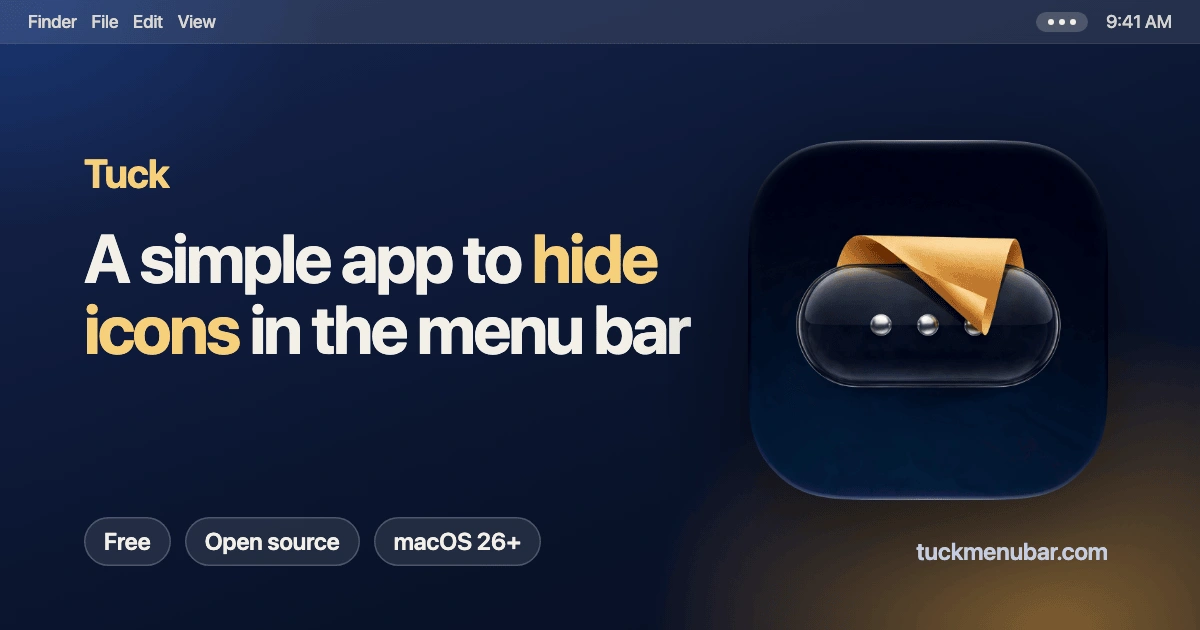
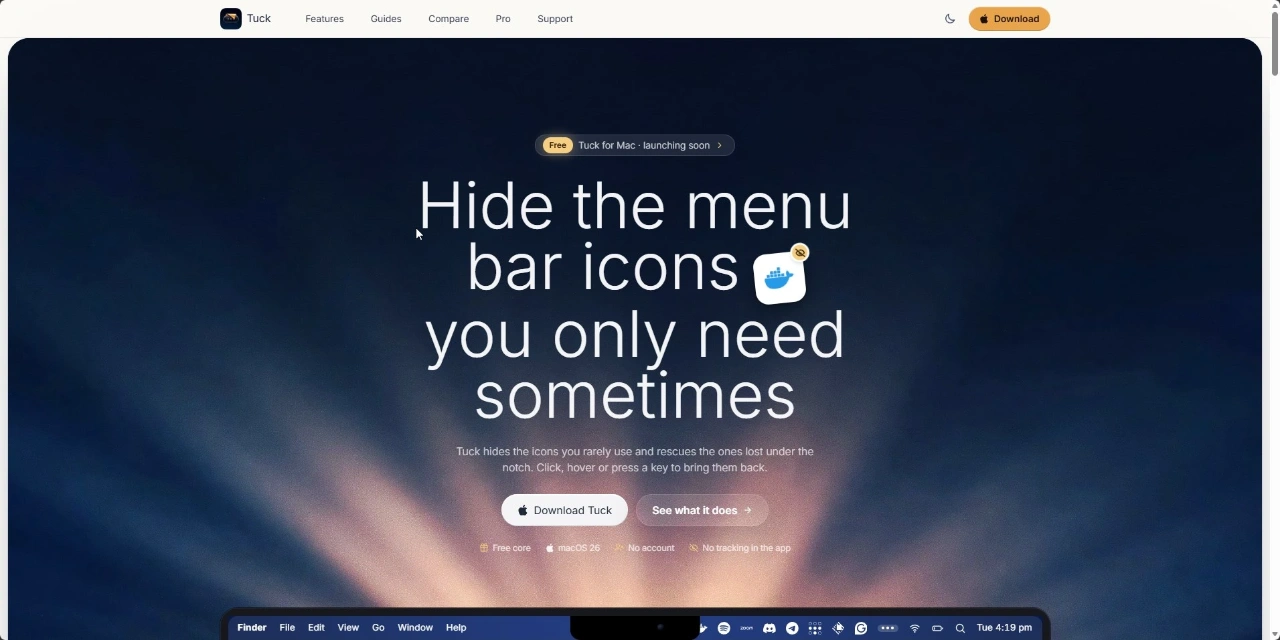
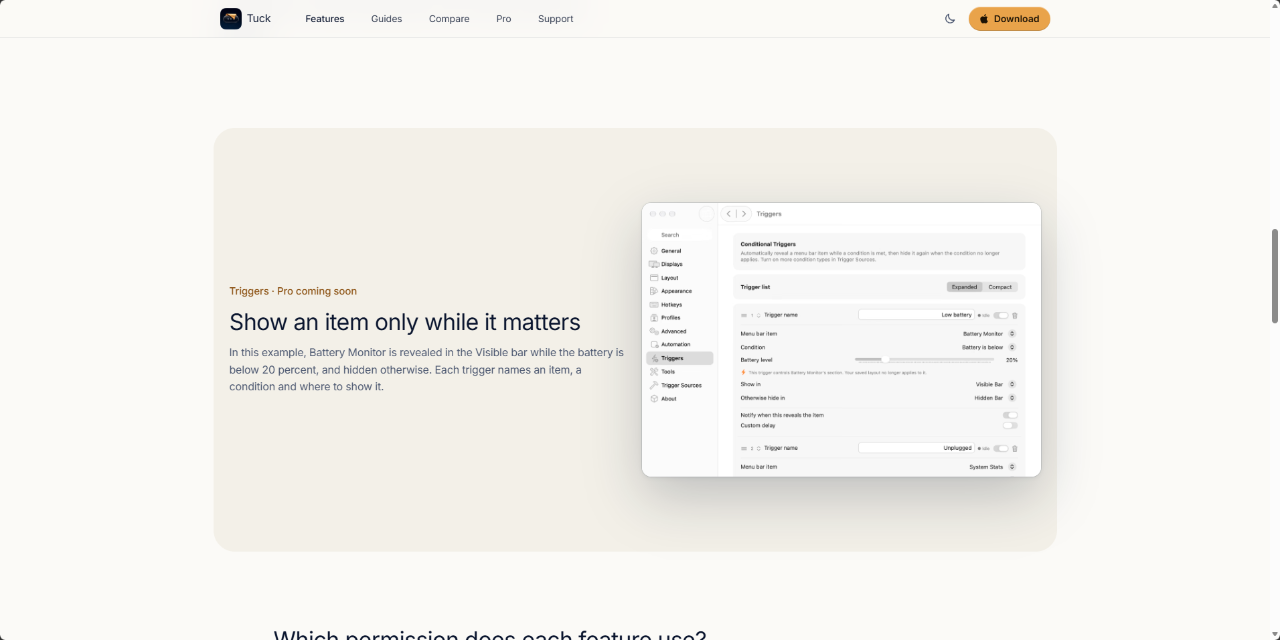
 Appstore
What is Tuck?
Tuck is a menu bar manager built for macOS that organizes crowded status icons. Modern Mac setups often accumulate dozens of utility icons, which can quickly clutter the screen or get pushed completely out of reach under the MacBook hardware notch. Tuck solves this by dividing icons into distinct sections and collapsing unneeded items out of sight.
Rather than simply hiding icons behind a single toggle, Tuck provides a specialized secondary bar called the Tuck Bar, designed specifically to display hidden items beneath the screen notch on laptops. It also incorporates a keyboard-driven search palette that lets you locate and activate any running menu bar item without relying on mouse navigation.
The application takes a privacy-first approach by operating entirely on your local machine. It requires no user account, contains no telemetry or behavioral tracking, and makes screen recording permissions purely optional so your core functionality works with only basic accessibility access.
Who is it for?
Tuck is designed for Mac users who run numerous background utilities and want a cleaner, more practical desktop interface.
- MacBook users with camera notches who regularly lose status icons behind the physical display cutout.
- Keyboard-centric power users who prefer jumping to running background tools via hotkeys and search rather than clicking small icons.
- Privacy-conscious users who want menu bar customization without mandatory screen capture permissions, accounts, or analytics.
- Multi-app multitaskers running cloud sync, chat, security, and developer tools simultaneously.
Key features
- Tuck Bar: A dedicated floating row placed beneath the MacBook camera notch so hidden icons remain accessible rather than getting buried by the hardware cutout.
- Configurable icon sections: Sort your items across Visible, Hidden, and Always-Hidden categories to maintain precise control over what stays on screen.
- Multiple reveal triggers: Reveal hidden items instantly through hovering, clicking empty space, swiping, scrolling, or pressing custom hotkeys.
- Keyboard search palette: Open a dedicated search bar with a shortcut, type the app name, and interact directly with any background status item.
- Customizable aesthetics: Adjust appearance settings with solid colors, gradients, wallpaper-matched tinting, borders, shadows, and distinct styling for light and dark modes.
- Privacy-friendly permissions: Operates core hiding and sorting features with only standard macOS Accessibility permissions, leaving Screen Recording completely optional.
- Zen mode: Temporarily lock and hide every status section in a single action to remove visual distractions during deep focus.
Use cases
When working on a notched MacBook Pro, running multiple developer tools, chat clients, and cloud backup utilities quickly pushes critical status items out of view. Tuck deploys the Tuck Bar beneath the camera notch, ensuring every active tool remains clickable without sacrificing screen space.
For minimalists and writers seeking an uncluttered desktop, Tuck hides every secondary utility until needed. Activating Zen mode conceals all non-essential items and locks out casual reveals, allowing you to focus on primary tasks without visual noise.
Users with extensive background utilities can bypass tedious mouse hunting entirely. Pressing a keyboard shortcut brings up the search panel, allowing you to type a few letters and jump straight into a specific item menu such as Spotify playback or VPN toggles.
Pricing
The core Tuck application is completely free and licensed under GPL-3.0 with no account or subscription required. A paid expansion called Tuck Pro is planned as a one-time purchase for $12 USD, which will add features like layout profiles, condition-based triggers, and per-display layout options.
Alternatives
Tuck is directly derived from Thaw and Ice, both open-source menu bar managers for macOS under the GPL-3.0 license. Tuck differentiates itself through the dedicated Tuck Bar interface for notched displays, built-in keyboard search navigation, and modular permission requirements that keep screen recording strictly optional.
FAQ
Is Tuck free to use?
Yes, the core app is free and released under the GPL-3.0 open-source license. An optional Pro tier is planned as a one-time $12 unlock for advanced features like layout profiles and automation triggers.
Which macOS versions are supported?
Tuck is built for macOS 26. It does not support older versions like macOS 14 or 15, and compatibility for macOS 27 is currently in development.
Related products
View all
Daily Random Bible Verse Generator
Tap for a fresh KJV verse, switch translations, then copy it

AntForms
Unlimited free submissions + free analytics + integrations +


Excelerator Password 2.0
Lock and unlock Excel workbooks without opening Excel


More categories
All categories

Launched in Week 5, 2027
See the weekMergePNG
Merge PNG images online for free
Outbound
Mac application firewall to monitor and control connections

RankBuddy
AI SEO, SEO agent, AI SEO employee, SEO tools, SEO audit, ke

AddSpeechBubble
Create realistic Discord DM screenshots in a phone frame

