You can't review camera movement or audio timing from a static storyboard. A creator or product team often has a cover image, a voice clip, and a one-line motion idea, but no fast way to see them together as a moving clip before committing to a full edit. The gap is not editing skill; it's the cost of generating a short, disposable reference that can be shown in a feedback thread.
## A pre-visualization gap in early creative work
The first problem is not which tool but what do we need to see. A useful motion reference has to answer three questions: does the motion match the audio energy, does the visual framing stay close to the approved artwork, and can the team react to it without asking for a polished version. If the answer requires a designer to open a timeline, the loop slows down. Many builders and podcasters have already separated idea capture from production; they just lack a middle step for motion pre-visualization.
## Setting pass/fail criteria before generating
In a quality review, the review has to happen against criteria, not a vague feeling. Before any generation, write down what would make the clip worth keeping for discussion. For a podcast teaser, that might be:
- The first 4 seconds use the cover art as the only visual. - The motion intensity follows the voice clip's volume changes. - The result stays under 15 seconds so it can be shared in a chat review. - The output does not introduce new characters or logos.
These are deliberately small, non-aesthetic criteria. They make it possible to say pass or fail without debating style.
## A pre-flight checklist for reference-driven prompts
To keep the test reproducible, I keep a short brief object in the project notes. This is not an API call; it is a thinking tool for the person running the test:
- Image reference: episode_cover.png - Audio reference: guest_quote_12s.mp3 - Text prompt: slow push-in on artwork, waveform pulses under the title - Review focus: does the camera move support the guest's emphasis?
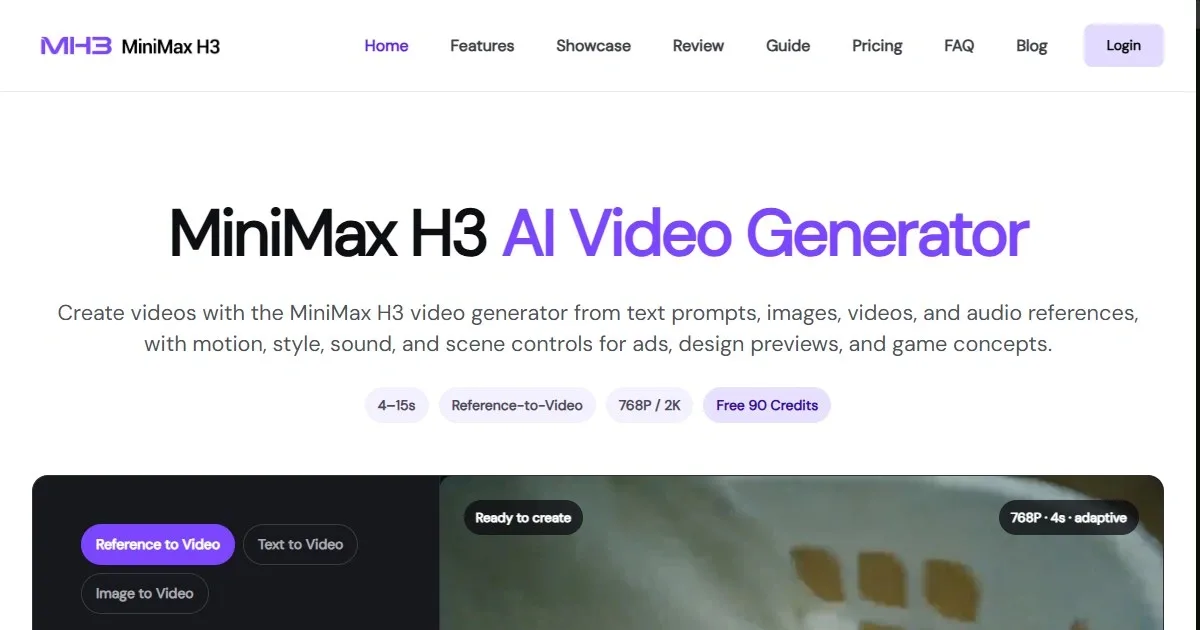
This format forces the team to name the reference inputs and the single thing they are checking. According to the product page, MiniMax H3 AI Video Generator accepts text, image, video, and audio reference inputs with multimodal controls for marketing, design, and gaming workflows. In practice, that means the same brief format can be used to test whether a multi-input prompt produces a reviewable clip or just a generic loop.
## Reading the output against the original intent
After the clip comes back, the review is a comparison, not a preference. I open the brief, look at the three pass/fail criteria, and check only those. If the motion does not follow the audio energy, the output fails even if it looks clean. If it preserves the artwork but the camera move distracts from the spoken word, that is a fix note for the next run. The goal is a short note like audio sync passes, framing fails at 0:07 because the zoom reaches the edge of the artwork. That note is useful to a designer; looks cool is not.
## Where this fits without replacing the main edit
This reference step is not a replacement for editing, color, or sound design. It is a decision tool for early creative work: does this direction deserve more time? The risk is treating the generated clip as a final asset instead of a conversation starter. If a team keeps the review criteria narrow and the duration short, the loop can happen in minutes instead of days. For teams that want to inspect the exact controls described here, the MiniMax H3 AI Video Generator product page is the most direct reference. Use it to check which input combinations are available, not as a promise of output quality, and the pre-flight checklist will keep the review honest.