
mcp.tc
Discover and configure Model Context Protocol servers
Screenshots
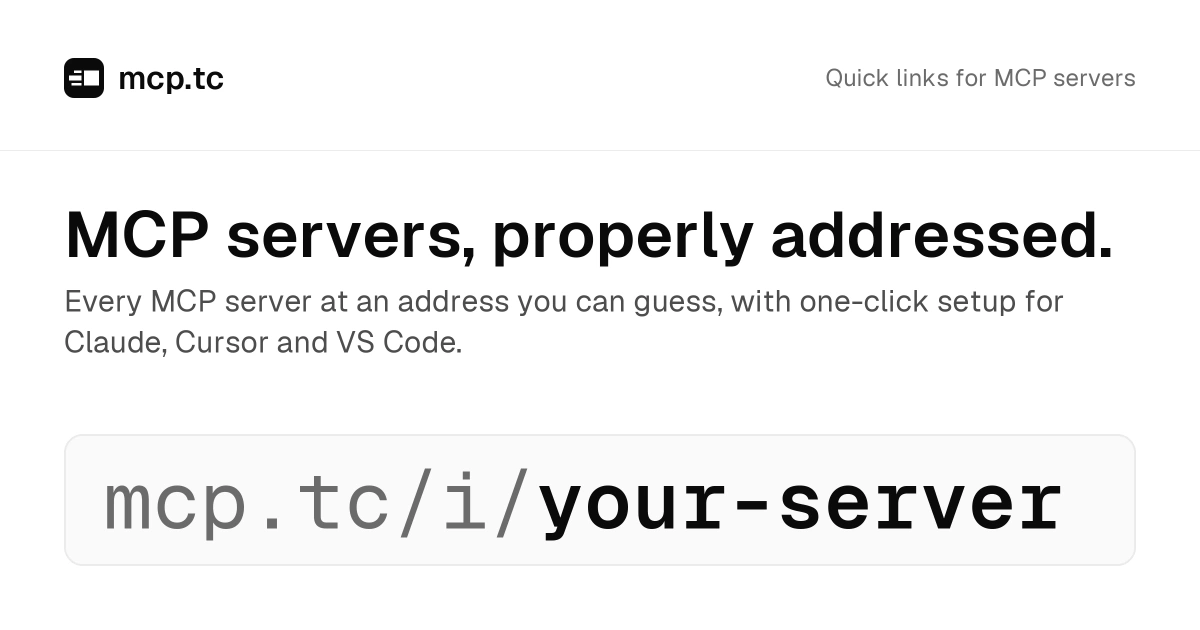
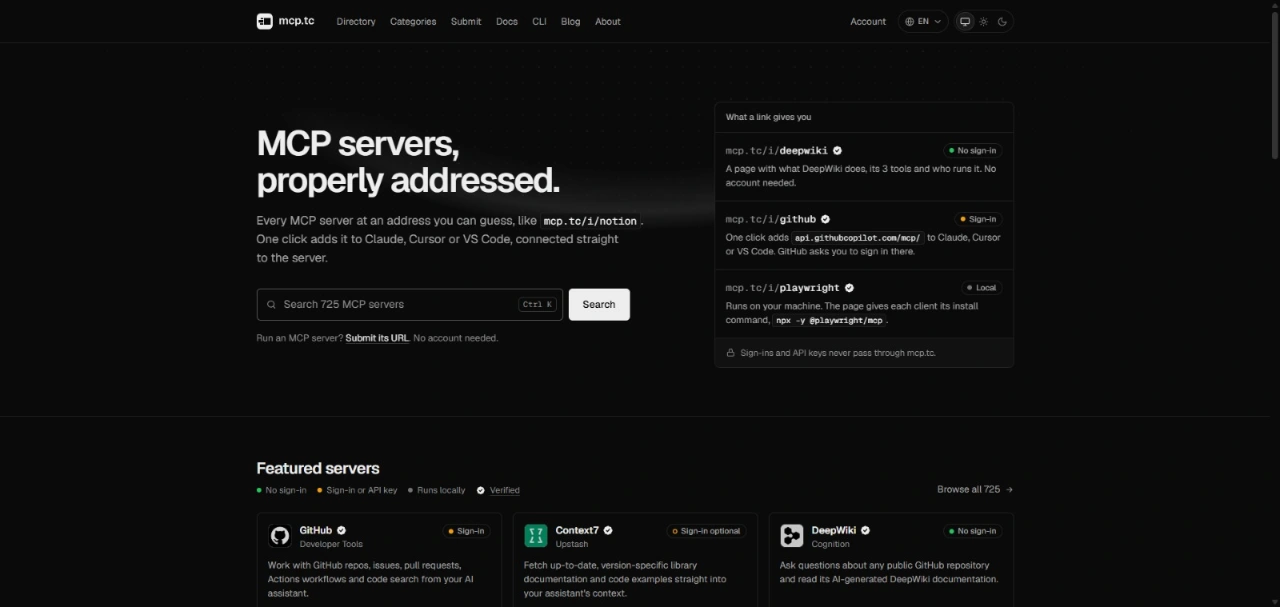
 AdonisJS
What is mcp.tc?
mcp.tc is an independent directory designed to catalog Model Context Protocol (MCP) servers. The Model Context Protocol allows artificial intelligence environments, including Claude, Cursor, and VS Code, to connect to external systems and call specialized tools. As the ecosystem expands, discovering available servers, understanding their requirements, and generating proper client configurations can be difficult.
The directory solves this issue by organizing hundreds of servers into predictable web addresses. Each server receives a readable profile detailing its features, supported tools, and hosting model, whether it runs locally or in the cloud. Instead of manually editing configuration files or hunting down package names, developers get direct links and ready-to-use commands.
mcp.tc operates transparently without routing traffic through an intermediary proxy. When a user connects an AI client to a server listed in the directory, the connection is established straight to the server host. Sign-in credentials, secret tokens, and data payloads are never handled by mcp.tc.
Who is it for?
The platform supports developers and builders integrating external context into their daily AI workflows:
- Software engineers configuring coding assistants in Cursor or VS Code to query codebases, pull requests, and documentation.
- DevOps and infrastructure teams wiring monitoring, databases, and deployment platforms directly into AI models.
- MCP server authors looking to publish their tools and make them discoverable without managing complex installation guides.
- Technical users seeking straightforward one-click configurations for Claude.
Key features
- Predictable addresses: Assigns short, guessable URLs to every listing, making server pages easy to reference in chats, documentation, and repositories.
- Direct client integration: Generates one-click installation buttons and CLI commands for clients like Claude, Cursor, and VS Code.
- Direct communication: Keeps AI client traffic private by pointing directly to the destination endpoint without routing tokens, prompts, or API calls through directory infrastructure.
- Tool monitoring: Regularly inspects publicly accessible server configurations multiple times per day to log additions, removals, and updates in a historical timeline.
- Change notifications: Lets users follow individual servers to receive email updates whenever capabilities or tool definitions are modified.
- Server submission workflow: Allows creators to submit a GitHub repository, npm package, PyPI package, or remote URL without requiring an account.
- Filterable database: Tags entries with operational requirements so users instantly see if a service runs locally, requires authentication, or works without an API key.
How it works
- Search the directory by server name, vendor, or topic, checking whether the tool requires sign-in credentials or runs locally.
- Select a profile to review the tool definitions, documentation, and client-specific setup options.
- Click the configuration button or copy the terminal command into your preferred assistant to establish a direct connection to the server.
- Share the clean link or follow the server to receive alerts when tool definitions change.
Use cases
A developer working inside Cursor needs immediate access to library documentation and code samples. They locate the Context7 entry on mcp.tc, copy the generated setup instruction, and configure their editor without searching for package endpoints.
An operations engineer wants Claude to review production traces and error reports. Using the directory, they find the verified Sentry entry, verify its authentication requirements, and deploy the configuration directly into Claude.
An open-source author creates a new MCP utility and pastes their repository link into the submission page. The directory parses the server capabilities, publishes the profile within minutes, and makes it available under a readable URL.
Pricing
The service is entirely free to use. Visitors can browse listings, access configuration commands, and submit new servers without paying or creating an account. Signing in to track servers, follow updates, and manage submissions is also available at no cost.
FAQ
Is mcp.tc free to use?
Yes. Browsing the directory, setting up servers, following updates, and submitting new listings are free without required payment plans.
Does user traffic or data pass through mcp.tc?
No. Client assistants communicate directly with the individual server endpoints. Authentication tokens, API keys, and tool queries never pass through directory servers.
Which AI clients can connect to servers listed in the directory?
The directory provides integration paths and commands tailored for clients such as Claude, Cursor, and VS Code.
Related products
View all
DevCleaner
Reclaim Gigabytes from Your Mac Dev Tools

OneKitly
1,800+ free online calculators, converters and tools

DiscoverLaunches
Launch products to gain visibility on Google and AI search

Ornold
AI-Powered Browser Automation for Antidetect Browsers


More categories
All categories






Launched in Week 9, 2027
See the week
Vidlark
AI video generator for text and image to video
CodeGuard AI
Self-hosted AI code reviews for GitHub pull requests

Wellnito
All-in-one salon, spa, and wellness management software.

Layerwise
Build full-stack web apps with AI on your computer