
utils.sbs
Private browser tools for images, media, PDFs and code
Screenshots
Open Source
Free
Utility
File Converter
DevTool
Built with Next.js
 opencode
Next.jsopencodeWhat is utils.sbs?
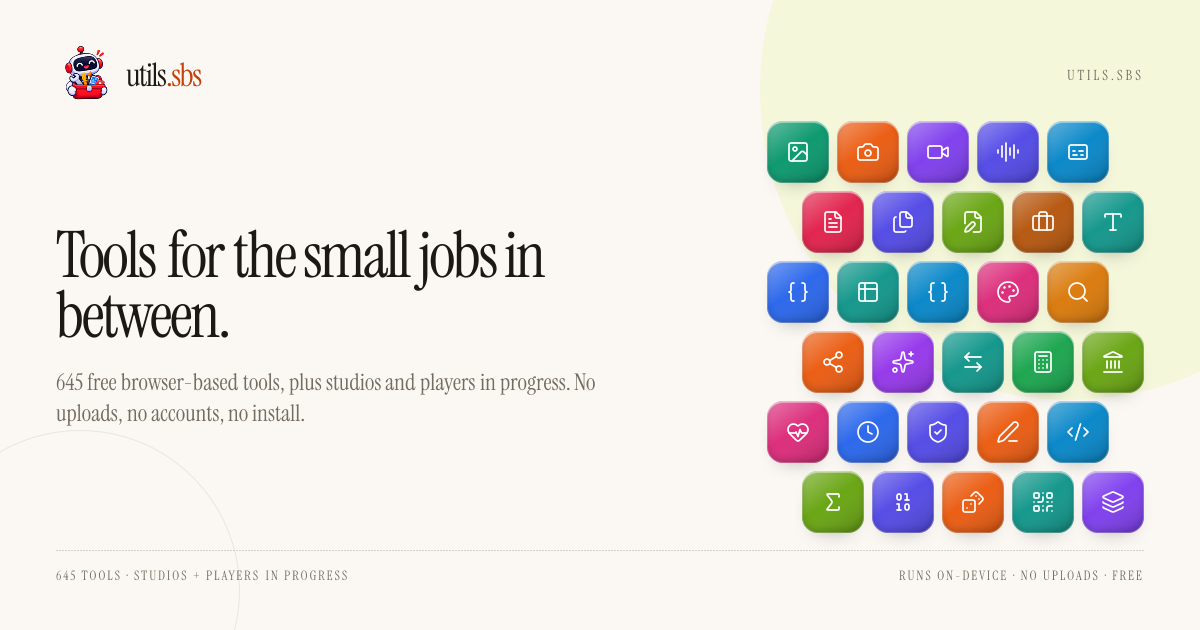
utils.sbs is an online collection of hundreds of browser-based utilities designed for everyday digital tasks. Instead of requiring users to install standalone desktop software or upload sensitive assets to remote cloud servers, the platform provides direct access to functional tools across domains like media editing, document management, and code formatting.
Many traditional conversion and editing websites process user files on external backend infrastructure, creating privacy risks and queue delays. utils.sbs solves this problem by using a local-first architecture. All file transformations, calculations, and conversions happen directly within the user's web browser, meaning data never leaves the client device.
The catalog spans over 600 single-purpose tools organized across dozens of shelves. Users can complete quick modifications, download their outputs, and close the tab without registration walls or subscription prompts.
Who is it for?
utils.sbs serves anyone who needs to handle routine file manipulations securely and quickly.
- Developers and designers who require fast image conversions, CSS formatting, and data encoding tools.
- Content creators preparing audio, video clips, subtitles, and social media image dimensions.
- Privacy-conscious professionals working with sensitive business invoices, PDFs, and legal documents.
- Students and office workers looking for quick document counters, file converters, and text utilities.
Key features
- Local-first processing ensures that all tasks occur in client-side memory, so your files and inputs are never transmitted to outside servers.
- Image optimization suite offers fast tools to compress, convert, rotate, crop, and resize images across modern formats like WebP, AVIF, PNG, and JPEG.
- Media trimming tools allow users to trim audio clips into WAV files or cut video segments to WebM directly inside the browser window.
- PDF and document management provides utilities to merge multiple PDF files into a single sequence or generate customized business invoices.
- Subtitle conversion converts subtitle files between SubRip SRT and WebVTT formats for web playback compatibility.
- Developer and data helpers include Base64 image encoders and decoders, text analysis counters, and encoding utilities for quick debugging.
- Zero-account access removes the friction of logins, passwords, or email verifications, letting you run any utility on demand.
How it works
- Navigate to the directory and choose a utility from categories like Image, Video, Audio, PDF, or Business.
- Drop your file into the tool interface or paste your input text directly into the browser page.
- Adjust your settings, such as compression level, trim markers, or conversion parameters.
- Download the processed file directly to your local storage without waiting for remote server processing.
Use cases
A marketing manager can take a high-resolution banner and use the social image resizer to prepare assets tailored for LinkedIn, X, YouTube, and Instagram in minutes.
A remote contractor can generate print-ready client invoices complete with custom logos, unique color schemes, and multiple itemized rows without signing up for invoicing software.
A web developer can convert a folder of PNG assets to lightweight WebP or AVIF formats to optimize website loading speeds without exposing proprietary graphics to third-party endpoints.
Pricing
utils.sbs is completely free. Every tool is available with no account creation, no usage limits, no trial expirations, and no paid tiers.
Alternatives
Unlike cloud-reliant file conversion sites like TinyPNG, CloudConvert, or Smallpdf, utils.sbs runs operations locally inside your web browser so private files are never uploaded across the network.
FAQ
Are the tools on utils.sbs completely free?
Yes. Every utility on the website is free to use with no hidden fees, subscriptions, or file caps.
Do my files get uploaded to a server?
No. Processing happens entirely within your web browser using client-side execution, so files never leave your device.
Do I need an account to use the service?
No registration or account creation is required to use any of the utilities on the site.
What kind of tasks can I handle?
The collection spans hundreds of tools covering image compression, video and audio trimming, PDF merging, subtitle conversion, document generation, and data encoding.
Loading...