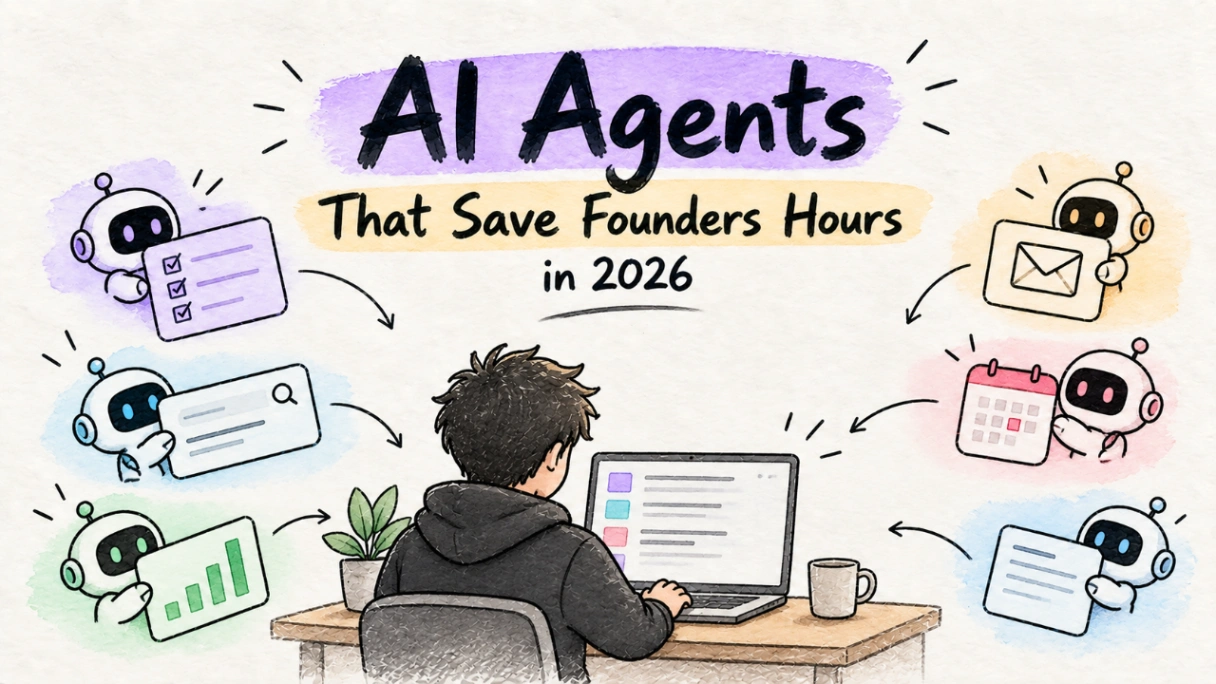
You launched on a Tuesday. By Friday, you have 12 signups. That’s 12 welcome emails, 12 potential support tickets, and 12 users poking at the edges of your app. You’re also trying to ship a patch, write a changelog, and figure out what to build next. Your nights and weekends are gone. You’ve thought about AI. Not the chatbot you use to fix regex, but something more. An agent. Something that does things.
The hype cycle around autonomous agents is deafening. Demos show agents booking flights, ordering pizza, and refactoring entire codebases. For a solo founder, this sounds like a digital co-founder. It’s not. Using agents like that is the fastest way to burn your time and your cloud budget. The truth is simpler and more practical.
In 2026, AI agents can save you hours, but only if you give them the right jobs. The secret is to separate your demos from your daily drivers.
Agent vs. Chatbot: It's Agency, Stupid
Let's get this straight first. A chatbot is a tool; an agent is a system.
A chatbot (Claude 3.5, GPT-4o) is a sophisticated question-and-answer machine. You provide a prompt and context; it provides a response. It’s stateless. It waits for you. It’s a brilliant intern you have to give instructions to for every single task.
An AI agent is a system you give a goal. It has access to tools—a web browser, your codebase, a set of APIs. It creates a plan, executes steps, observes the results, and adjusts its plan until the goal is met (or it fails). It has memory and the ability to act. It's the difference between asking someone to "write a sentence about our new feature" and telling them to "draft a complete changelog for version 1.2, get the key benefits from the commit messages, and format it in Markdown."
This capacity for action is precisely what makes agents both powerful and dangerous.
Tasks Worth Automating: Create Drafts, Not Disasters
The rule for founder automation is simple: Automate tasks where the output is a draft you can review. Never automate a task that makes a final, irreversible decision. Think of it as creating a "demo" of the final product—a report, a piece of code, an email—that you personally approve before it goes live.
These are the jobs your first agent should have.
1. Competitor Research and Market Analysis
This is the lowest-hanging fruit. Research is time-consuming, repetitive, and perfect for an agent with a browser tool.
The Goal: "Analyze the top 3 apps in the 'personal CRM' category. Create a Markdown table comparing their pricing tiers. Scour Reddit, Twitter, and our own product pages for the 10 most recent user complaints about them. Summarize the key missing features."
Why it Works: The output is a document. The stakes are low. If the agent hallucinates a competitor's price, you can verify it in seconds. It just saved you three hours of mind-numbing tab-switching. The value is immediate.
2. Content and SEO Briefs
You know you need to blog, but staring at a blank page is brutal. An agent can build the entire skeleton for you.
The Goal: "Generate a content brief for the keyword 'SaaS boilerplate for solo founders'. Follow the structure in our guide to SaaS SEO. Include a target word count, a list of 15 related keywords, H2/H3 suggestions based on the top 5 ranking articles, and three potential title options."
Why it Works: This isn't "write me a blog post." That usually produces generic fluff. This is "do the SEO research and outline the post for me." The agent acts as a research assistant, and you, the founder, provide the unique insights and voice. The agent does the science; you do the art.
3. First-Draft Support Triage
Your first few users deserve quick, personal replies. But you don't need to type out the same five diagnostic questions every time.
The Goal: "When a new ticket comes in via email with the subject 'Login issue', check our internal docs for 'password reset flow'. Draft a reply that thanks the user, asks if they've tried the 'Forgot Password' link, and requests their account email. Save the response as a draft and tag it for my review."
Why it Works: The key is draft. The agent never communicates directly with the customer. It handles the initial, repetitive step, teeing up a perfect response for you to personalize and send. You maintain control and quality while still saving time on every ticket.
4. Changelog and Release Note Generation
You just merged five pull requests. Now you have to write about them. An agent connected to your Git repository can handle the first pass.
The Goal: "Scan the last 10 commit messages on the `main` branch. Group them by 'feature', 'fix', and 'chore'. For each feature, write a one-sentence summary of the benefit to the user. Format the output as a Markdown list."
Why it Works: It turns structured data (commit logs) into human-readable content. It's a reviewable draft. You'll still need to polish it, add your brand's voice, and maybe highlight the most important update, but the grunt work is done.
The Red Zone: Tasks an Agent Will Butcher
Giving an agent the wrong job isn't just inefficient; it's a liability. These are the tasks you keep manual, no matter how tempting the automation.
1. Autonomous Code Commits to Production
The 2024 demos of agents finding a bug, writing a fix, and deploying it were impressive. They were also terrifying.
Failure Mode: The agent misinterprets a bug report. It "fixes" it by removing a critical validation check. The code passes the automated tests because the tests weren't designed for this kind of "creative" solution. The agent commits and deploys. Your database is now accepting corrupted data. You find out when a user emails you, "Hey, I think I just overwrote another user's project."
2. Automated Customer Replies
Letting an agent draft a response is smart. Letting it send the response is not.
Failure Mode: A user writes, "I'm so frustrated, I can't get this to work. I'm about to give up." The agent, trained on millions of generic interactions, responds with a chipper, unhelpful, "I'm sorry to hear you're having trouble! Have you tried turning it off and on again?" You just lost a customer and gained a detractor.
3. Unsupervised Financial Decisions
Never let an agent have final say over anything involving money.
Failure Mode: You ask an agent to "process refunds for all customers who complained about last week's outage." The agent scrapes your support inbox, but its keyword matching is too broad. It initiates refunds for every user who mentioned the word "outage," including those who were just asking if it had happened. You just gave away 10% of your MRR by mistake.
How to Evaluate an Agent Without a Research Team
You don't need a formal process. You need a back-of-the-napkin calculation to see if a founder automation workflow is worth it. Use this three-point check.
Time to Value (TTV): How long does it take you to set up and prompt the agent versus just doing the task? If you spend 30 minutes crafting the perfect prompt for a task that takes you 5 minutes manually, the TTV is negative. Start with simple prompts and only increase complexity if the time savings are obvious.
Success Rate & Failure Mode: Does it work 9/10 times or 3/10 times? More importantly, when it fails, does it stop and alert you, or does it produce confident nonsense? An agent that fails gracefully is usable. An agent that fails silently or destructively is a trap.
Cost Per Task: Connect your API key and run the task once. Go to your provider's dashboard (OpenAI, Anthropic, Google) and see how much that single run cost. Was it $0.02 or $2.00? If an agent costs $2 to write a changelog draft that saves you 15 minutes, your time is being valued at $8/hour. Your time is worth more than that. The cost per task must be trivial.
Don't Let Your Agent Bankrupt You
The single biggest risk of AI agents for a solo founder is cost. An agent stuck in a loop can burn through hundreds of dollars in hours. You must be ruthless about cost control.
Set Hard Limits
Most agent frameworks and cloud platforms allow you to set budget constraints. Use them. Never run an agent without a ceiling. A simple pseudo-code example shows the idea:
const result = await myAgent.run({
  goal: "Summarize today's top 5 indie hacker news stories.",
  tools: [browserTool, searchTool],
  max_iterations: 15, // Failsafe: stop after 15 steps
  max_cost_usd: 0.75,   // Failsafe: stop if cost exceeds $0.75
});
These are not suggestions; they are your financial seatbelt.
Beware the "Always-On" Trap
Some tools promise agents that are "always on," monitoring your business 24/7. This is a terrifying prospect for a bootstrapped founder. A poorly configured always-on agent can easily get stuck in a repetitive, expensive loop while you sleep. As we've written before, these always-on agents can be a ticking bomb for your runway. Stick to agents that you trigger manually for specific tasks.
Use the Right-Sized Model
You don't need a sledgehammer to crack a nut. The biggest, most powerful models (like GPT-4.5-Turbo or Claude 4) are expensive. For many drafting and summarization tasks, a smaller, faster, and dramatically cheaper model (like Claude 3.5 Sonnet or an open-source model) is more than capable. Your default should be the cheapest model that can reliably do the job. Only upgrade for tasks that require deep reasoning.
Are AI agents useful for a small startup in 2026? Yes, as long as you treat them like hyper-competent interns, not autonomous executives.
What should you automate first? Your most painful, repetitive research or drafting task that has a clear, reviewable output.
The goal of founder automation is not to build a self-running company. It's to buy back your most valuable asset: your time. Every hour an agent saves you on drafting a changelog is an hour you can spend talking to a user. Every research report it generates overnight is a morning you can spend writing code.
Use agents to handle the repetitive chores. Use your reclaimed time to build something human. Something worth launching.