You launched on Tuesday. By Friday, you have 12 signups. Nine are real. Three are typos in the email address you'll never be able to contact. One of the real nine has already emailed you: "forgot my password." This is the reality of shipping a product with email and password auth. It’s a leaky bucket you’re forced to maintain.
For the last few years, the passkey story on Hacker News has been a predictable cycle of hype and cynicism. "It's the future!" versus "It's a trap!" The trap argument was always the same: vendor lock-in. A passkey on your iPhone wouldn't work on your Windows machine. A passkey in Chrome wouldn't sync to Firefox. You’d be handing the keys to your user relationships over to Apple and Google. A valid concern in 2024. But it’s 2026. That story is over.
Passkeys are not a trap. They are the single biggest lever you can pull this week to reduce user friction and your own support load. The standards won. Interoperability shipped. It's time to stop debating and start building.
What Actually Shipped
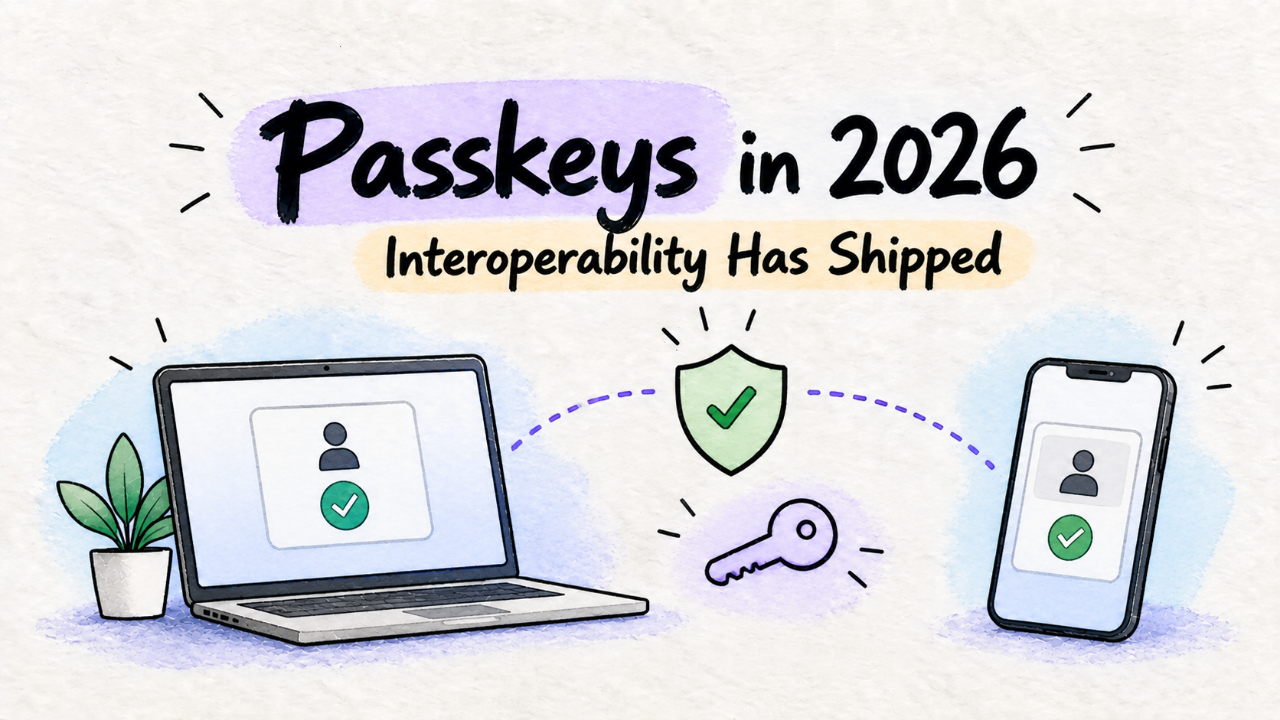
The FIDO Alliance and W3C didn't just publish a paper. They forced a détente between the platform holders. The result is that passkeys are now, finally, portable. A user can create a passkey on their Google account on a Windows machine and use it to sign into your app on their iPhone. They can share a passkey with a family member via AirDrop. They can use a third-party password manager like 1Password or Bitwarden to store and sync their passkeys across every device and browser they own.
This isn't a future promise. It shipped. The underlying standard, WebAuthn, is a web API. It has nothing to do with a specific company's proprietary sync mechanism. The "sync" part is handled by the user's chosen credential manager—be it Google, Apple, or a dedicated app. For you, the developer, it’s just an API call. You ask the browser for a credential, the browser asks the user, and you get back a cryptographic proof of identity. You never see or store a secret.
The "trap" was the fear of platform-siloed credentials. The reality that shipped is a federated system where the user is in control. For a solo founder, this is a massive offload of responsibility.
Why You Should Care: Your Time Is Not Free
As a solo founder, you have two resources: time and focus. Traditional password authentication attacks both.
Stop leaking signups. Every field you add to a signup form is a reason for someone to close the tab. Name, email, create a password, confirm password. It's friction. With passkeys, the flow is: enter email, click "Sign in with a passkey," and touch a sensor. That's it. For a new user, it’s a single-step registration. The conversion uplift isn't theoretical; it's the direct result of removing obstacles.
Delete your password-reset code. Every "I forgot my password" email is five minutes of your life you don't get back. It's a context switch that pulls you out of building your actual product. It’s a flow you have to build, test, and maintain. Secure tokens, email deliverability, expiration logic—it’s all a distraction. Passkeys don't get forgotten. They live on the user's device. No resets, no support tickets, no distraction.
Your password database is a liability. You are one compromised server or one zero-day in a library away from being the subject of a "Show HN: I got hacked" post. Salting, hashing, constant vigilance—this is not the problem you went into business to solve. With passkeys, you don't store passwords. You store public keys, which are useless without the user's private key (safely locked in their device). A database leak is a non-event for user credentials.
This isn't just about convenience. It's about system design. You are trying to build a product, not a security company. Offloading the entire password lifecycle is a strategic move to simplify your stack and reduce your cognitive load. It’s a direct antidote to the kind of maintenance creep that leads to solo product burnout. You should be debugging your product, not your auth system.
How to Try It in a Day
You have two paths: the DIY path for full control, or the managed service path for speed. For 95% of indie hackers, the managed path is the correct one. The goal is to get back to building your core product, not to become a WebAuthn expert.
Here’s how the options stack up for a solo founder:
Factor | DIY (e.g., simplewebauthn) | Managed (e.g., Clerk, Hanko) |
|---|---|---|
Setup Time | 1-2 days | 1-2 hours |
Cost | Free (your time) | Free tier, then ~$25/mo |
Maintenance | Your problem | Their problem |
User Recovery | You build it | Handled out-of-the-box |
Fallback Auth | You build it (email links, etc.) | Included (email links, social) |
Control | Total | High (via API/SDKs) |
The Managed Path (Recommended)
Pick a service like Clerk, Passage by 1Password, Stytch, or Hanko. They give you a React component or a few lines of JavaScript, and you're done. They handle the UI, the browser inconsistencies, the fallback mechanisms (like sending a magic link to email if a user is on a new device), and the entire recovery process.
Clerk, for example, has a generous free tier for developers and simple pricing as you grow. You install the package, wrap your app in their provider, and use their hooks to get the user state. You're not writing API calls to a WebAuthn endpoint; you're just asking the Clerk SDK if a user is signed in. This is the right level of abstraction. Just as you don't build a web crawler because the Web Search API exists, you shouldn't be implementing the FIDO2 spec from scratch when you can use a dedicated service.
The trade-off is a small monthly bill and a dependency. But it’s a dependency that saves you dozens of hours and eliminates a whole class of security risks.
The DIY Path
If you have a specific need or just want to own every line of code, you can build it yourself. The best server-side library is `simplewebauthn`. It abstracts away the most complex parts of the CBOR/COSE data structures involved in the protocol.
On your server, generating the challenge for a new registration looks something like this:
import { generateRegistrationOptions } from 'simplewebauthn/server';

// In your API route for '/generate-registration-options'
const rpName = 'My Indie App';
const rpID = 'my-indie-app.com'; // Must match your domain

const options = await generateRegistrationOptions({
  rpName,
  rpID,
  userID: user.id,
  userName: user.email,
  attestationType: 'none',
  authenticatorSelection: {
    residentKey: 'preferred',
    requireResidentKey: false,
    userVerification: 'preferred',
  },
});

// IMPORTANT: Store options.challenge in the user's session
await db.saveChallengeForUser(user.id, options.challenge);

return res.json(options);
You send these options to the client, use a client-side library to call the browser's `navigator.credentials.create()` API, and then send the result back to your server for verification. You have to manage the challenge-response flow, store public keys, and handle all the edge cases. It's doable, but it's a project in itself.
The Catch: What Breaks in Production
Switching to passkeys is a huge win, but it's not without trade-offs. Pretending it's a perfect solution is how you get burned. Here are the real-world problems you will face.
1. The "I lost my phone" problem. This is the big one. If a user's only passkey is on their phone and they lose it, how do they sign in? This is the new "forgot my password." The solution is account recovery, and it's your responsibility. A managed service will handle this for you, usually by falling back to a verified email address. If you're DIY, you need to build a secure "send me a sign-in link" flow yourself. This is the single best reason to use a managed provider.
2. The "Incognito Mode" problem. Passkeys are tied to a browser profile. If a user tries to sign up or sign in from an incognito window, it will likely fail or, at best, create a temporary passkey that vanishes when the window is closed. The same goes for users on public library computers or shared family devices where they aren't signed into a browser profile. Your UI needs a fallback—again, typically an email magic link. Don't present passkeys as the *only* option.
3. The "What is this?" problem. While adoption is high in 2026, many non-technical users will still be confused by the browser/OS prompt. "Your phone wants to verify your identity to sign in to someapp.com." They will get scared and close the tab. Your button shouldn't just say "Sign in with Passkey." It needs helper text: "Sign in instantly using your device's Face ID, Touch ID, or PIN." You have to do a little bit of user education right at the point of action.
These aren't reasons to avoid passkeys. They are the known edge cases you need to design for. The solution to all of them is to offer a robust, email-based fallback. Passkeys for the 90% case, magic links for the 10%.
The Verdict: Ship It, But Don't Force It
So, is it worth switching? Yes. Absolutely.
For a brand-new project launching today, you should lead with passkeys. Make it the primary, default, recommended way to sign up. Pair it with an email link fallback for the edge cases mentioned above. You can probably skip building a traditional password system entirely.
For an existing app with users on passwords, the path is gradual.
Add passkeys as a new sign-in option.
In the user's account settings, prompt them to "Go passwordless" by adding a passkey to their account. Frame it as a security upgrade.
Don't force a migration. Let users switch when they're comfortable. The goal is to slowly drain the swamp of your `users` table password column, not to dynamite the dam.
The beauty of this approach is that it makes your product feel more modern and secure. When you're one of a dozen new tools in a crowded space, a frictionless, passwordless onboarding is a real differentiator. It’s the kind of polish that helps you stand out when you finally list your project in a directory like Builtbyindies to find your first users. People notice when an app just works.
Stop thinking about passkeys as a futuristic bet. They are a pragmatic choice available today that lets you build a better, safer product with less work. It's not a trap; it's an escape hatch from the prison of password management.