The Web Search API Won't Replace Your Scraper. Here's What to Use It For Instead.
You launched your AI writing assistant on Tuesday. By Friday, you have 50 signups and a $200 bill from the search API you’re using to give the AI its "eyes" on the current web. Every user query that needs fresh data hits your backend, which hits a third-party API, and your Stripe balance shrinks. You see the "Web Search API" story blow up on Hacker News and think your cost problem is solved.
It’s not. But something better might be possible if you ignore the hype.
What Actually Shipped
The Web Search API is a new browser standard, now live in Chrome 125+, Safari 19+, and Firefox 126+. It’s a single JavaScript function call: window.search().
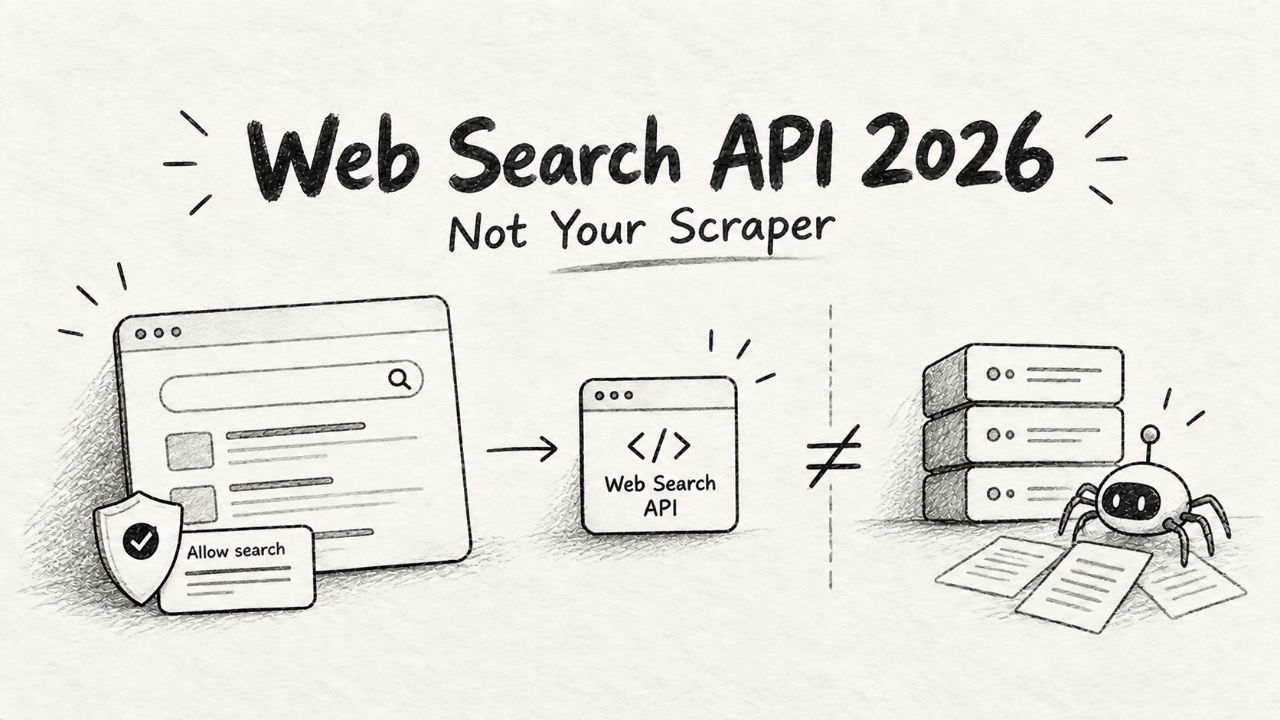
It lets your web app ask the browser to perform a search. The browser uses the user’s default search engine—Google, DuckDuckGo, Kagi, whatever they have configured. The user gets a permission prompt, just like for notifications or location access. If they approve, your callback receives a clean, structured array of search results. No parsing HTML, no wrestling with selectors, no IP bans.
Each result in the array is a simple object:
{
  "url": "https://example.com/article",
  "title": "An Interesting Article Title",
  "snippet": "A brief summary of the article's content appears here...",
  "source": {
    "name": "Example.com",
    "icon": "https://example.com/favicon.ico"
  }
}
It’s an elegant solution to a messy problem. But its elegance hides a critical limitation that most of the commentary is missing.
The Catch: It's Client-Side Only
This is the single most important fact about the Web Search API. You cannot call it from your server. There is no Node.js package. There is no Python library. It lives and dies in the user's browser.
This means you cannot use it for:
Automated, backend data aggregation.
Building a search index for your own app.
Running daily SEO rank checks for your customers.
Pre-populating a database with market data.
If your business model relies on server-side access to search results, this API is not for you. Trying to replace your SerpApi or Scrapper integration with window.search() will break your entire product. It's not a drop-in replacement; it's a completely different tool for a different job.
Scrapper's UI for building server-side data scraping workflows, a task the Web Search API cannot perform.
Furthermore, the results are intrinsically tied to the user's context. Their physical location, search history, language, and logged-in accounts all influence the results. This is a feature if you're building a personal assistant for that user. It's a fatal bug if you need standardized, objective data from a specific market, like "search results for 'best CRM' in San Francisco." You don't control the context. You get results from your user's couch, not a clean datacenter IP.
So, Why Should a Solo Founder Care?
Because the Web Search API enables a new class of features that were previously too expensive or risky for an indie hacker to build. It moves the execution—and the cost—of search from your server to the user's client.
Think about that AI writing assistant with the $200 search bill. Instead of the user's query going to your server, which then calls a paid API, the AI running in the browser can now call window.search() directly to find sources. The cost to you is zero. This is a direct lever to cut your AI API bill without making the product worse.
This is a massive opportunity for anyone building agent-based software. Products like the auor.io AI agent toolkit can now be equipped with live web access on the client, radically simplifying their architecture and cost structure. Your agent doesn't need a complex backend tool-use system to access a search API key; it just needs to call a browser function.

The auor.io toolkit, which could use the Web Search API to give client-side agents real-time web access.
The right way to think about this is not as a replacement for your backend infrastructure, but as a new tool for building richer, interactive, user-facing features at zero marginal cost.
How to Try It in a Day
You can build a meaningful feature with this over a weekend. First, feature-detect it. Don't assume it exists.
if ('search' in window) {
  // Safe to use the API
} else {
  // API not supported, provide a fallback
  // or hide the feature.
}
The call itself is an async function. You'll want to wrap it in a try...catch block because the user can deny the permission prompt, which throws an error.
async function fetchSearchResults(searchTerm) {
  try {
    const results = await window.search({
      query: searchTerm,
      num: 5 // Optional: request a certain number of results
    });
    // Now, render these results in your UI
    console.log(results);
  } catch (err) {
    // User denied permission or another error occurred
    console.error("Search failed:", err.name, err.message);
  }
}
Your weekend project: Add a "research" button to your app. For example, if you're building a web analytics product like Statable, you could add a small search icon next to each referring domain in the traffic sources report. When the user clicks it, you call window.search({ query: 'what is ' + domainName }) and display the top 3 results in a popover. It's a small, delightful feature that adds huge context for the user, and costs you nothing to run.
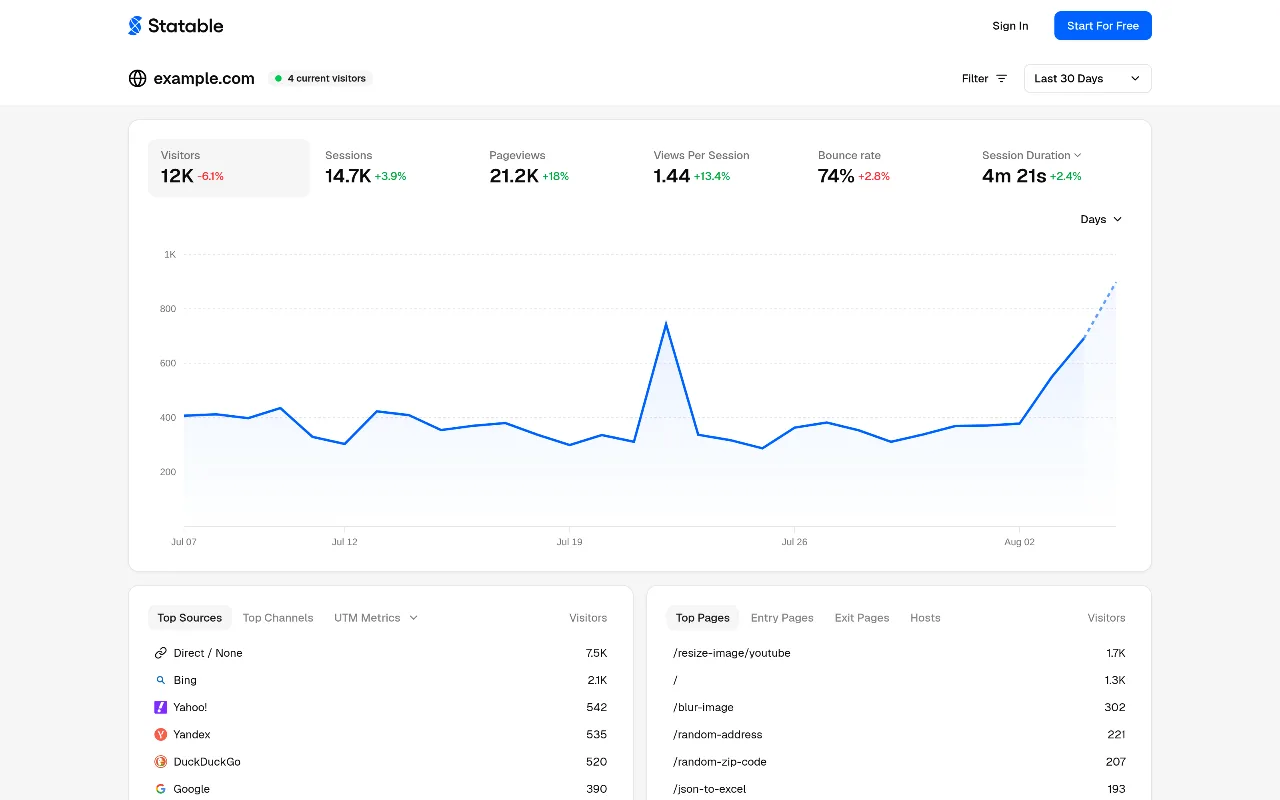
A dashboard from Statable, where a contextual search feature could be added next to referrer domains.
Is It Worth Switching To? The Hard Answer
This isn't a "it depends" situation. The answer is clear.
NO, do not "switch" to the Web Search API if your product relies on server-side, location-specific, or high-volume search data. You will wreck your business. Your SEO dashboard, market intelligence platform, or data aggregation service needs the reliability, location control, and scale of a commercial API or a custom-built scraping stack.
YES, you should immediately adopt the Web Search API for new, client-side, user-facing features. It's a new primitive for building applications. Use it to:
Let users research competitors from within your SaaS.
Power a client-side AI agent's "thinking" process.
Build a simple "fact check" button next to user-generated content.
Create contextual help by searching your own documentation.
This API is not about migrating old systems; it’s about enabling new ideas. The founders who understand this distinction will ship incredible features this month, while everyone else is busy debating the wrong question on Hacker News.
This table compares the Web Search API to the alternatives for getting search data.
Feature | Web Search API | Scraping API (e.g., SerpApi) | DIY Scraping (e.g., Playwright) |
|---|---|---|---|
Cost | Free | ~$50 / 5,000 searches | Hosting + Proxies + Maintenance |
Setup | Minutes (JS call) | Hours (Backend integration) | Days/Weeks (Infrastructure) |
Use Case | Client-side, user-facing | Server-side, standardized data | Server-side, custom extraction |
Location Control | None (user's context) | Precise (e.g., | High (via proxies) |
Reliability | Depends on user/browser | High (SLA-backed) | Brittle (blocks, site changes) |
Scalability | Low (per-user rate limits) | High (budget-limited) | Medium (complexity-limited) |
What Breaks in Production
If you misuse this, you'll hit three walls. First, the permission prompt. A significant number of users will click "Block." Your UI must handle this gracefully. Don't show a broken state; explain why you need the permission or hide the feature.
Second, rate limits. The browser and the search engines will prevent abuse. If your app tries to fire off 100 queries in a loop, it will be throttled or blocked. This API is designed for discrete actions initiated by a human, not for scraping.
Third, dependency risk. This is a new standard, and its behavior could change. More importantly, it highlights the importance of understanding the context of the APIs you use. Misunderstanding an API's intended use is how you get blindsided. Remember how many apps broke when remove.bg shut down their API in early 2026? Understanding an API's constraints—client-side vs. server-side, hobby vs. enterprise—is how you avoid that fire drill.
The Web Search API is a powerful new tool in your belt. Just make sure you use it as a scalpel for enhancing user experience, not a sledgehammer for backend data collection. Go build a feature you couldn't afford last week.