You’re staring at your Stripe dashboard. Twelve new signups since you launched on Tuesday. That’s not a lot, but it’s not zero. The MRR is a nice, round number that pays for your server and maybe a coffee. But your other dashboard—the one for your analytics provider—is showing a cost spike that’ll eat that coffee money and then some. And your Zapier bill is creeping up because you glued your waitlist, CRM, and transactional emails together with five different multi-step zaps.
This is the moment. The moment every indie hacker faces. You see a thread on Hacker News, “What I self-host (2026 edition),” and the siren song begins. You could run all this yourself. You could spin up a tiny server and save hundreds, maybe thousands, a year. You could be free.
Stop. This is a trap. Most of that thread is a high-effort LARP for people who enjoy kernel panics more than shipping products. For a solo founder, self-hosting isn’t about saving $10/month. It’s about leverage.
The question isn’t “Can I self-host this?” It’s “Will self-hosting this let me build something I couldn’t otherwise, or ship a feature twice as fast?” If the answer is no, close the terminal and go write some code for your actual product.
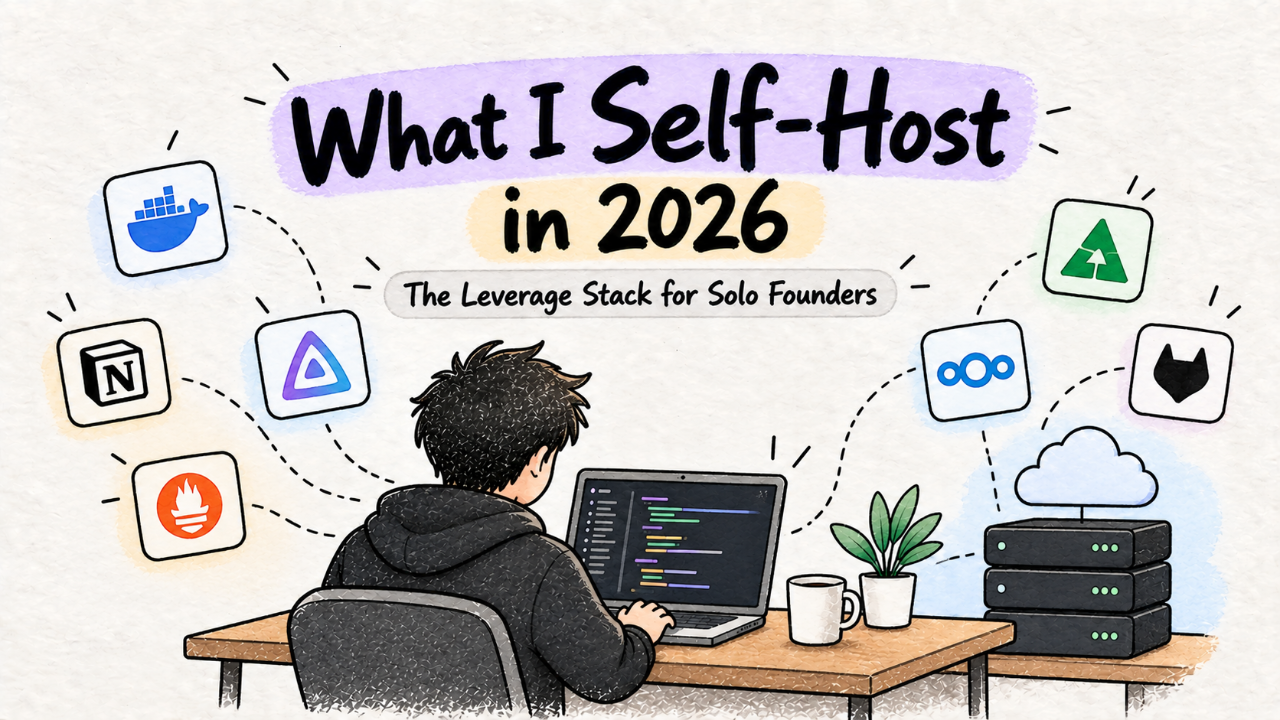
We’re not here to build a perfect, sovereign cloud. We’re here to ship. So here’s the only self-hosting you should consider in 2026: the stack that gives you superpowers, not a second job as a sysadmin.
What Actually Ships: The Leverage Stack
After years of running my own projects and reading every “what i self-host” thread, I’ve landed on a core principle: only self-host services where the open-source alternative is not just cheaper, but fundamentally more flexible than its SaaS counterpart. You’re trading cash for control, and that control has to be worth more than the sticker price.
This means we ignore email servers, custom-built CI/CD pipelines, and anything that requires five-nines uptime on day one. Instead, we focus on three categories that give you an unfair advantage as a solo operator.
1. Analytics: Own Your Data, Not Rent It
The Tool: Plausible or Umami.
The Payoff: You get simple, privacy-first analytics without a surprise bill. More importantly, you own the data. You can query it directly, join it with your user data from Postgres, and build a complete picture of your business without being limited by a SaaS company’s API.
SaaS analytics tools are black boxes. They’re expensive, slow, and sell you on vanity metrics you don’t need. Self-hosting a tool like Umami gives you the one thing you care about: a clean view of page views, referrers, and events. It’s lightweight enough to run on the cheapest VPS, and installing it is a ten-minute job with Docker.
This isn’t about saving $29/month. It’s about having a direct, SQL-level connection to the lifeblood of your product’s usage. When you want to know "how many users from Germany on Firefox signed up after visiting the pricing page?" you can just… ask your database. No more wrestling with a clunky UI or exporting CSVs. Find some great open source analytics tools that others have built and shipped here.
2. Automation: Your Personal Back-Office Bot
The Tool: n8n.
The Payoff: Infinite, high-speed automations without paying per-task. You can build internal tooling that would be cost-prohibitive with Zapier or Make.
Every founder has a spaghetti monster of zaps. It starts innocently: a new Gumroad sale posts to a private Slack channel. Then it’s a new subscriber getting added to an Airtable. Soon you’re hitting your plan’s task limit and debugging race conditions between three different services.
Self-hosting n8n on a $5 server gives you a private, all-powerful Zapier. You can build complex workflows that run every minute, not every 15. You can connect it to your self-hosted database and your production app without security concerns. You can write custom JavaScript nodes to do exactly what you need.
Think bigger than zaps. I use n8n to generate daily reports, moderate user-generated content, and handle my entire onboarding email sequence. It’s the central nervous system of my business, running tirelessly for the cost of a CPU cycle. It's one of the most powerful dev tools a solo founder can wield.
3. Backend-as-a-Service: The One-Person App Platform
The Tool: Supabase.
The Payoff: A complete Postgres-based backend—auth, storage, APIs—that you can run yourself. You get the developer experience of Firebase with the freedom of open source.
Yes, you can use Supabase’s generous hosted free tier. You should start there. But the moment you need to scale, or need a specific Postgres extension, or want to run in a region they don’t support, you can. You can take your entire stack and run it on your own hardware. This is portability as a superpower.
Self-hosting Supabase is more involved than Umami, but the payoff is immense. You get a production-grade backend that would take a team of engineers months to build. It gives you a stable, powerful foundation, letting you focus on the part of your app that’s unique—the front end. The ability to eject from the managed platform without rewriting your entire application is the ultimate insurance policy for an indie hacker.
Here’s how these choices stack up.
Category | Self-Hosted Pick | SaaS Alternative | Why Self-Host? | Setup Time |
|---|---|---|---|---|
Analytics | Umami / Plausible | Fathom, Simple Analytics | Data ownership, privacy | < 1 hour |
Automation | n8n | Zapier, Make | Cost at scale, flexibility | < 1 hour |
Backend | Supabase | Firebase, Supabase Cloud | Portability, control | 2-4 hours |
How to Try This in an Afternoon
You don't need a homelab or a rack of servers. All you need is a cheap Linux box and Docker. This entire stack can run comfortably on a single, modest server for less than $20/month.
1. Get a Server:** Go to Hetzner Cloud, OVH, or even DigitalOcean's cheapest droplet. Get a server with at least 2 vCPU and 4GB RAM. The Hetzner CPX11 is perfect. Cost: ~€6/month. Install Ubuntu 24.04 LTS.
2. Point a Domain:** Create a subdomain for your tools, like ops.yourdomain.com. Point an A record to your server's IP address.
3. Install Docker and Caddy:** Docker runs our applications in containers, and Caddy will be our reverse proxy, handling HTTPS for us automatically. It’s magic.
# Install Docker (use the official script)
curl -fsSL https://get.docker.com -o get-docker.sh
sudo sh get-docker.sh

# Install Caddy
sudo apt install -y debian-keyring debian-archive-keyring apt-transport-https
curl -1sLf 'https://dl.cloudsmith.io/public/caddy/stable/gpg.key' | sudo gpg --dearmor -o /usr/share/keyrings/caddy-stable-archive-keyring.gpg
curl -1sLf 'https://dl.cloudsmith.io/public/caddy/stable/debian.deb.txt' | sudo tee /etc/apt/sources.list.d/caddy-stable.list
sudo apt update
sudo apt install caddy
4. Deploy Your First Service (Umami):** Create a folder, say ~/docker/umami. Inside, create a docker-compose.yml file. Umami’s official docs have a great one. You’ll need to add a database password and a hash salt.
Start it up:
cd ~/docker/umami
docker-compose up -d
This command pulls the Umami and Postgres images and starts them in the background. They’re running, but only accessible on the server itself.
5. Expose it with Caddy:** Now, the magic. Edit your Caddyfile at /etc/caddy/Caddyfile. Add this block, replacing the domain and port if needed.
umami.yourdomain.com {
    # Umami is running on port 3000 inside the Docker network
    reverse_proxy localhost:3000
}
Reload Caddy:
sudo systemctl reload caddyVisit https://umami.yourdomain.com. You’ll see a login screen, served over HTTPS, with a certificate Caddy procured for you. You just deployed a production-ready service in minutes.
Repeat this pattern for n8n or any other Docker-based application. This workflow is the key to sane self-hosting. It's a pattern that scales across a dozen different services, all managed with simple text files. This kind of operational leverage is exactly what we're looking for when building out our stack of productivity tools.
The Catch: What Breaks in Production
This sounds too easy, and it is. There’s no free lunch. When you self-host, you are the platform engineer, the security team, and the on-call support. Here’s what will break your focus and wake you up at night.
Updates Are Your Job Now.
A zero-day vulnerability was just announced for the web framework your analytics tool uses. On a SaaS platform, a team of engineers is already patching it. On your server, it’s just you. Your update process is running `docker-compose pull` and `docker-compose up -d` once a week. It’s simple, but you have to remember to do it. Miss a few months, and you’re running a museum of vulnerable software.
If You Don't Have Backups, You Have Nothing.
Your server is not immortal. The disk will fail. A bad command will wipe your data. You will lock yourself out. Without backups, your self-hosted empire is a single `rm -rf` away from oblivion.
The bare minimum: a cron job that runs `pg_dump` on your databases, tars the result, and uploads it to a cheap object storage service like Backblaze B2 or Wasabi. Test your restores. A backup that has never been restored is not a backup.
State is Hard.
There's a reason Umami and n8n are great first services: they are mostly stateless applications with a simple database. Self-hosting something with complex state, like a Mastodon instance or a full-blown GitLab, is an order of magnitude harder. Stick to services that follow the `app + database` model. Keep it simple.
You Are the Support.
When your site analytics are down, there's no status page to check, no support ticket to file. There’s just you, SSH’d into a server at 11 PM, scrolling through `docker logs`. The time you spend debugging your infrastructure is time you are not spending on your product. This is the ultimate cost. Use it wisely.
Is It Worth Switching?
If you’re pre-launch or pre-revenue, no. Absolutely not. Use free tiers. Use Vercel, Netlify, Supabase Cloud, and a Google Sheet. Your only job is to ship a product and talk to users. Anything else is a distraction. Browse the product categories on our site; many have generous free plans for getting started.
But once you have traction—once you have revenue, users, and a growing operational footprint—the math changes. When the cost of your SaaS tools is no longer measured in dollars but in the friction they add to your workflow, that’s when it’s time to look at the leverage stack.
Don't self-host to save money. Self-host to move faster. Self-host to gain control over the core systems of your business. Self-host to build a platform for one—your own. Then get back to shipping.