You launched on a Tuesday. The post hit the top of Hacker News for a few hours. By Friday, you have 12 signups and a trickle of feedback. One email stands out. It’s from a user who loves the app but needs one more feature to switch from their current tool. You know the feature. You could build it this weekend.
This is the moment. The window where speed is everything. And your first thought is: which AI do I use to build it faster?
The firehose of AI benchmarks is useless to you. Leaderboards change weekly. You don’t care if a model can write a sonnet about quantum physics. You care if it can help you ship a feature before your next real-life commitment on Monday morning. You need a workflow, not a science experiment.
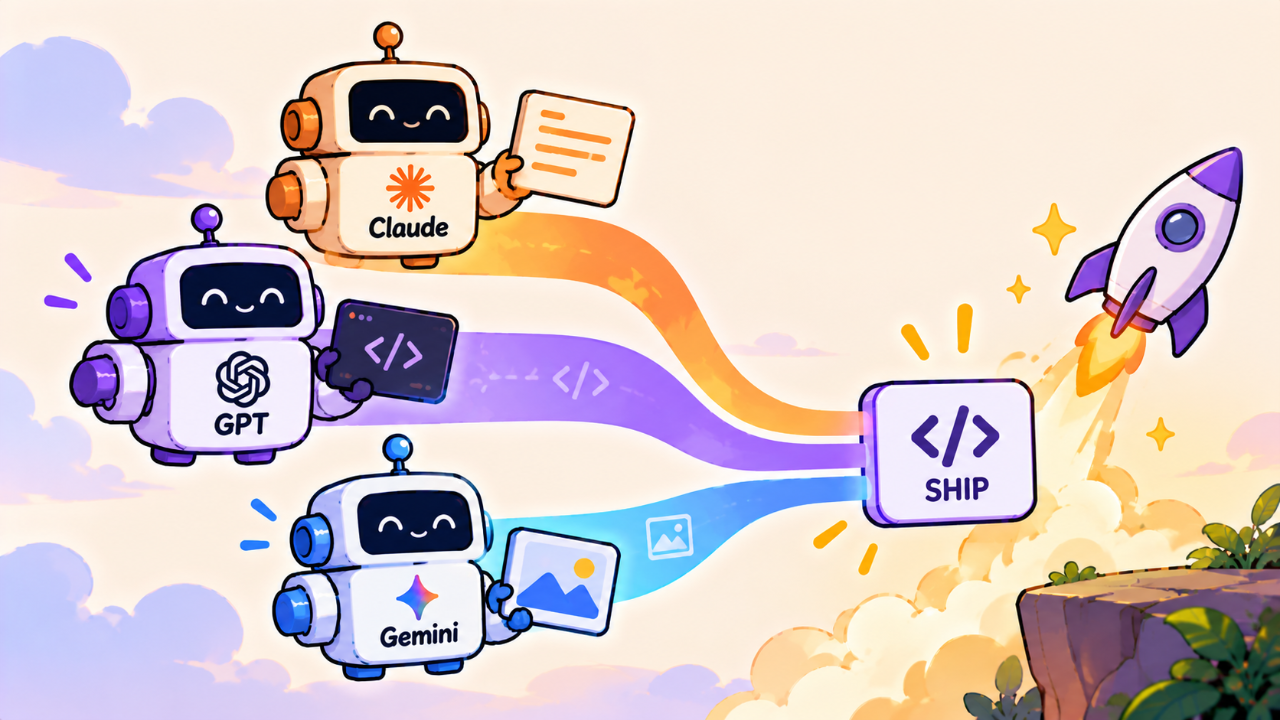
Forget picking one winner in the Claude vs. GPT vs. Gemini cage match. In 2026, the answer isn’t one model. It’s a small, specialized stack. Use the right tool for the job. Here’s the setup I’ve landed on after shipping a dozen features this year.
Your Default: GPT for Speed and Momentum
Start with the latest GPT. It’s the default for a reason. It’s fast, cheap, and deeply integrated into the tools you already use. Think of it as your eager junior dev, ready to churn out boilerplate and first drafts at a moment's notice.
Its primary job is to eliminate the blank page and get you from zero to one. Don’t ask it for architectural advice. Ask it for concrete, self-contained units of work.
Use GPT for:
Boilerplate: "Write a Next.js API route using the App Router that accepts a POST request with an email, validates it with Zod, and adds it to a `waitlist` table in Supabase."
Unit Tests: "Here is a TypeScript function. Write three Vitest unit tests for it: one for the happy path, one for an edge case with an empty array, and one for an error state."
-
Component Scaffolding: "Create a React server component that fetches and displays a list of blog posts. Use Tailwind CSS for basic styling. The component should accept a `limit` prop."
Scripting: "Write a bash script that finds all `*.tmp` files in my home directory older than 30 days and deletes them."
The key is velocity. GPT’s output will not always be perfect. It will sometimes hallucinate a library function or use a deprecated pattern. That’s fine. Your job isn’t to blindly copy-paste. It’s to review, edit, and integrate. The 80% it gets right saves you 30 minutes of typing and context-switching. That’s a win.
It's the best generalist. It’s the model you keep open in a dedicated tab. For the initial burst of creation, nothing beats its raw speed. But speed isn't everything.
The Refactor Specialist: Claude for Depth and Quality
You’ve shipped the feature. It works. But the code is a mess. You have a 500-line component doing ten different things. It’s a ticking time bomb of technical debt. This is not a job for your speedy junior dev. This is when you call in the thoughtful senior architect: Claude.
Since its early days, Anthropic’s models have excelled at handling large contexts and producing more reasoned, structured output. By 2026, Claude-4 (or whatever we’re calling it) is the undisputed king of the thoughtful refactor. Its massive context window isn't just a marketing number; it's a feature you can use to reason about entire modules at once.
Don't give Claude a one-liner. Give it a whole file. Give it two files. Give it the context it needs to see the bigger picture.
Here is my `use-user-profile.ts` React hook. It's 400 lines long and handles data fetching, state management with Zustand, and several async side effects. It’s becoming hard to maintain. Please refactor this into a more modular structure. Separate the data fetching logic from the state management. Suggest how I might break this into smaller, more testable hooks.
Claude’s output will be slower. It will cost more per query. But the quality is what you’re paying for. It will often spot dependencies you missed, suggest better naming conventions, and add comments explaining its reasoning. It’s less likely to just churn out code and more likely to explain the *why* behind its suggestions.
Use Claude for:
Code Refactoring: Cleaning up legacy components, breaking down god objects.
Improving Readability: Adding comments, renaming variables, simplifying complex logic.
Writing Documentation: "Here is a TypeScript module. Generate a README.md file that explains what it does, its public functions, and how to use them, including code examples."
Complex Debugging: When you have a bug that spans multiple files and you can’t see the connection.
Using an AI for this level of analysis feels like a superpower, but it doesn't replace the need for human judgment. For mission-critical code, you still want another set of eyes. This AI-driven refactoring pairs well with modern Code Review tools and processes, which help ensure the AI's suggestions align with your project's long-term goals.
The Visual Powerhouse: Gemini for UI and Debugging
Your code can be perfect, but if the button is 2px off-center, that’s what the user sees. Frontend work is a world of visual nuance, and pure text-based models have always struggled with it. This is Gemini’s territory.
Google’s investment in multimodality is paying off. In 2026, Gemini is the model you reach for when the problem isn’t just text. Its ability to fluidly understand images, videos, and even audio streams opens up entirely new workflows, especially for UI development and debugging.
Stop describing your UI bug. Show it.
Use Gemini for:
Screenshot-to-Code: Take a screenshot of a component from a design in Figma or a website you admire. "Write the React and Tailwind CSS code to build this card component." Gemini is remarkably good at parsing layouts, colors, and font sizes directly from an image.
Visual Bug Fixes: A user sends you a screenshot where the mobile menu is broken on their specific device. Instead of trying to reproduce it, you can feed the image to Gemini. "Here is a screenshot of a bug on mobile. The nav items are overflowing their container. Here is my `Navbar.jsx` and `globals.css` file. What CSS change do I need to make?"
Video-to-Test: Record a quick screen capture of you walking through a user flow. "Here is a video of the signup process. Write a Playwright test script that replicates this flow and asserts that the 'Welcome' message appears at the end."
This is where the term gemini coding moves from marketing to a practical reality. It's about closing the gap between the visual world of user interfaces and the text-based world of code. It’s not a replacement for CSS knowledge, but it’s an incredible accelerator for frontend specialists and full-stack devs who find CSS tedious.
Long Context is a Skill, Not a Silver Bullet
Every new model announcement screams about its context window: 200K, 1M, 2M tokens. It sounds like you can just dump your entire codebase into the prompt and ask it to "add a feature."
This is a trap. A larger context window is useful, but it’s not magic. Model performance degrades the more you stuff into the context. The signal gets lost in the noise. The secret to using these models effectively isn't just having a large context window, but curating what you put in it.
Your job is to be the model's editor. Before you make a request, think: what is the absolute minimum context this model needs to solve my problem? This often includes:
The file you are editing.
The direct parent component or calling function.
Relevant type definitions (`types.ts`).
The API endpoint schema it might be interacting with.
You can even build a simple shell script to automate this:
# A simple script to build context for an LLM query
# usage: ./build_context.sh src/components/UserProfile.tsx

cat src/types/user.ts > context.txt
cat src/api/user.ts >> context.txt
cat $1 >> context.txt

echo "Context for $1 built in context.txt. Pipe it to your LLM."
pbcopy < context.txt
This disciplined approach is more effective than lazily pointing the model at your whole repo. It forces you to think about the problem's boundaries and results in faster, more accurate, and cheaper responses.
For ongoing work, you can even incorporate summaries of recent changes. A tool like git-lrc can be used to generate a summary of the last few commits on a branch, giving the AI crucial information about what has recently changed. This is far more valuable than a random file from three months ago.
The Cost Equation for Indies
For a solo founder, cash is oxygen. You can’t afford to burn hundreds of dollars a month on AI experiments. You need a practical approach to cost.
Think of the models in terms of value, not just tokens:
GPT: Your cheap, high-volume utility. It’s for the dozens of small queries you make per day. The cost is low, and the speed justifies it. It's the cost of doing business.
Claude: Your premium consultant. You use it less frequently, but for high-value tasks like a major refactor or generating critical documentation. The cost per query is higher, but the hours saved on a complex task provide a clear return on investment.
Gemini: Your specialized equipment rental. You use it for specific visual tasks where no other tool will do. The cost might be higher, especially for video analysis, but it solves problems that are otherwise incredibly time-consuming.
My advice: set hard spending limits in your OpenAI, Anthropic, and Google Cloud dashboards. A $50 or $100 monthly cap is a great starting point. It forces you to be intentional about which model you use and when. If you hit your limit, you’re forced to work without AI for the rest of the month, which is a healthy reminder of its proper place in your workflow.
When to Log Off: The Model is the Wrong Tool
An AI model is an accelerator. It helps you build the thing faster. It does not tell you what thing to build.
The most critical error a founder can make is outsourcing their core thinking to a large language model. LLMs are powerful pattern matchers trained on the internet. The internet is a repository of what has already been done. They are, by their very nature, derivative.
Do not use an AI for:
Core Architecture: Should you use Postgres or Mongo? A monolith or microservices? An LLM can list the pros and cons, but it has no understanding of your business context, your team's skills, or your 5-year vision. That decision is yours.
Product Strategy: What niche should you target? What feature will unlock the next level of growth? An AI can brainstorm generic ideas, but it can’t have the unique insight that comes from talking to your users.
Novel Algorithms: If you are building something truly new, an LLM has no training data for it. It will give you a plausible-looking but ultimately incorrect or inefficient solution.
Your competitive advantage as an indie hacker isn't writing boilerplate faster. It's your unique insight into a specific problem. Finding that problem is your real job. The best place to start is by seeing what your peers are building and where the opportunities are. Browse the categories on a platform like Builtbyindies, immerse yourself in a community, and find a pain point that you are uniquely equipped to solve.
The AI helps you execute on the vision. It doesn’t provide it.
Your 2026 AI-Assisted Workflow
So, which model is the best LLM for developers in 2026? It's the wrong question. The right question is, "What is the most effective workflow for shipping code as a solo founder?"
The answer is to stop looking for a single winner. Build a small, deliberate toolkit:
Default to GPT for 80% of your coding tasks. Optimize for speed and momentum.
Switch to Claude for high-stakes refactoring, documentation, and making sense of complex code. Optimize for quality and depth.
Pull in Gemini when the problem is visual. Use it for UI, frontend bugs, and anything you can show instead of tell.
Always be the architect. Never cede strategy or core design decisions to the machine.
This multi-tool approach gives you the best of all worlds without getting bogged down in endless benchmarks. It treats AI as what it is: a powerful assistant, but one that needs clear direction.
Now, close this tab. That feature isn't going to ship itself.