You’re three weeks post-launch. A customer reports a bug in your billing logic. You dive into the code and find the commit: `git commit -m "fix stripe edge case"`. You wrote it a month ago, late on a Tuesday night. You have no idea what the edge case was. The associated pull request is just you talking to yourself, with a single "LGTM" from a build bot.
You spend the next three hours reverse-engineering your own logic. This isn't engineering. It's archeology.
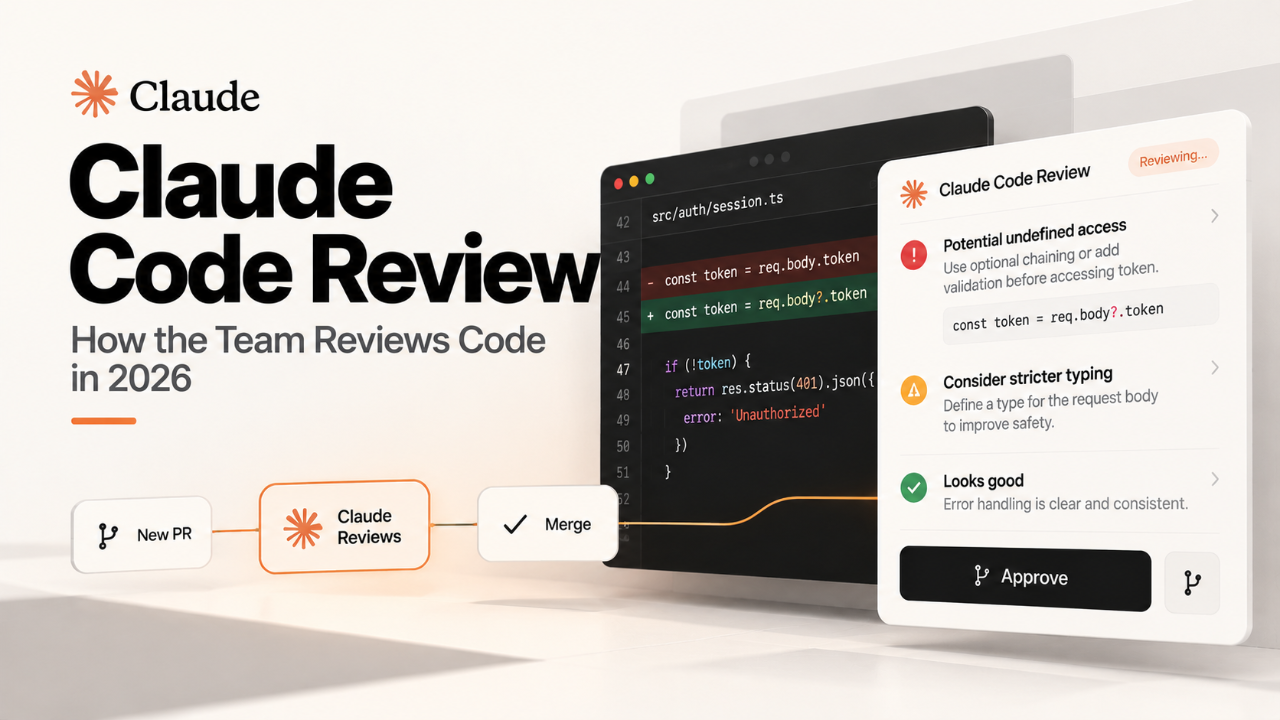
This week, a thread on Hacker News titled "How the Claude Code team does code review 2026" caught fire. It’s not another take on AI-powered linters or PR summary bots. They’ve replaced the pull request entirely. For a solo founder, their process isn't about team collaboration. It's about collaborating with your future self, and it’s something you can adopt this afternoon.
What Actually Shipped: Literate Release Commits
The Claude Code team doesn't do pull requests. They don't have long, rambling comment threads that get lost the second a PR is merged. Instead, they’ve built their workflow around a different primitive: the Literate Release Commit (LRC).
An LRC isn't just a diff. It's a self-contained, structured document bundled directly into a Git commit message. It’s designed to be the single source of truth for a change, forever.
Every LRC contains four sections:
Intent: A one-paragraph explanation of why this change is being made. What problem does it solve for the user or the system? This is written in plain English, by the developer.
Implementation Walkthrough: A guided tour of the diff. Not a line-by-line regurgitation, but a high-level narrative. "I started by refactoring the `User` model to include a `timezone` field, which required updating three API endpoints. The most complex part is the new `tz_conversion_helper.py`, which handles daylight saving time."
AI Sanity Check: An automated, non-blocking review from a specialized model. It checks for common pitfalls: potential null pointer exceptions, inefficient loops, inconsistent styling, or leaving debug statements in. It’s a spell-check for logic.
Sign-off: A cryptographic signature from the author and at least one other engineer. This isn’t an "approval" in the managerial sense. It's a verification: "I have read this LRC and I understand the change."
The entire LRC, including the AI’s feedback, is committed to the main branch. The commit history becomes a pristine, searchable library of intent, not a junkyard of "wip" and "fix typo" messages. It kills the separation between the code, the discussion about the code, and the approval of the code.
Why a Solo Founder Should Care
This sounds like big-team process, right? Wrong. The single biggest beneficiary of the LRC workflow is the solo founder. Your most important collaborator isn't a teammate; it's you, six months from now. That person is tired, distracted, and has forgotten everything you know right now.
A standard PR workflow optimizes for team consensus. An LRC workflow optimizes for future context. It's a forcing function. You cannot merge code without explaining, clearly and concisely, why you’re doing it. You’re building a personal knowledge base with every commit.
Think about the last time you onboarded a new API. You didn't read their pull requests; you read their documentation. The Claude team's insight is to treat your own changelog as the most important documentation you have. It makes your codebase explorable.
Here’s how the two workflows stack up for a solo builder.
Attribute | Traditional PR | Literate Release Commit (LRC) |
|---|---|---|
Unit of Work | A branch to be merged | A single, documented commit |
Primary Goal | Get approval from others | Create a permanent record of intent |
Discussion Location | Ephemeral web UI (GitHub/GitLab) | Inside the Git commit itself |
Future Value | Low; context is lost on merge | High; context is preserved with code |
Friction | Low to start, high to debug later | High to start, low to debug later |
The trade-off is clear: you are front-loading the effort of documentation to save yourself an exponential amount of time in future debugging and feature development. For an indie hacker, where your time is your only non-renewable resource, this is a powerful lever.
How to Try It in a Day
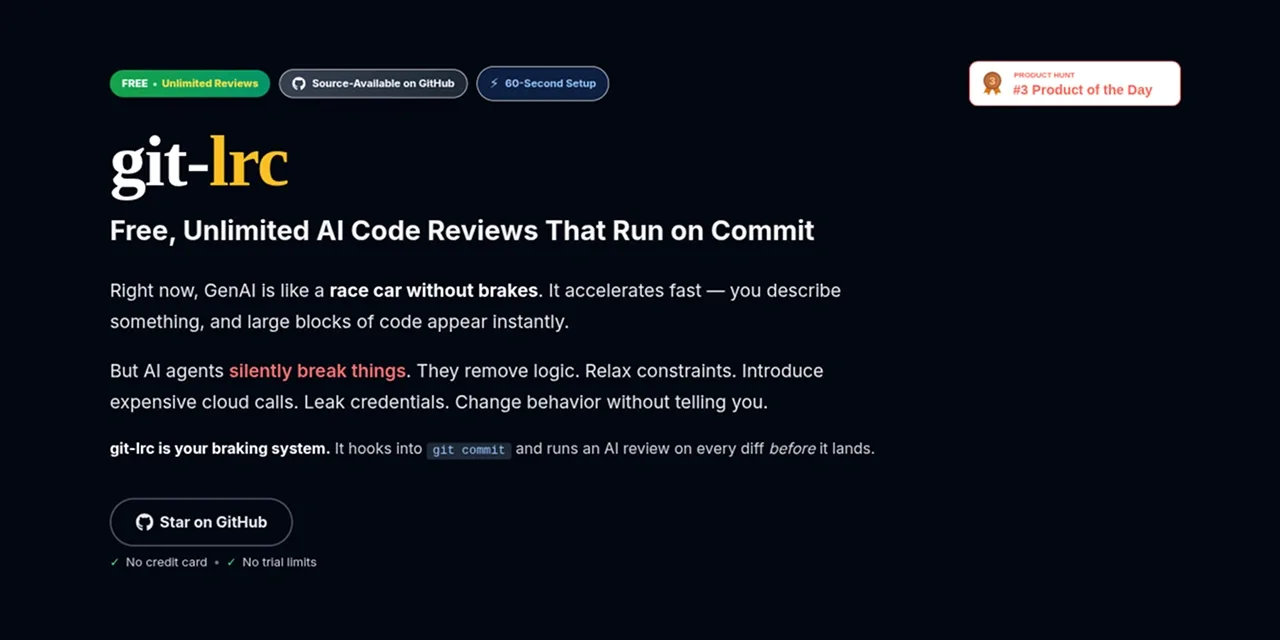
This isn't a theoretical exercise. You can start using a lightweight version of this workflow today. The community has already produced an open-source tool called git-lrc that formalizes this.
It’s a single CLI that hooks into Git. Here's how to get it running in about 15 minutes.
The Setup
First, install the tool (assuming you have Homebrew or a similar package manager):
brew install git-lrcNext, configure it with your Anthropic key. The tool is model-agnostic, but it’s tuned for speed, making Claude Haiku 5.5 (2026): Solo Founder's Secret Weapon the ideal choice. It's fast and cheap enough that you won't hesitate to use it for every commit.
git lrc --config --api-key sk-ant-xxxxxxxxThe Workflow
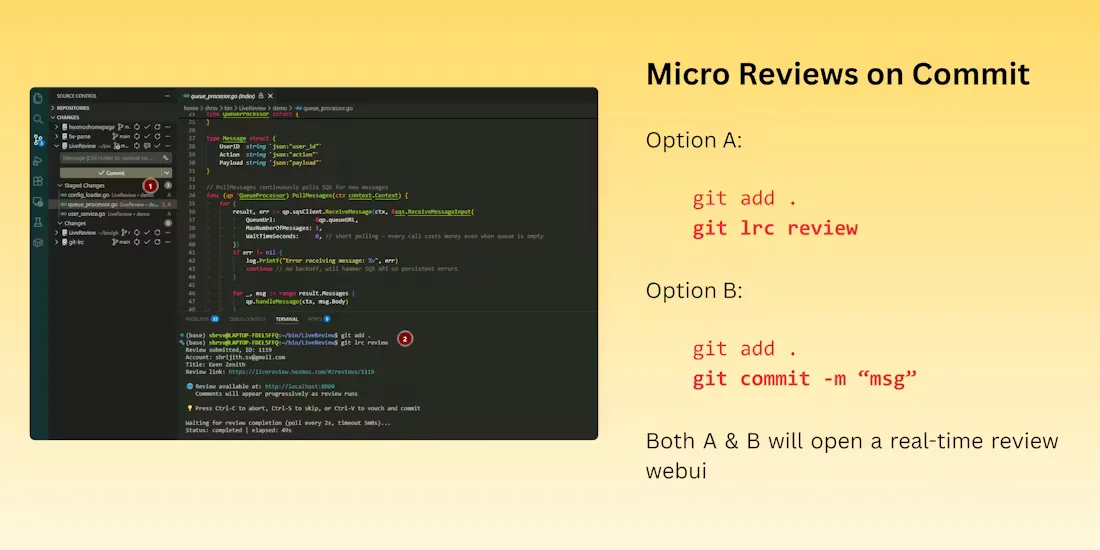
You’ve staged your changes with `git add`. Now, instead of `git commit`, you run:
git lrcThis will open your default terminal editor (like Vim or VS Code) with a pre-populated template.
[TITLE]: <A short, imperative summary of the change>

[INTENT]:
<Why are you making this change? What problem does it solve?>

[WALKTHROUGH]:
<Guide your future self through the diff. What are the key moving parts?>

#
# Please enter the commit message for your changes. Lines starting
# with '#' will be ignored.
#
# Changes to be committed:
#   modified:   src/components/Billing.js
#   new file:   src/utils/time.js
#
You fill out the `TITLE`, `INTENT`, and `WALKTHROUGH` sections. When you save and close the editor, `git-lrc` takes over:
It takes your staged diff and the text you wrote.
It sends them to the LLM for the "AI Sanity Check." The choice of model matters here; you're not asking it to write code, but to critique it. This is a core theme we explored in our Claude vs GPT vs Gemini for Shipping Code in 2026 analysis — using the right model for the job.
It appends the AI's feedback and a cryptographic signature to the commit message.
It creates the commit.
The git-lrc command-line tool running, showing the AI Sanity Check in progress.
For a solo founder, the "human sign-off" is you. After you write the commit, take a five-minute break. Get a coffee. Come back and re-read the entire LRC. This pause is a surprisingly effective guardrail against silly mistakes. You are formally signing off on your own work, and that small ceremony forces a higher level of care.
The Catch
This is not a free lunch. Adopting LRCs comes with real friction.
First, it’s slower. Writing a thoughtful `INTENT` and `WALKTHROUGH` for every meaningful change takes time. `git commit -m "tweaks"` takes two seconds. A good LRC takes five to ten minutes. This is a feature, not a bug, but it feels like a tax on your velocity at first. You will be tempted to skip it for "trivial" changes. Don't. Trivial changes are where bugs love to hide.
Second, the tooling is new. While git-lrc is solid, it's not baked into GitHub's UI. Your commit history will look beautiful on the command line or in a dedicated viewer, but it might look crowded in a standard web view. You're opting out of the mainstream PR ecosystem and its network effects.
A screenshot showing a formatted Literate Release Commit in a web-based Git viewer, with clear sections for Intent, Walkthrough, and AI Sanity Check.
So, what breaks in production? Your old habits. Your muscle memory for shipping fast and loose will fight you. The thing that "breaks" is the illusion that you can move faster by cutting corners on clarity. LRCs prove that you can't. The cost always comes due, either now in five minutes of writing, or later in five hours of debugging.
Is It Worth Switching?
Yes. But not for everything.
Don't go back and rewrite your entire Git history. Don't use this for your personal dotfiles repo. The cost-benefit doesn't make sense.
But for the core repository of the product you are shipping to customers? Absolutely. Start today. On your next feature branch, use `git lrc` for every commit. The first few will feel awkward. By the third, you'll start to appreciate the forced clarity. The first time you `git log` and find a perfect explanation of a change you made three months ago, you will be converted.
Traditional Code Review tools are built for teams. The LRC is built for builders. It recognizes that for an indie hacker, the most important conversation is the one you have with your future self. Make it a clear one.
The spirit of the `how the claude code` story isn't about a specific tool; it's a philosophy. Your codebase is a living system. Your commit history is its story. The LRC process ensures that story is a well-written, useful epic, not a collection of cryptic, disconnected notes. If you're building something to last, that's a trade worth making.