You launched on Tuesday. Your new AI feature got a shout-out on Hacker News. Twelve people signed up. Seven of them churned by Friday. The feature was just too slow. The loading spinner on your "AI Summary" button, powered by last year's best model, is killing your activation rate.
This morning, the front page of HN is lit up with "Kimi K3.1 Pro and K3.1 Pro Highspeed." Another new model. Another launch. It’s easy to get cynical. Most of these announcements don't matter to a solo founder trying to survive the week. This one is different. Kimi didn't ship a better generalist model. They shipped two specialists, and one of them is aimed directly at your loading spinner problem.
What Actually Shipped
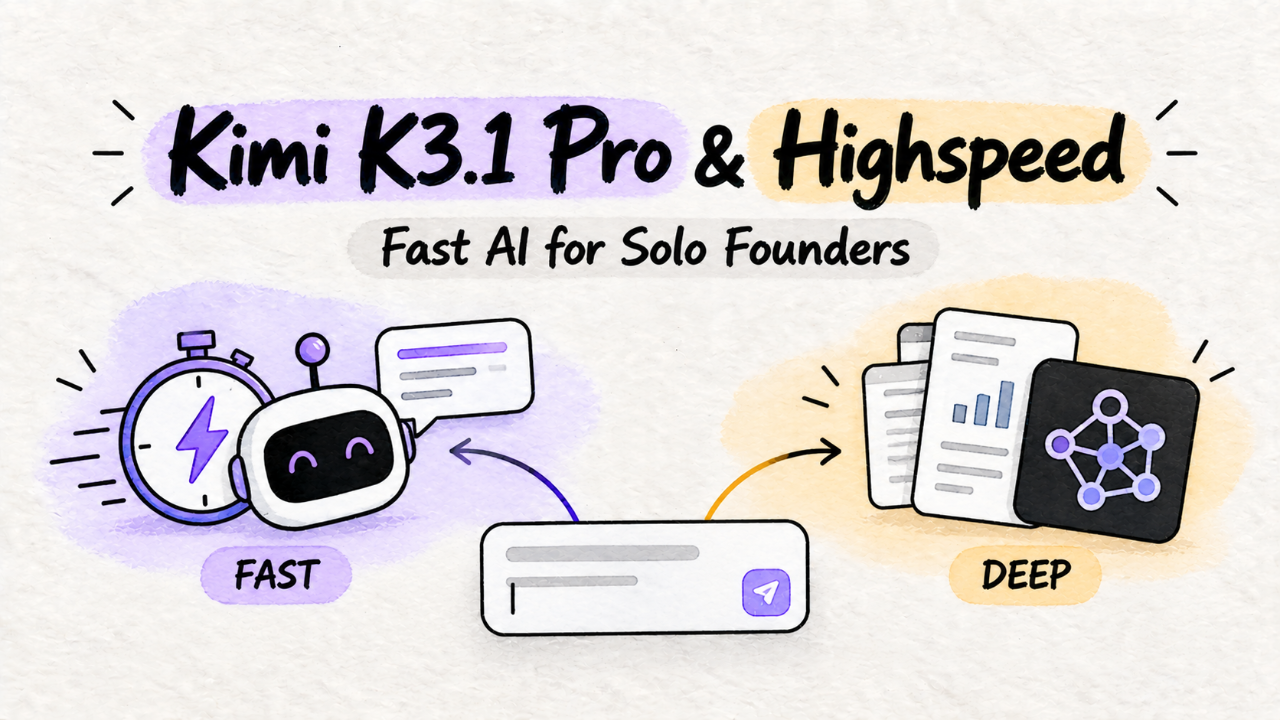
Kimi is a relatively new player that has been competing on context window size and raw speed. They’re not trying to be the most creative or the most "aligned." They're building for throughput. The K3.1 launch on Thursday split their offering in two:
Kimi K3.1 Pro: This is their flagship. It's a high-reasoning model with a functional 2 million token context window. Think deep document analysis, complex code generation, and multi-step agentic workflows. It’s powerful, but the latency is what you'd expect. It’s a backend model for asynchronous work.
Kimi K3.1 Pro Highspeed: This is the one you should care about today. It's a distilled version of the Pro model, aggressively optimized for low latency. The context window is smaller (256k), and it's slightly less capable at complex reasoning. But it's fast. Sub-300ms-p95-for-typical-completions fast. And it’s cheap enough to use for every user interaction.
The key isn't just another point on the cost-performance curve. It's a philosophical split. Kimi is telling you to stop using one model for everything. Use the fast one for the user, the smart one for the machine.
Why You Should Care This Weekend
That slow AI feature? It’s likely bottlenecked by a model trying to be too smart for the job. You're using a sledgehammer like GPT-4o or Claude 3.5 Sonnet to crack a nut, and your users feel the weight of every swing.
Kimi K3.1 Pro Highspeed is built for the nut. It’s for features that need to feel like local software, not a round trip to a massive datacenter.
Think about the features indie hackers are building in 2026:
Real-time transcription and summarization in a meeting app.
On-the-fly email categorization and response drafting.
A chatbot that doesn't make you stare at typing bubbles for five seconds.
Instantly generated alt-text for user-uploaded images.
These are interactive loops. The user does something, the AI responds. Latency is the product. A two-second delay breaks the experience and feels cheap. A 300ms response feels like magic.
Look at a product like Digital Business Card PRO. It has a feature that pulls in a contact's recent blog posts and social media activity to generate a "quick catch-up" summary. If that summary takes five seconds to load, it's a novelty. If it appears instantly, it's a core utility you can't live without.

The dashboard of Digital Business Card PRO, showing user stats and recent activity.
Highspeed lets you build that instant experience. It's the first model that truly feels like part of the front-end stack, not a slow, expensive backend dependency.
Your 1-Day Litmus Test
Don't boil the ocean. Don't plan a whole migration. Spend two hours this weekend running a single, targeted test. Your goal is to answer one question: can Kimi Highspeed replace my most latency-sensitive call?
1. Isolate Your Worst Offender. Find the one API call to your current LLM provider that your users are waiting for. It’s probably a simple classification, a short summary, or a data extraction task.
2. Get a Kimi Key. Their signup is still frictionless as of late 2026. No waitlist.
3. Run the Prompt. Forget the SDK for now. Just use `curl`. Take the exact prompt you send to your current model and send it to the Kimi Highspeed endpoint. Let's say you're parsing unstructured user feedback into JSON:
curl https://api.kimi.ai/v1/chat/completions \
  -H "Authorization: Bearer $KIMI_API_KEY" \
  -H "Content-Type: application/json" \
  -d '{
    "model": "k3-1-pro-hs",
    "messages": [
      {
        "role": "system",
        "content": "You are a feedback parser. Extract the user'\''s name, email, feedback category (Bug, Feature Request, Other), and a one-sentence summary. Output ONLY a valid JSON object."
      },
      {
        "role": "user",
        "content": "Hey, it'\''s Jane Doe (jane@example.com). Your new dashboard is slick, but the export to CSV button seems to be broken. It just spins forever. Would be great if that worked! Thanks."
      }
    ],
    "temperature": 0.1,
    "max_tokens": 256
  }'
4. Evaluate the Output. Check three things, in this order:
Latency: How fast did it respond? Wrap the `curl` command in `time`. Is it noticeably faster than your current provider? For this kind of task, it should be.
Correctness: Did it give you the right JSON? Is the summary accurate? Highspeed is "dumber" than Pro, so its ability to follow complex formatting instructions is the first thing to check.
Cost: Check their pricing page. For a high-volume, interactive feature, the cost savings can be significant.
Run this test with a dozen real-world examples from your logs. If the latency is an order of magnitude better and the correctness is above 95%, you have your answer.
The Catch: What Breaks in Production
This is not a free lunch. Kimi is a young company, and the developer experience shows it. Switching means trading mature tooling for raw performance. Here’s what will bite you.
The Tooling is Immature. As of today, their official SDKs are thin API wrappers. There's no robust ecosystem for things like function calling, streaming, or validation that you get from the bigger players. You're responsible for your own retry logic, error handling, and rate-limit management. If you're a TypeScript shop, you're writing your own types.
Pro Model Latency is Unpredictable. Kimi K3.1 Pro is powerful, but its latency for huge-context queries is highly variable. A 1.5M token summarization might take 30 seconds or it might take 3 minutes. This makes it unsuitable for any synchronous, user-facing request. Treat it like a batch processor. Fire and forget.
Highspeed Is A Scalpel, Not a Swiss Army Knife. The speed comes from sacrificing reasoning depth. It hallucinates more on complex or ambiguous prompts. It gets stuck in loops more easily. You need to use it for what it's good at: short, specific tasks with clear instructions. It's not a general-purpose "thought partner."
Here’s how Kimi’s new models stack up against the 2026 incumbents you're likely using now.
Feature | Kimi K3.1 Pro Highspeed | Kimi K3.1 Pro | Claude 3.5 Sonnet | GPT-4o (2025 refresh) |
|---|---|---|---|---|
Best For | User-facing chat, UI | Complex analysis, batch | Balanced quality/speed | General purpose, vision |
Latency (p95) | < 300ms | 2-5s (variable) | ~1s | ~1.2s |
Context Window | 256k | 2M | 200k | 128k |
Tooling | Raw | Raw | Mature | Very Mature |
Relative Cost | $ | $$$ | $$ | $$ |
The Verdict: Is It Worth Switching?
Yes and no. This is not a "rip and replace" situation. It's an opportunity to augment.
You should switch to Kimi K3.1 Pro Highspeed for new, interactive features. For any feature where the user is waiting on the AI, the speed of Highspeed provides a qualitative leap in user experience. That's a durable competitive advantage. Use it for chatbots, real-time data extraction, and instant summaries. The tooling pain is worth the UX win.
Do not switch your core, mission-critical logic. If you have a complex chain of prompts running your backend that already works reliably with another provider, leave it alone. The risk of untangling that logic and dealing with Kimi’s raw tooling is too high for a solo dev. The last thing you need is a week of debugging obscure API errors.
The right move for an indie hacker in 2026 is to build a multi-provider stack. Use the mature, reliable models for your heavy lifting. Use Kimi Highspeed at the edge, directly in the user’s interactive loop.
Your product, like the Digital Business Card PRO, might make an asynchronous call to Kimi Pro to analyze a 50-page PDF from a contact, then use Kimi Highspeed to let the user have a real-time chat with the resulting summary. The right tool for the job.
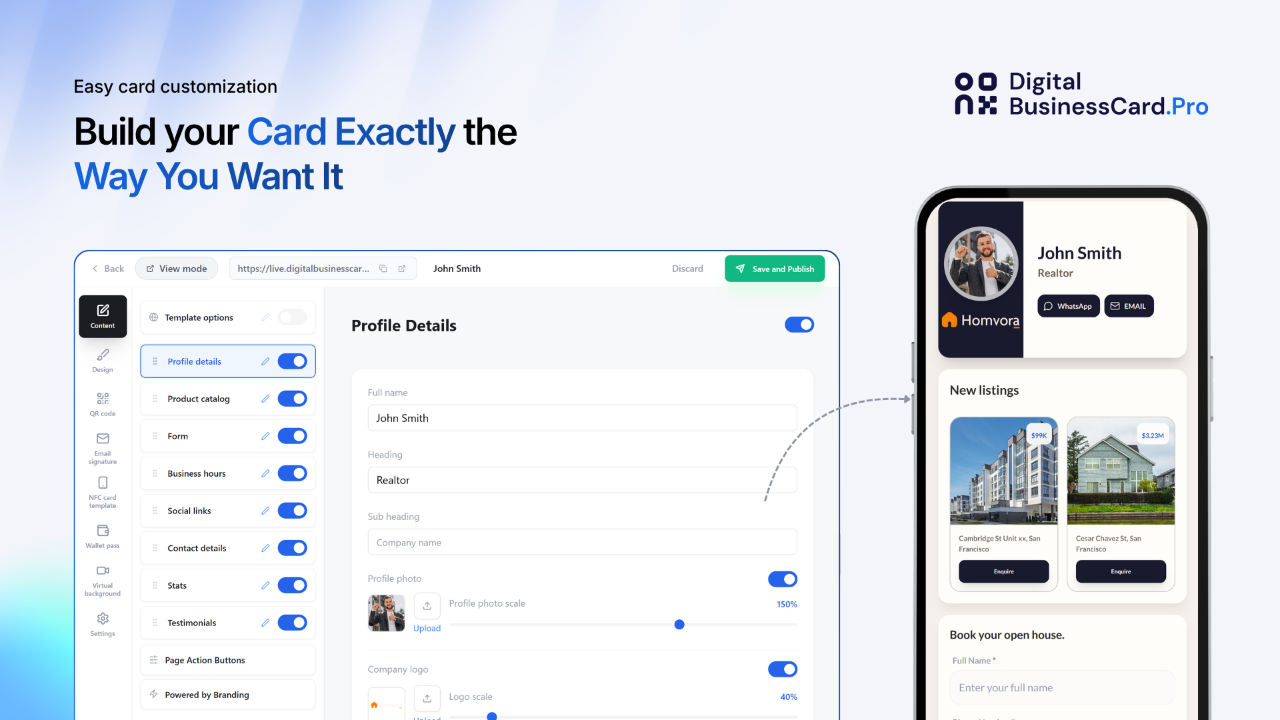
A close-up of the "AI catch-up" feature on the Digital Business Card PRO product.
The AI product landscape is no longer about finding the one "best" model. It's about architecture. Seeing how other founders are combining models is a good way to get ideas; browse the product categories and see what's shipping. The Kimi launch is significant because it gives you a specialized tool that does one thing exceptionally well. It gives you speed. Don't migrate to it. Add it.