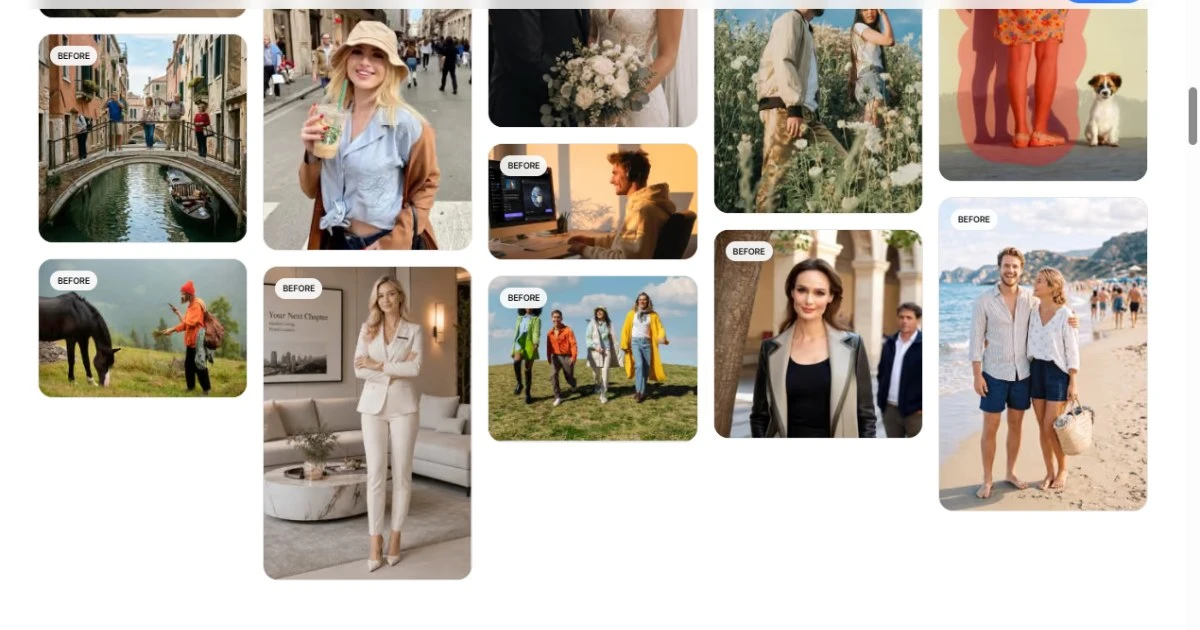
Retouching rarely fails because the tool is weak. It fails because the cleanup pass has no stopping rule, so a photo leaves review with a stray cable, a half-removed sign, or a shadow that no longer matches the ground. The checklist below is written for editors who need a repeatable pass over images that will be cropped into a layout, and it applies to manual masking as well as to a browser-based cleanup tool such as People Remover.
Write the Removal List Before Touching the Image
Split everything in the frame into three buckets: must go, may stay, and must stay. Must-go items are transient — a passer-by at the edge, a cable crossing a wall, a paper cup on a table. May-stay items are neutral and cheap to leave. Must-stay items are the evidence that the photo was taken somewhere real: a doorway, a curb, a piece of signage, the texture of a wall. Most bad cleanups happen because the third bucket was never written down, and the edit quietly removes the context that made the image worth using.
The Five-Point Cleanup Pass
Run the same five checks in the same order on every image. Order matters more than speed, because each check depends on the one before it.
Edges: scan every border for cropped limbs, hands, or text. A layout crop will move those edges inward, so a border that looks clean at full frame can fail after placement.
Continuation: after a subject is removed, the background has to continue correctly — perspective lines converge to the same point, brick courses keep their spacing, and floor texture keeps its scale.
Shadow and reflection: recompute the direction and length of any shadow that belonged to the removed object. A missing shadow reads as a cut-out; a shadow pointing the wrong way reads as a composite.
Ground contact: anything still standing in the frame must touch the surface it stands on. Floating feet and hovering chair legs are the most common visible artifact.
Texture repetition: cloned patches repeat at a fixed interval. Look along a wall or a road at a shallow angle, where repetition is easiest to see.
Work From the Outside In
Clean the border and the background first, and leave the main subject for last. Two reasons. First, mask edges near the frame boundary are forgiving, so early corrections carry less risk of damaging the part of the image people actually look at. Second, background work often changes the crop decision, and a crop decided after the cleanup saves a full second pass. Keep each correction on its own layer or its own exported version so a rejected change can be reverted without rebuilding the whole image.
Decide What the Image Is For, Then Stop
A cleanup pass has a target output: a thumbnail, a hero image, a catalogue tile, a printed page. Each target tolerates a different amount of detail. A 400-pixel thumbnail will not show a two-pixel seam, and spending twenty minutes on one is a scheduling error; the same seam on a full-bleed print is a reprint. State the output size before the pass starts, and check the image at that size rather than at 200 percent zoom, where every image looks broken.
A Review Gate Before Export
The last step is a five-minute gate that catches the errors reviewers actually notice. Run it on the exported file, not on the working document, because export settings change sharpening and compression.
Compare the cleaned frame against the original at 100 percent, side by side, in the same window.
Check the area around every removal at the final output size, not at full resolution.
Confirm no duplicated texture, no repeated highlight, and no straight line that bends where a patch was applied.
Verify that hair, thin straps, and foliage edges still read as separate strands rather than a soft mask boundary.
Name the file with the crop and the output target so the next person does not repeat the pass on a version that was already approved.
The checklist is deliberately boring, and that is the point: it turns a judgement call into a sequence that a second editor can repeat and a reviewer can audit. Tools reduce the cost of each correction, but the pass itself is what keeps a set of images consistent when several people touch the same project in the same week.