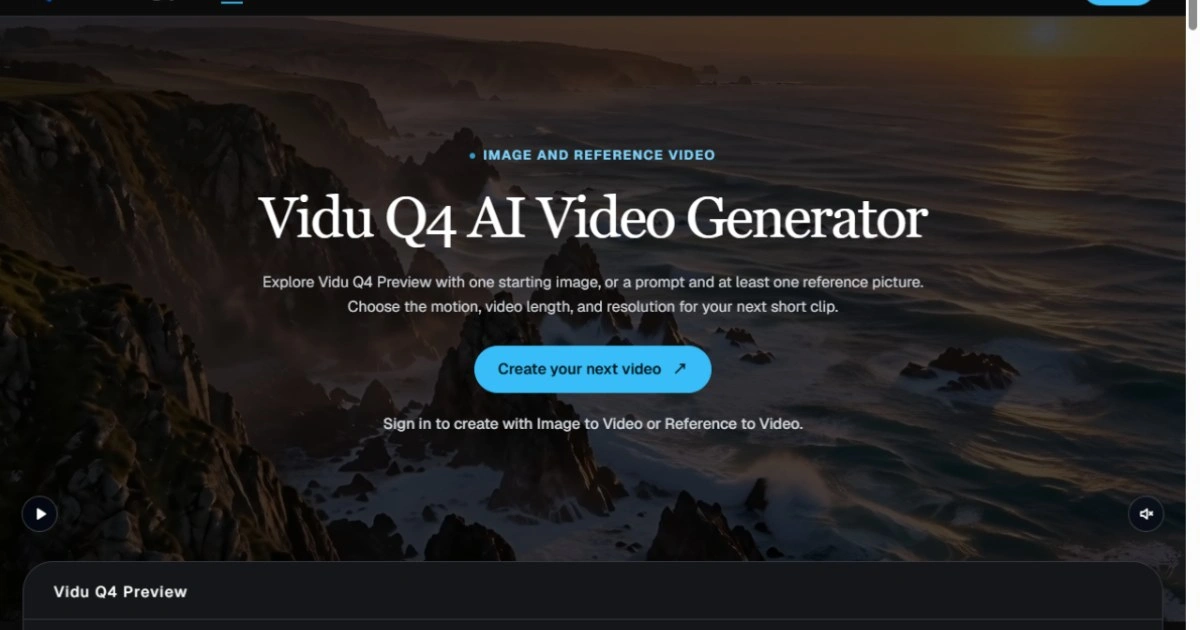
Most AI video reviews collapse into one question: does the clip look right? That question cannot be answered consistently, because nobody wrote down what "right" meant before generation started. A clip is an outcome, not a review artifact. The workflow below treats the shot list as the artifact and each render as evidence for or against it. It assumes a generator that accepts a reference image plus a text prompt — Vidu Q4 is one option — but the method works with any model that supports image conditioning.
Why Clip-First Review Breaks Down
Three failure modes show up in almost every sequence built without a spec. Drift: each render interprets the same sentence differently, so revisions move sideways instead of forward. Taste debates: without written fields, feedback becomes "I don't like it", which gives the next attempt nothing to change. No stopping rule: the team keeps regenerating until attention runs out rather than until the shot passes a defined check. A spec fixes all three by making the acceptance criteria visible before the first render.
Five Fields That Make a Shot Reviewable
Write these fields for every shot in the sequence before touching a prompt. Keep each field short enough to compare across drafts, and keep the vocabulary identical between versions so a diff is meaningful.
Subject: who or what is on screen, plus anything that must not change — wardrobe color, product logo placement, hair length, the shape of a prop.
Action: one verb, a start state, and an end state. "Turns from the window toward the table" is reviewable; "looks natural" is not.
Camera: framing, height, movement, and lens feel. Note whether the camera is locked or tracking, because that single choice changes how a cut will read.
Light and palette: time of day, direction of the key light, and one color anchor that must survive grading.
Runtime and format: duration in seconds, aspect ratio, and the edit point the shot has to serve.
Turn the Spec Into a Prompt, Not the Reverse
Each field maps to one clause in the prompt, in the same order, so a mismatch can be traced back to a single sentence. Attach a reference still for subject identity and treat it as fixed for the whole shot; a new reference is a new shot, not a revision. Version the spec in the filename — shot-03-v2 — and keep rejected takes in the same folder as approved ones, because a rejected take is the fastest way to explain what the next person should avoid.
Give the Generator One Job at a Time
Image-conditioned video tools such as Vidu Q4 are strongest when the input is narrow: one subject, one action, one camera behavior. Asking for a full sequence in a single call produces a plausible montage that fails the spec in five places, and there is no way to tell which clause caused which failure. Generate per shot, review per shot, and only assemble after the individual takes pass. This also keeps time and budget predictable, since a rejected take costs one short render rather than a whole sequence.
A Two-Round Review Loop
Review every take against the spec, not against the previous take. Triage in this order, and stop at the first failure:
Identity drift: reject immediately and return to the reference still.
Action mismatch: adjust the verb and end state; leave framing alone.
Camera mismatch: keep the action, rewrite the framing clause.
Light mismatch: change only the color anchor and key direction.
All five fields pass: lock the take and move to the next shot.
Cap the loop at two rounds per shot. If the second render still fails, the spec is wrong — usually the action is doing too much work for the available duration — and the cheapest fix is to split the shot rather than to keep sampling.
What to Check Before Handoff
The handoff package should let an editor work without asking questions, which means five artifacts travel with every approved take:
The spec version that produced it, with the prompt text attached.
The approved take identifier, plus the rejected ones marked as rejected.
First and last frame stills, so the edit can be planned before the file is opened.
Duration and aspect ratio, checked against the edit timeline rather than assumed.
A short note on what changed between rounds, which is the only reliable record of why the take looks the way it does.
None of this makes the tool smarter. It makes the review cheaper: fewer renders, shorter arguments, and a written reason for every accepted shot. Teams that adopt the spec usually find the bigger gain is not speed but predictability — the same brief produces a comparable result next week, on a different model, by a different person.