Most visual work doesn't stall at the idea stage. It stalls at the moment someone has to turn a written brief into something a stakeholder can actually react to. A brief might say "clean product shot, warm lighting, room for a headline, needs to work as a square post and a vertical story." That sentence is clear to the person who wrote it. Translating it into three or four directions that a client or a creative lead can compare side by side is where hours disappear.
The usual friction comes from three places. First, briefs are written in language, but decisions get made on images, so someone has to guess at the visual interpretation before anyone can react to it. Second, feedback tends to arrive late: a team builds one polished version, shows it, and only then hears that the lighting is wrong or the text placement doesn't work at the required size. Third, formats multiply the work. A direction that looks right as a square crop often breaks when it's stretched into a vertical story, and re-doing the composition for each size eats into whatever time was saved earlier.
A more workable pattern is to treat the first pass as a set of directions, not a single answer. Instead of committing to one interpretation of the brief and refining it in isolation, the goal is to produce a handful of visibly different options early, at the sizes the campaign actually needs, so feedback happens on real images instead of on a written description. That reframes the review meeting from "is this right" to "which of these is closest," which is a faster conversation and a less personal one.
Here's what that looks like in practice with a simple brief: a product photo for a paid social campaign, needs a headline overlay, and has to work as both a 1:1 feed post and a 9:16 story. The first step is breaking the brief into the parts that matter for image generation — subject, background treatment, lighting mood, and where text needs to sit without competing with the product. From there, the practical move is generating a few variations of the same concept rather than one attempt, checking each one for two things: does the text actually render legibly, and does the composition survive being reshaped into the second format without the subject getting cropped awkwardly.
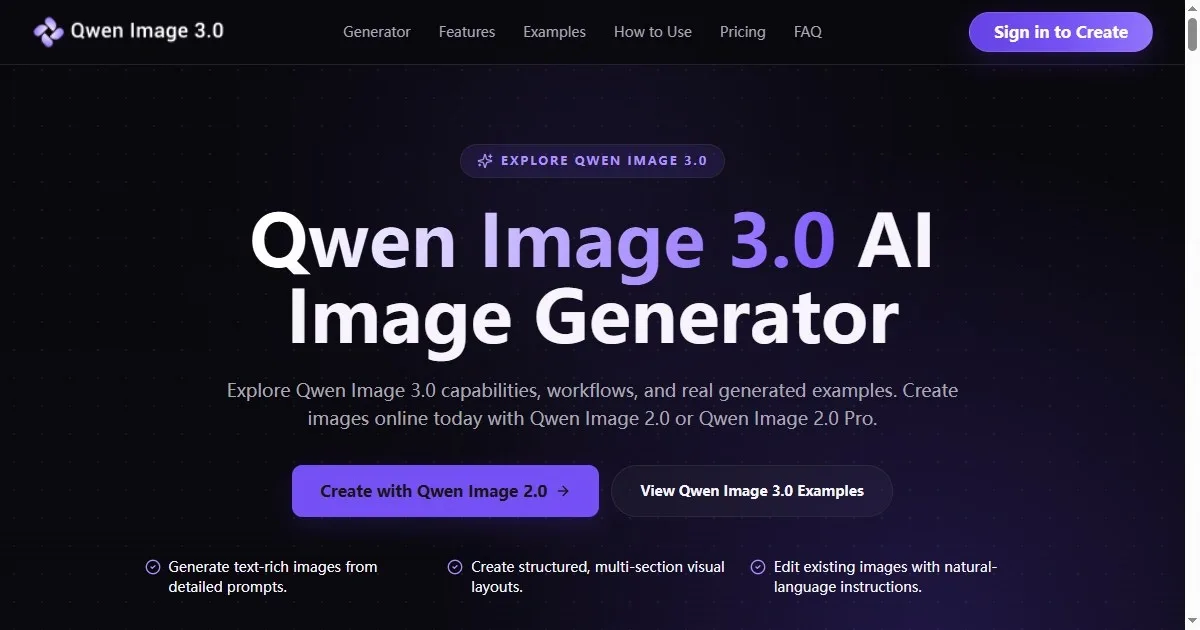
This is the point where a tool that handles text rendering and multiple sizes without a separate re-drawing step starts to matter, because it removes one of the slower parts of the loop — regenerating a whole image because only the aspect ratio needed to change. According to the product page, Qwen Image 3.0 is built around producing realistic images with clear text, flexible sizing, and image editing available in the same preview, which fits directly into this kind of directional pass: generate a few options, adjust text or a detail on the one that's closest, and reshape it for the second format without restarting the concept from scratch.
The review step matters more than the generation step. It's tempting to treat the first output that looks decent as done, but the useful habit is comparing at least two or three directions against the original brief line by line — not just "does this look good" but "does this match what was actually asked for." Text that renders cleanly at preview size can still be too small once it's placed in a real ad unit, and a background that reads as clean in isolation can look empty once a logo or call-to-action is added. Catching that at the draft stage, before a direction is picked, is cheaper than catching it after a stakeholder has already approved something.
This approach doesn't remove the need for judgment. Choosing which direction actually fits the brand, or deciding that none of the first pass options are right and the brief itself needs revisiting, still depends on a person who understands the campaign, not the tool generating the images. What it does change is how much gets built before that judgment call happens. Fewer wasted full builds, more comparable drafts, and feedback that happens on images instead of descriptions.
For teams that regularly move from a brief to multiple visual directions, it's worth testing this kind of workflow against a real project rather than a hypothetical one — pick an existing brief, run it through a few directions, and see where the review conversation actually shortens. Qwen Image 3.0 is available to try directly at Qwen Image 3.0 for anyone who wants to see how it handles that first draft stage on their own brief.