A marketer gets a one-line note from a client: "make it feel more premium." No moodboard, no reference deck, just a phrase and a deadline. The instinct is to open a design tool and start from scratch, but that's the wrong first move when the actual problem is direction, not execution. Nobody has agreed yet on what "premium" looks like for this product, so any single polished draft is a guess dressed up as a decision.
**The Brief That Doesn't Match the Timeline**
This mismatch shows up constantly in small teams: the person setting the brief wants to see range before committing budget or design hours, but the tools available are built for producing one finished asset at a time. Every round of "can we see it lighter" or "try it without the background clutter" turns into a new request in someone's queue. By the time three variations exist, two days have passed and the brief has already changed again.
**Why One Draft Isn't Enough**
The fix isn't more design time, it's more directions per unit of time, reviewed early and cheaply. A team preparing app store screenshots or a seasonal campaign doesn't need one perfect image on day one; it needs five or six plausible treatments of the same subject so stakeholders can point at two and say "closer to this" and rule out the rest. That kind of comparative review only works if the drafts are fast enough to feel disposable. If generating an option costs real design hours, people stop asking for options and just approve whatever exists.
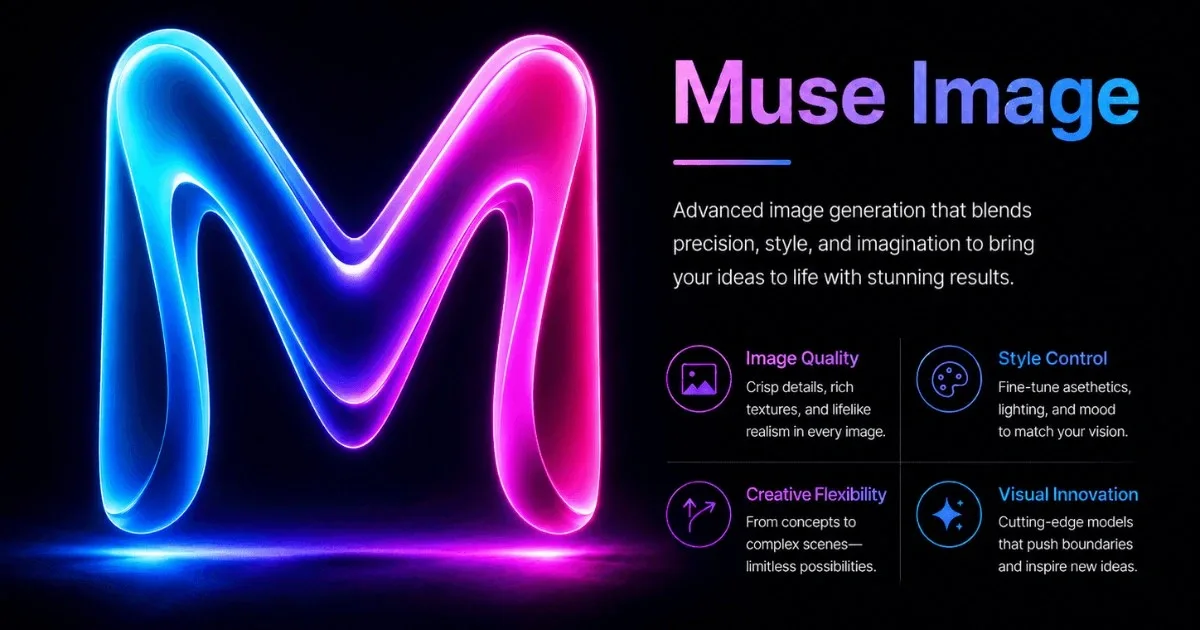
This is the point where a text-to-image or photo-editing tool becomes useful as a drafting layer rather than a finishing one. According to the product page, Muse Image is built around exactly this motion: moving from a prompt or a reference photo to multiple image directions without the overhead of a full design pass. The description on the site frames it as a way to go from prompt to finished image, and for the review-stage use case, the relevant part isn't the final polish, it's the speed of getting several rough directions in front of people who need to react to them.
**Bringing Options Into a Real Review**
In practice, a workable session looks like this: take the product photo or the campaign's existing hero image, generate a handful of variations that push different moods (warmer lighting, cleaner background, a more editorial crop), and drop them into the same deck or channel where the original brief landed. The review step matters more than the generation step. Someone has to sit with the outputs and ask specific questions: does this variation actually read as premium, or just as darker? Does the product itself stay recognizable, or has the edit changed proportions in a way a customer would notice? Are there artifacts around edges or text that would embarrass the brand if shipped as-is? Skipping this step is how AI-assisted drafts quietly become AI-assisted mistakes.
According to the product page, the tool supports text-to-image generation, photo editing, and blending multiple reference images, which covers most of what a review-stage draft session needs: a base image, a few prompt-driven variants, and maybe one blend that tries to merge two directions people liked. None of that replaces the judgment call about which direction actually fits the brand.
**What Still Needs a Human Eye**
The honest limitation is that no generator resolves taste. It produces options faster, which is genuinely useful when the alternative is one slow draft, but someone still has to decide which option is right, and that decision doesn't get easier just because it arrived quicker. Final assets going to production, especially anything with brand typography, precise color matching, or legal copy, usually still need a proper design pass after the direction is chosen. Treating the AI output as a decision-making aid rather than a deliverable is what keeps this workflow from becoming another source of unreviewed content.
For teams stuck between a vague brief and a tight timeline, that shift, from asking for one draft to reviewing several, is often the more useful change. If it's worth trying on a real brief, Muse Image is where the drafting stage described here actually happens.