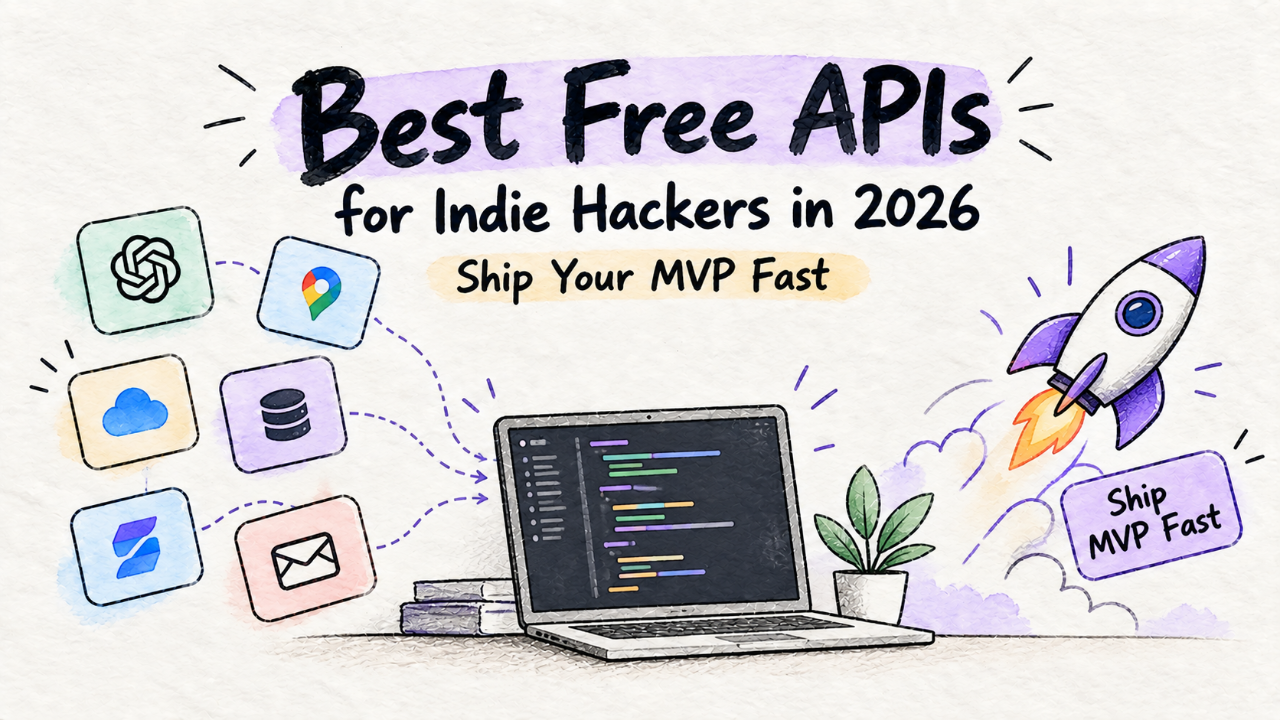
You have an idea on Friday night. A simple, useful tool. Maybe a niche AI wrapper, maybe a specialized job board. You want to ship it by Sunday and see if anyone cares. You don't want to enter a credit card. You don't want to configure IAM roles. You just want to build.
This is the 2026 guide for you. A curated list of free APIs for the core functions of a modern web app. Not a scraped list of 87 logos. This is a battle-tested indie hacker stack. We’ll cover what to use, why, and what the catch is. Because there’s always a catch.
Auth: Clerk
Stop building auth. In 2026, rolling your own user table with password hashing is a waste of your weekend. You need sign-up, sign-in, password reset, social logins, and user profiles. Yesterday.
Use Clerk.
Clerk gives you pre-built UI components that you drop into your app. It’s not just an API; it’s a full user management system. You get a hosted sign-in page, user profile management, and organization support out of the box. The developer experience is excellent. You can have production-ready auth in 30 minutes.
The Free Tier
The free tier is generous: 10,000 Monthly Active Users (MAUs). For an MVP, that’s practically infinite. You can validate your idea, get your first hundred users, and not pay a cent.
The Gotcha
The first paid plan is the "Pro" plan at $25/month, which kicks in after 10,000 MAUs. This isn't a bait and switch, but it is a real jump. If you're building a B2B SaaS where a single customer pays you $20/month, this is a non-issue. If you're building a free consumer tool with a high user count and low conversion rate, you need to be aware of this cliff. For an MVP, the speed is worth it. Just have a plan for when you succeed.
The Alternative
If you're already deep in the Supabase ecosystem, their auth is great. If you need absolute control and are comfortable with the security implications, Lucia is a solid, open-source choice. But for pure speed to market, Clerk is the current champion.
Email: Resend
Your app needs to send emails. Welcome emails. Password resets. Magic links. Payment confirmations. Do not try to manage an SMTP server yourself.
Use Resend.
Resend is built for developers. The API is dead simple. It’s focused exclusively on transactional email, which is exactly what you need for an MVP. The best part? Its integration with React Email. You can build beautiful, responsive emails using components, and Resend will deliver them.
const resend = new Resend(process.env.RESEND_API_KEY);

await resend.emails.send({
  from: 'Your App <onboarding@yourdomain.com>',
  to: ['newuser@example.com'],
  subject: 'Welcome aboard!',
  react: <WelcomeEmail userName="Alex" />,
});
The Free Tier
The free plan gives you 3,000 emails per month and 100 emails per day, with one custom domain. This is more than enough for your MVP launch. You can onboard hundreds of users and handle all their password resets without touching your wallet.
The Gotcha
The daily limit of 100 emails. If you get a sudden burst of signups from a launch post, you could hit this cap. It’s also not for marketing. Don't use Resend for your weekly newsletter to 10,000 people. It's for transactional mail only. When you need to send marketing blasts, you'll need a separate service like ConvertKit or Mailchimp.
Payments: Stripe Checkout
You need to get paid. This is the one place where "free" has a different meaning. No service will process a credit card for free. The "free" part is building and testing your entire payment infrastructure without cost or commitment.
Use Stripe.
The docs are the industry standard. The APIs are clean. Everyone trusts it. But the specific advice here is to use Stripe Checkout. Do not build your own payment form for your MVP.
Stripe Checkout is a pre-built, hosted payment page. It handles credit cards, Apple Pay, Google Pay, Link, and international requirements like SCA. It's optimized for conversion and mobile-friendly. Implementing it is a matter of creating a session on your server and redirecting the user. It will save you weeks of work.
The Free Tier
You can create a Stripe account, get your API keys, and operate entirely in test mode for free, forever. You can create products, set up subscriptions, and build your entire billing logic against the test API. You only start paying the standard transaction fees (e.g., 2.9% + 30¢) when you flip the switch to "live" and process a real payment.
The Gotcha
The biggest gotcha is developer ego. Many of us think we need a beautifully integrated, custom payment form. You don’t. You need revenue. Using Stripe Checkout gets you to revenue faster. Once you have significant income, you can invest in a custom flow using Stripe Elements. Until then, just use Checkout. And make sure you've thought through your pricing strategy—it matters more than your payment form. Our guide on SaaS pricing is a good place to start.
AI Inference: Cloudflare Workers AI
AI is no longer optional for many products. Whether it's for summarization, content generation, or classification, you need a way to run models without breaking the bank. The landscape of indie AI products shows a clear trend towards smaller, faster, cheaper models.
Use Cloudflare Workers AI.
If you're already using Cloudflare for DNS or hosting, this is a no-brainer. It lets you run inference on a curated set of popular open-source models directly on Cloudflare's edge network. It's incredibly fast for users worldwide and the developer experience is just a simple REST API call from a Worker.
The Free Tier
Cloudflare’s free tier is legendary, and Workers AI is no exception. You get 10,000 "neurons" per day for free. What's a neuron? It's a unit of compute, but the practical translation is you can run thousands of requests on efficient models like `Mistral-7B` or `Llama-3-8B-Instruct` every day before paying anything.
The Gotcha
This is for inference on existing, optimized models. You cannot fine-tune or train models here. The context windows are smaller than what you'd get with a top-tier GPT-4 model from OpenAI. This is not the tool for writing a novel. It's the tool for summarizing an article, classifying user feedback, or powering a simple Q&A bot. Use it for small, high-frequency tasks. For heavy-lifting, you'll need to graduate to a paid service like Together AI or Replicate.
Search: A Local Solution First
Your blog, documentation, or knowledge base needs search. The reflexive answer is often Algolia or Meilisearch. Both are fantastic tools. Both can also become expensive or operationally complex, especially for an MVP.
Use Pagefind.
This is a contrarian take. Instead of an API, use a library. Pagefind is a fully static search indexer. At build time, it crawls your static output (HTML files) and creates a small index. You load a tiny JS and CSS file on your front end, and you have instant, surprisingly powerful full-text search. Zero infrastructure. Zero cost. Zero latency beyond the user's device.
The Free Tier
It's an open-source library. It's free forever. Like, actually free.
The Gotcha
This only works for content that exists at build time. It's for your blog, your documentation, your marketing site. It is not for searching user-generated content in a database. If the core of your product is searching a dynamic dataset (e.g., a marketplace, a social feed), you will need a real search backend. But for the 80% of MVP cases where you just need to make your static content searchable, Pagefind is a brilliant, cost-effective solution. Don't add a server and a monthly bill until you have to.
For many simple tools, like our own Free Image to PDF 200KB, the best stack is the simplest one. Resisting complexity is a superpower.
When The Free Ride Ends
Free tiers are for validation, not infinite scale. A service's pricing model is part of its user experience. A bad one can kill your project. Here’s how to spot the traps.
The Cliff: This is the jump from $0 to a significant first tier, like Clerk's $0 to $25/mo. It’s not necessarily bad, but you must be aware of it. Can your first 1-10 paying customers cover this cost?
The Spiky Metric: Beware of pricing based on unpredictable metrics. "Users" is a common one. If your tool goes viral on a free plan, "1M users" can bankrupt you. Pricing based on a value metric (e.g., seats in a B2B app, revenue processed) is often safer.
The Migration Lock-In: How hard is it to leave? Leaving Stripe is hard because they're the best. Leaving a niche database provider with a proprietary query language is hard because you're trapped. Always consider the cost of a future migration. This is why many still prefer open-source solutions they can host themselves if needed.
The ideal pricing model for an indie hacker scales smoothly from zero. Pay-as-you-go is your friend. Resend, Stripe, and Cloudflare Workers AI all do this well. You pay for what you use, and your costs grow in proportion to your usage, which should correlate with your revenue.
Your goal is to build something people will pay for. Choosing the right free APIs gets you to that validation point faster and cheaper. When you start getting bills from these services, that's not a failure. It's the first sign of success.
Now go build something. We're always looking for new products to feature in our product directory.